Legacy apps have relied on additional sign up fields for years. It was the only way to onboard users to their appropriate user groups without workarounds. @Artur, perhaps Softr could prioritize onboarding so builders can sign up users to their legacy apps with “The New Softr” sooner, rather than later?
We’re still finalizing the specific details, but onboarding flows will act similar to page rules. You can create specific flows that are triggered based on pre-defined conditions to configure. This will take into account invite links, making the experience for new users, from choosing a password to answering back questions seamless upon signup.
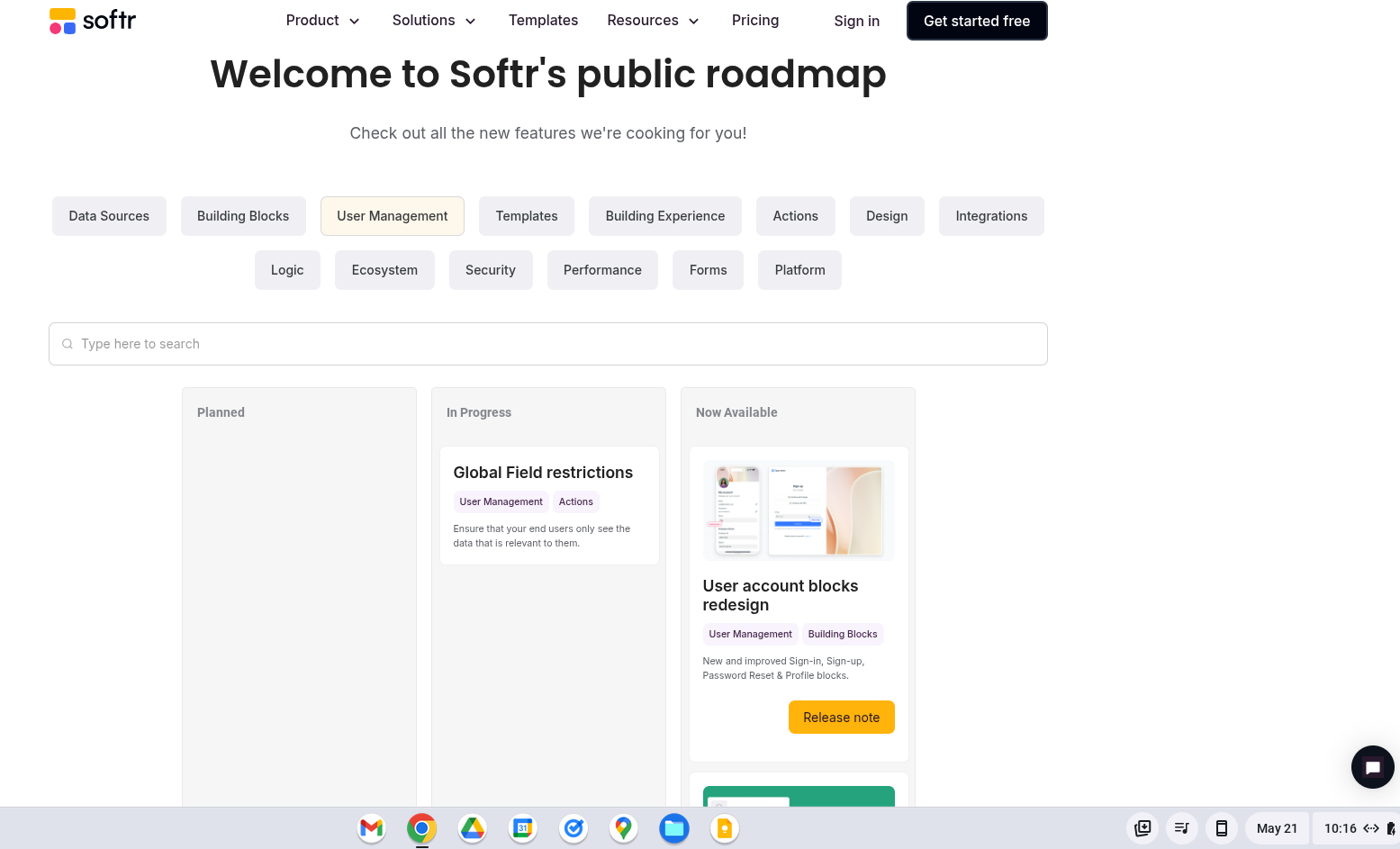
Hi everyone! Just wanted to update you all that hidden fields are now allowed on user signup again! Next up, is our official onboarding blocks which are in development!
What is the use case for hidden fields versus adding fields to sign up?
With the new Softr, unless I am mistaken we can no longer embed the sign up form on other pages or inside of detail pages which would have allowed the ability to pull page details for sign up. I can see this being helpful but since it is its own page, I am not sure what benefit the hidden fields have?
Also is onboarding going to replace sign up? I think a lot of people were just asking for additional fields to be allowed in the sign up block like they were before, and maybe onboarding will complement that but I hope we don’t lose the simple barebones functionality a lot of us have been waiting for.
Adding additional fields at signup is not normally best practices and provides extra friction to your users.
Therefore, hidden fields allow you to collect additional details via URL parameters should you want to craft unique link for your customers to pre-fill data to their user account on signup.
Beyond this, our onboarding flow will give you all a chance to collect more information without adding friction to your signup process, and hopefully creating a better experience for you and your app users.
I’m just confused how do url parameters work if the sign up form cannot be embedded onto other pages?
I’m thinking for now, we could have different sign up buttons for different user types that puts the type in a hidden field depending on what button they click. However all three buttons would go to the same page? So not sure how to leverage URL parameters here, fully aware I may just not fully understand the use case.
That link would bring them to the signup page, and then you can capture the parameters for “role” & “type” at signup without them having to fill in any details (cause you’re fetching it from the URL!)
Is there a way to dynamically create URL parameters within the Softr App?
So for example, if I click on any event in an events table, it takes me to a custom URL I have defined that parses the event record ID AND the logged in user ID?
Logged in user ID is not possible because technically this is already available by nature of being logged in. But the others yes! You might check out this post that might help with this (bit of a different use case though). If you’re using Softr Databases, Airtable, Smartsuite, etc. you can use a formula field to generate these unique URLs for each record.
In these instances when you pre define users why would you choose to send the user to the Signup page instead of sending the Invitation from Softr?
The advantage of sending the invite from Softr is that the user can set their password and theyre straight into the app with all their pre defined roles set up.
Whereas with the Sign Up page they cannot and the custom URL then becomes unnecessary development right?