This is probably related to the ‘conditions’ post I made earlier. When using a Softr DB select field in a form (for onboarding) two problems show up.
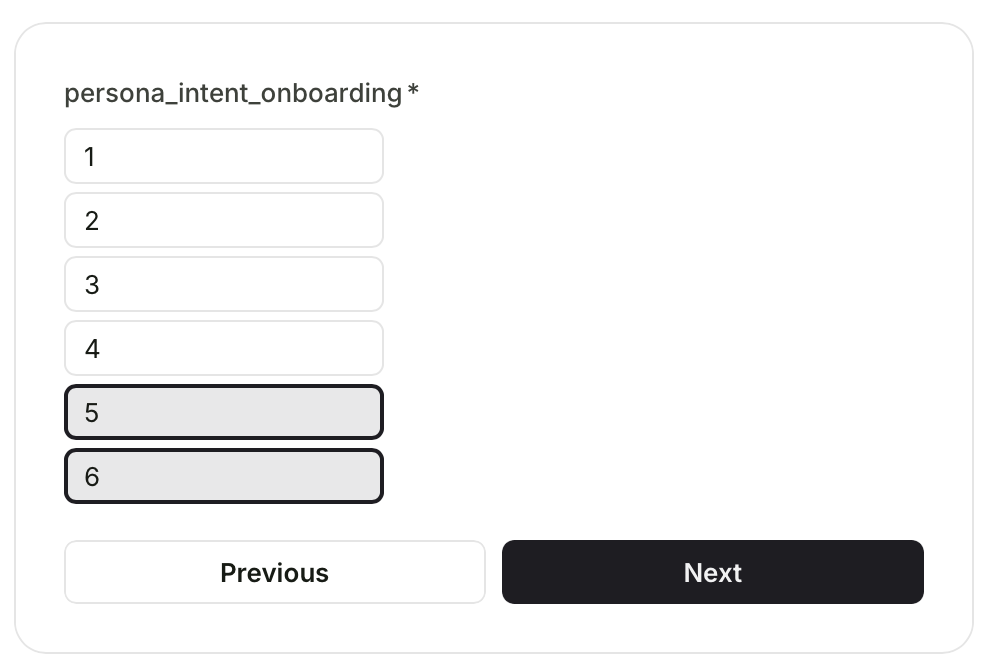
1 - When using quick select, the last two values are somehow linked. Screenshot: click either 5 or 6 and the other value also changes state at the same time.
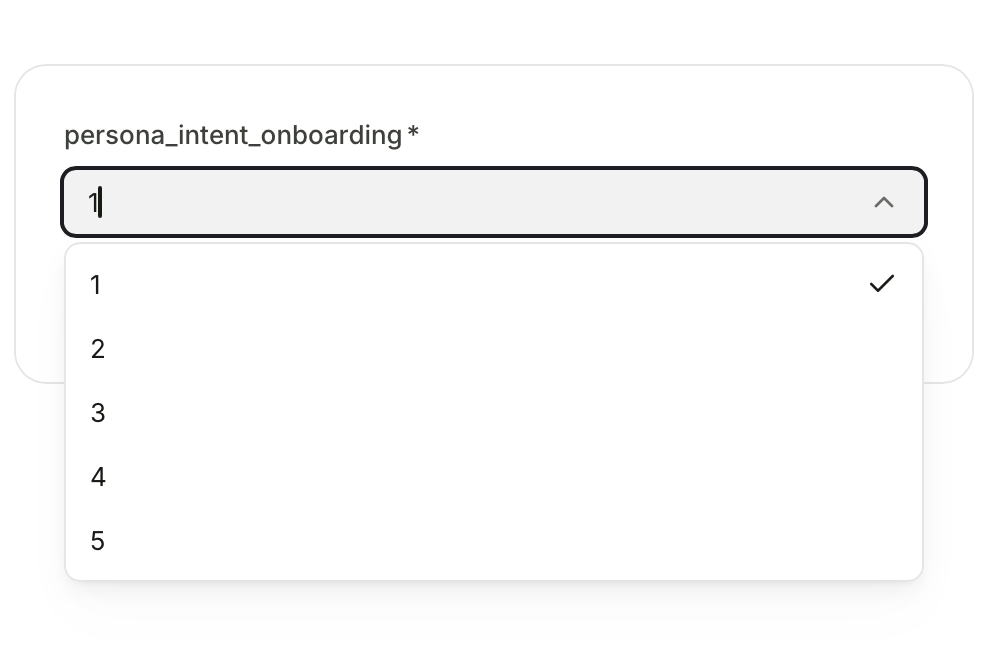
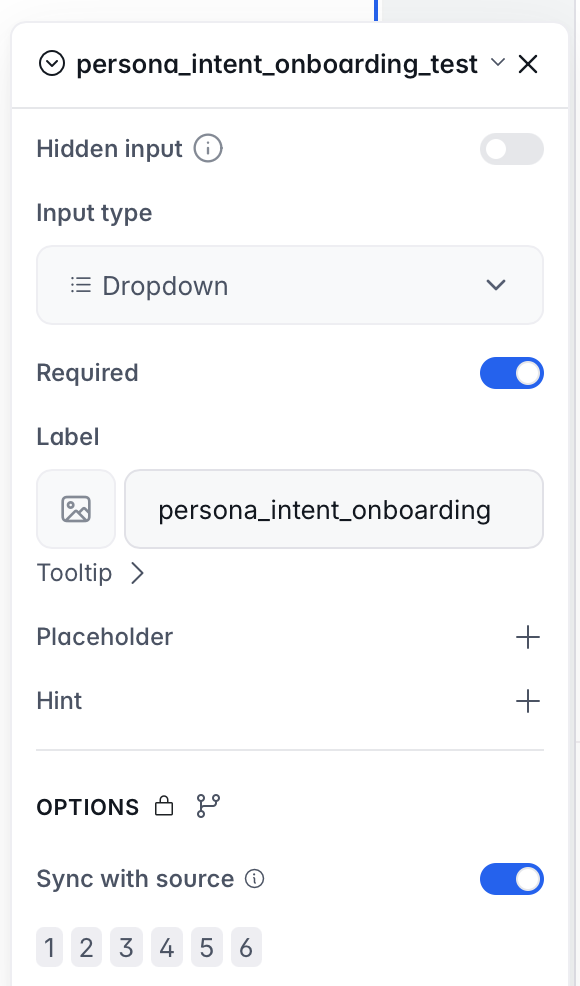
2 - When using drop down, the last value is not showing up in the list. It does show up in the synced values though. Screenshot: value 6 is missing in the dropdown list.
I’m not sure if it’s related, but after deleting separate onboarding steps (this was on step 2 originally) and moving this field to the first step, at least the quick select works again.
Since you mentioned that the quick select behavior started working again after moving the field to another onboarding step, it sounds like the issue may have been related to the configuration state of that step rather than the Select field itself.
For the dropdown case where option 6 wasn’t appearing, could you confirm if this still happens after recreating the step or re-adding the field? If the behavior persists in a fresh step, we’ll definitely want to take a closer look.