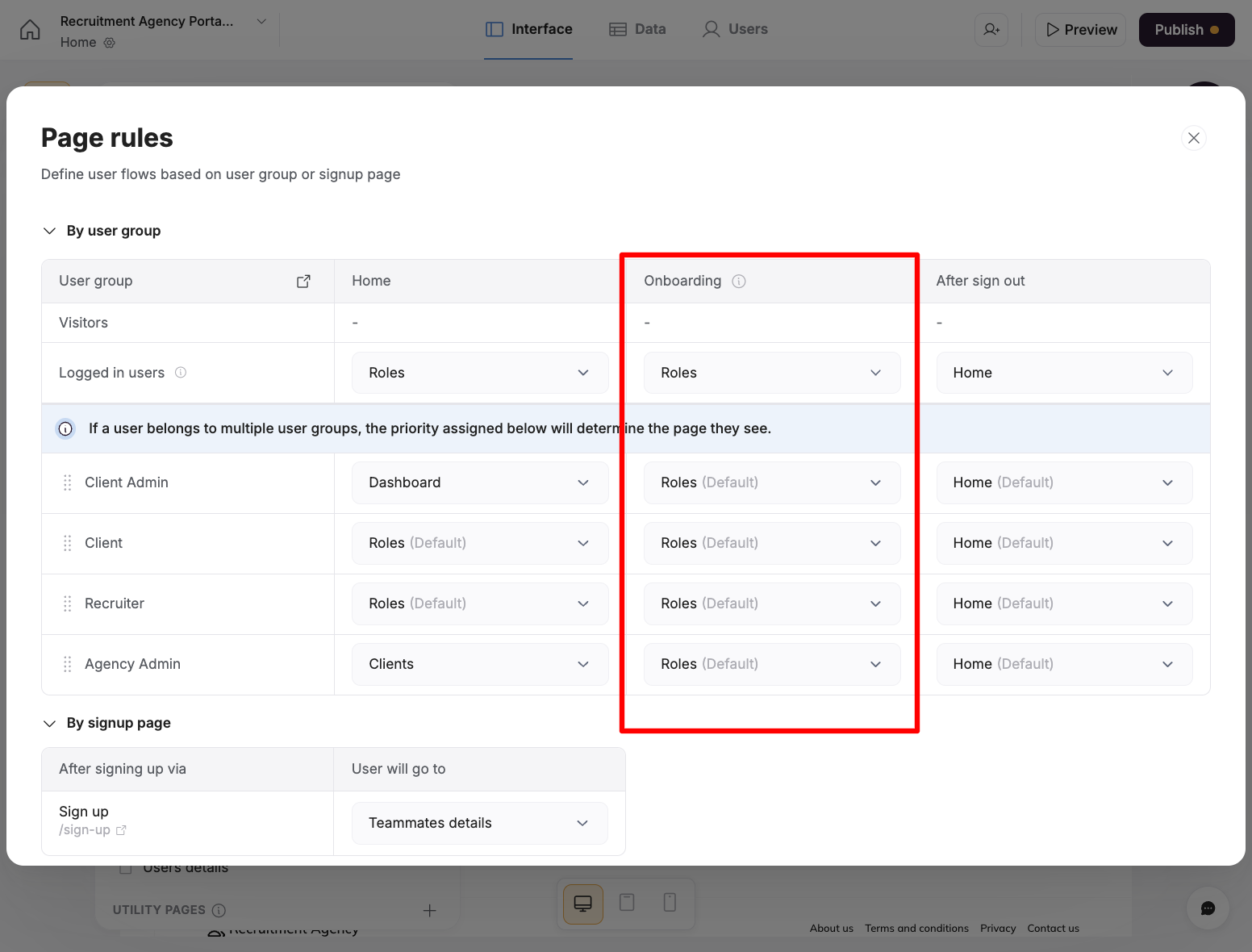
After I updated the app, I have noticed a change in the onboarding column of the Users view.
Those who were signed up before I updated have this in this section: “skipped, not assigned” or “Completed – Home”
Those who signed up after the update, have this: “Completed, Onboarding flow”.
What does this mean? Do those having “skipped, not assigned” have restricted access?
Users have to answer a question when they sign up. Until the update, the question was part of the sign-up process, but since the update the question was moved to onboarding flow.
In-app user onboarding is a relatively new feature in Softr. Please check this article for more details on how it works and how to set it up.
The system automatically assigns the “skipped, not assigned” status to users whose accounts were created before this feature existed. For users who have completed the onboarding, you will see the “Completed” tag instead.
Please also note that the Completed status will appear in cases where you do not have an onboarding flow assigned, but you do have a page defined under the Onboarding column in the Page Rules. If a user signs in for the first time and is redirected to that page, they will also receive the Completed status.
Before this onboading flow we were able to create the user directly y adding the record in the user table of the Airtable. And we were able to send the Magic link to the user to login into the system directly. But now with this onboarding flow, it is not possible. My use case is:
Manager from the company will create the user and once the user is approved the magic link will be send. All this is working perfectly but the user inside the softr has Onboarding Status as Not started, but i wanted that to be skipped or onboarded automatically. Help me to create or update the flow.