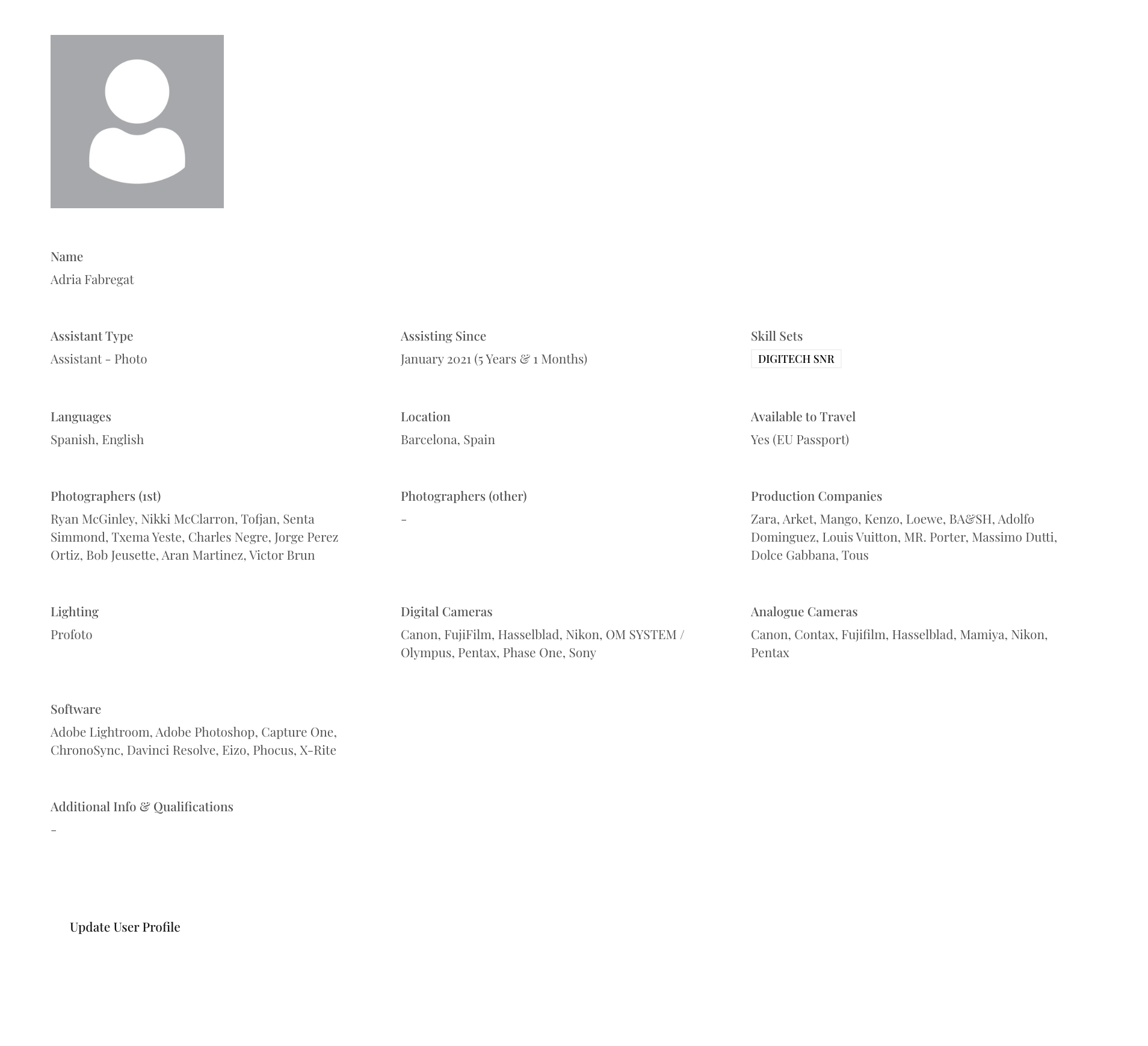
I noticed in the user profile pages there is a button at the bottom of the page which allows user to update their profile information, however it seems that ANY LOGGED IN user is able to edit any other logged in user’s profile. This doesn’t seem like great security.
Is it possible that only the logged in user can update their their own profile, the way it used to be in the old version?
If you are referring to our default user accounts page there user can only update their own profile… if you have created custom profile page then you need to make sure to configure it correctly…
In any case please share some more details so we can check it asap
Thanks for your reply. The user accounts page (in my set up) only links to the signup table. I have separate tables for users profiles by user type.
When I created the tables for the team pages, the app prompted me to create a profile page. At the bottom of the page there is a link to update the user profile details - see screenshot attached. When testing this link, I can edit details for any user when I am am logged in.
I was thinking to create a new form to update user profiles and link it manually, however I can’t find an option to “update record” rather than “create record” in the forms.
If you could point me in the right direction that would be much appreciated.
Alternatively, is the only other option to include all user details in the signup table? Having all user types in one table makes filtering a little messy though & having one update form means that some users will see fields that other users don’t need. As far as I can see, it’s not possible to hide fields by user type or duplicate the user account page.
(Unless I just need to find the right way of doing it.)
On a side note - i also noticed that the sugn-up, login, forgot password pages don’t have a header or footer. Is it possible to add header and footer these pages.
Also, can one add the forgot password link to the login form - or how else does the user reset their password?
Is it just me or has a lot of features / functionality been lost during the upgrade? I know I am on the free setup, but I just need to know everything can work as I need before investing as I don’t earn anything from this project.
Managed to figure out the database things with a lot of trial and error & some help from admin too (thanks guys).
For anybody else who might have the same question, currently the only way to make this work is having all information in one database & one table. Don’t make the same mistake I did - making muliple TABS/Tables in the same database does not work either.
Then DO NOT use the “Update” link in the user profile page. You need to use the “account settings” page & add the fields you need. Currently you can’t duplicate this page, so you need to use the same information for all user types. Not ideal, but I only added the details they all share. Not perfect but better than nothing.
Hope this helps somebody out there.
I STILL HAVE THESE QUESTIONS THOUGH:
On a side note - i also noticed that the sugn-up, login, forgot password pages don’t have a header or footer. Is it possible to add header and footer these pages.
Also, can one add the forgot password link to the login form - or how else does the user reset their password?