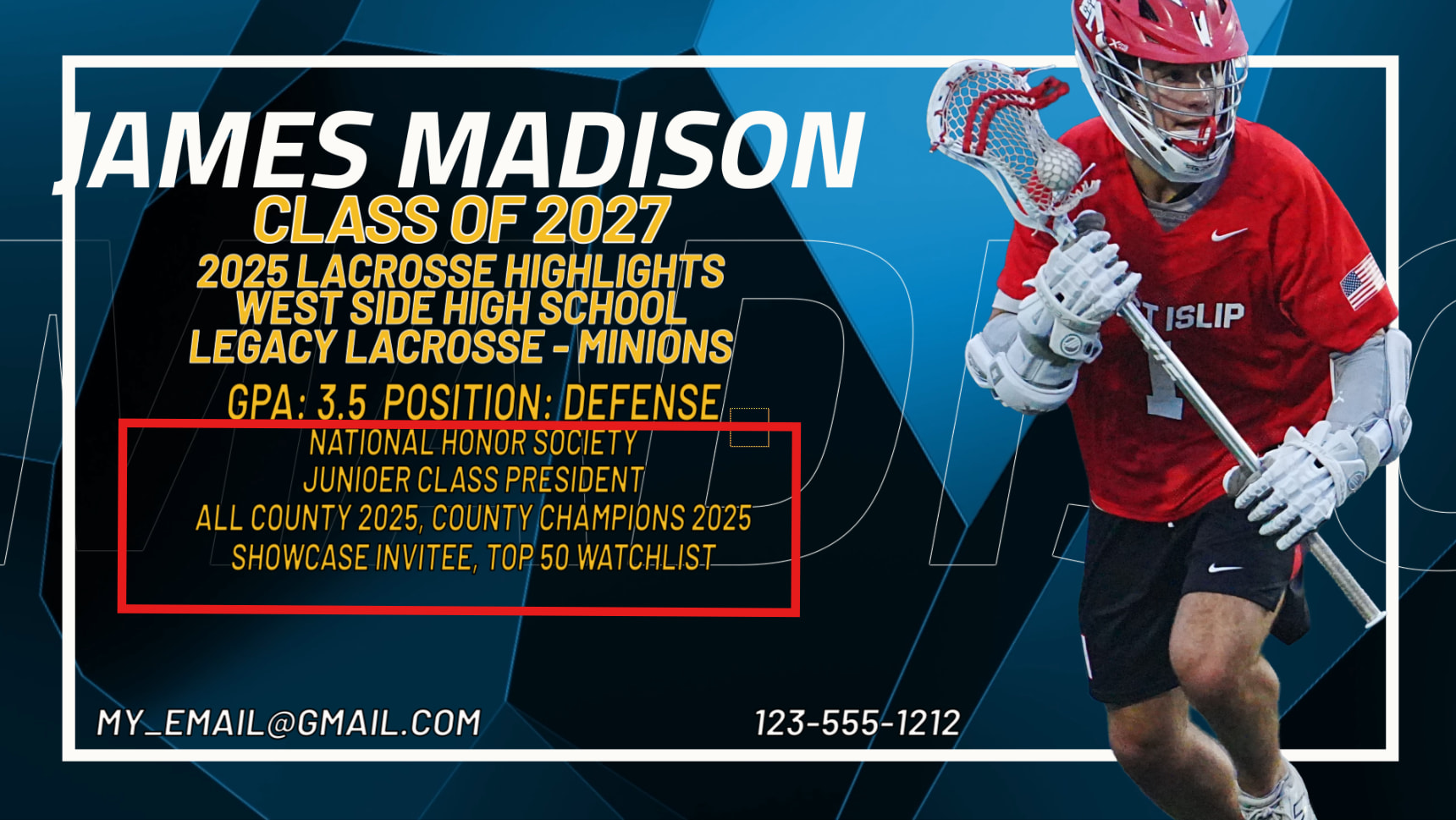
Hello Everyone, I have a situation where my users will enter text into 4 separate fields, and those fields will become rows of text in a video sequence (sample below)
After the data is entered I would like to display a mockup of this type of image with the text they entered located where is belongs over the image.
To be clear I am not asking for the text to actually be inserted into the video project (that will be done via some other automation). I am JUST looking to create a real-time mockup so the user can see what their entered text would look like within image.
will I have the ability to put the text fields exactly where I want them? I’ve battled with softr field placement limitations in the past. For the purposes of the mockup I’d want to the words and sizing to reflect something close to the finished product. @Hassaan12