
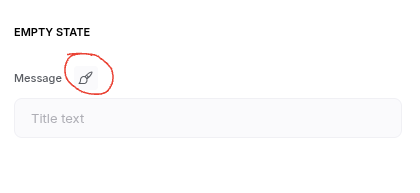
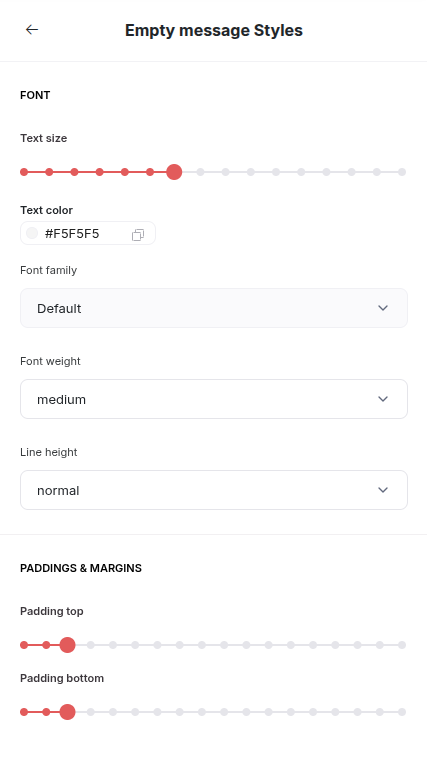
Need color styling back for empty state message to contrast text against dark backgrounds, like legacy blocks had:
3 Likes
The ‘Empty state message’ still needs styling controls, like legacy blocks had, or contrasting colors that Softr automatically sets against a background that is selected (ex. white text when background has a darker color; black text for lighter backgrounds). Support says to use ‘Vibe Coding Blocks’, but most builders will not think to prompt AI for this contrast, especially when other features have this contrasting styling logic built in. So as it stands, when a dark background is selected manually, Softr’s default to black text is still hard to see: