I am not able to re-create the issue. I tried.
May be it was a 1 time thing something on my side.
I will make a recording next time it happens. There are instances where the uploaded file suddenly goes corrupt. But I am not able to recreate them. But If i figure out a pattern I will share a screen recording.
Hi everyone,
I still haven’t found a solution for images breaking in Softr.
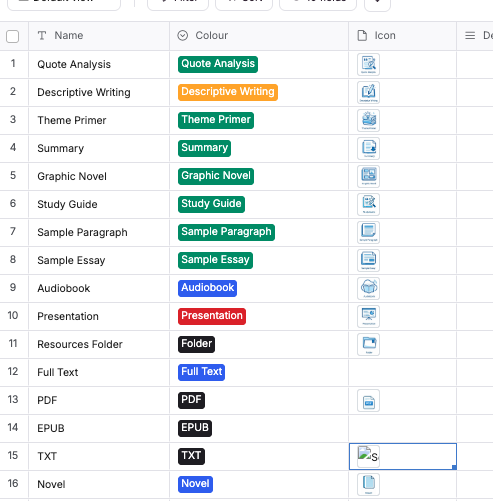
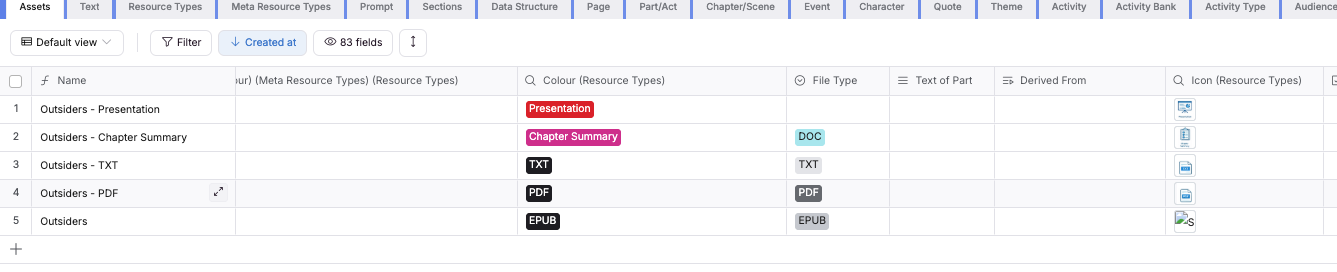
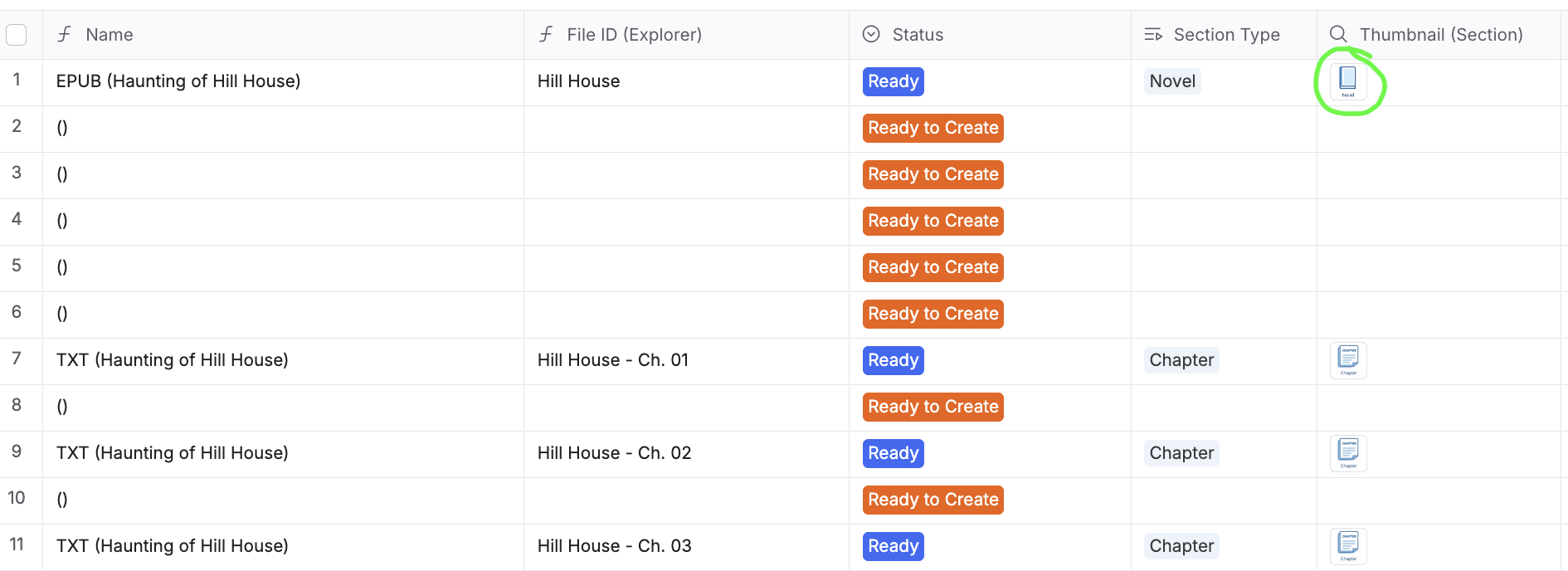
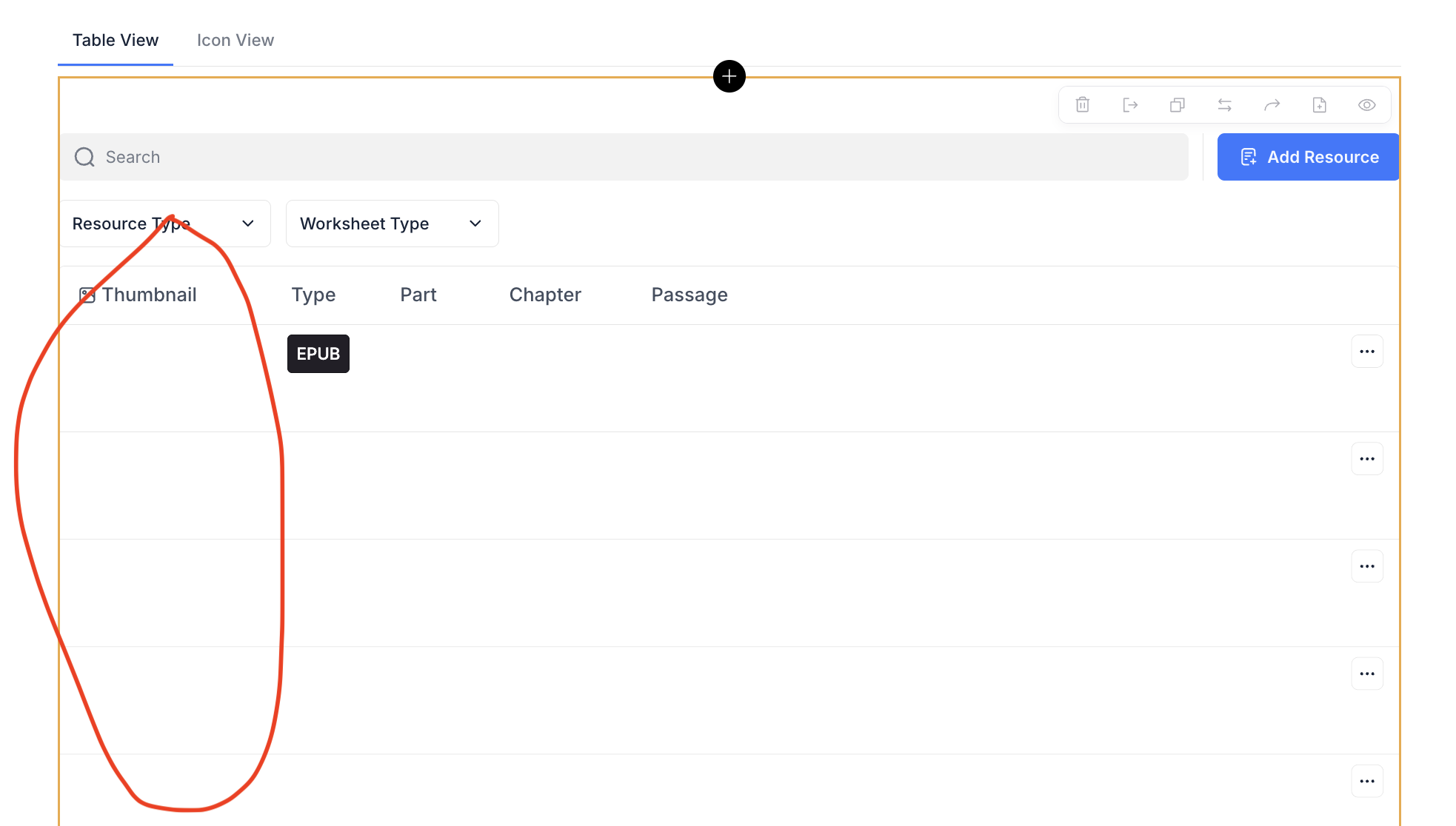
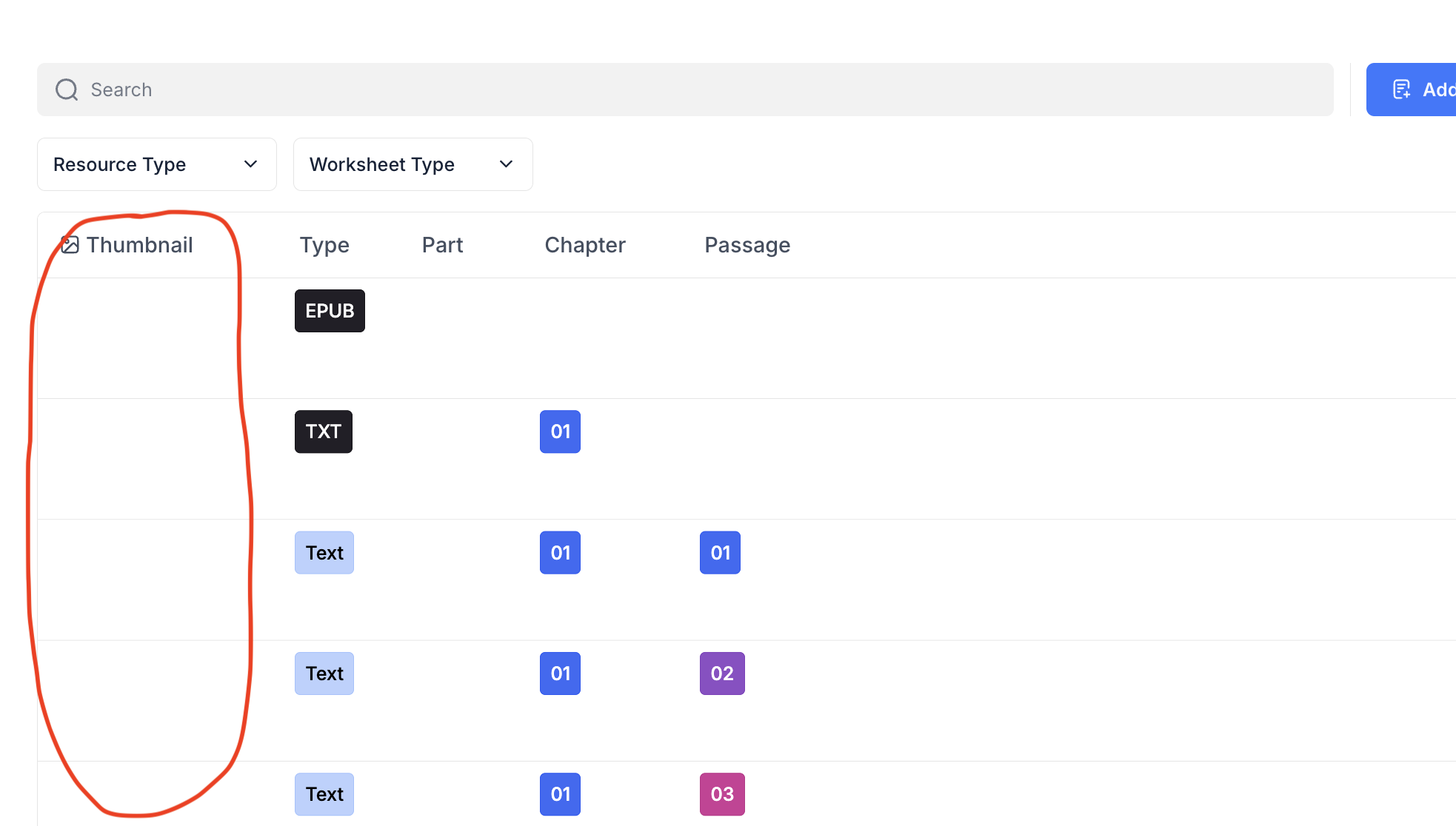
Some images break, some don’t — and I can’t figure out the logic behind it. I tried both options in the image field settings (refresh URL every hour vs. permanent/unlimited), but in both cases images still end up broken.
What I’ve noticed most: the issue seems to start more often when the image is coming from a Lookup field.
Use case: it’s a user profile photo. I have records linked to a user, and in those related records I display the user’s photo via Lookup. After a while, some of those photos become broken.
Does anyone know the root cause or a reliable workaround?
Should I avoid Lookup and instead copy/upload the user photo into each record via Workflow (or a hidden field)?
But then if the user updates their profile photo, older records will still show the old image — which is also not ideal.
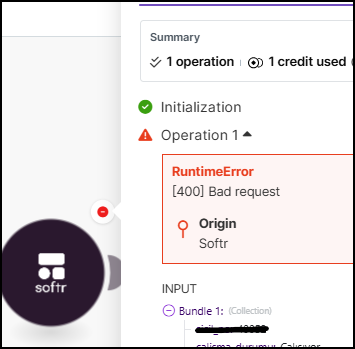
At the same time, I have a Make.com scenario that updates the photo in this table, and it fails with a 400 Bad Request error every time. I still haven’t been able to figure out the cause.
Few months back there was an issue where copied images were keeping referencing original and then original being deleted would corrupt the copied images… That has been fixed…
I would appreciate if you could check if you create a new entry/image and check if they are stable
Thank you very much for your response. I removed the file field and recreated it, then reuploaded the images. I did the same for the lookup fields—deleted and recreated them. I ran over 100 tests and didn’t encounter any issues. It took some effort, but it seems the problem was resolved with the new links.
@artur and @StevenQ , That’s the reason. I shared it with the support team. They said they will forward it to the technical team. But it’s a serious bug…
Hi @artur, thank you so much! I can confirm the issue is resolved now - everything is working smoothly on our side. Great work, really appreciate your support.