Hello there,
I have Pro plan, but I still struggle to achieve quite simple block visiblity.
Goal:
I want all Visitors(Non-Logged In) and Logged-In users to see the same block. It does not matter if you sign up or not.
For Subscribed(Paid Logged-In) users I want to display different block with more data.
Options:
If I choose Visitors(Non-Logged In), I cannot choose any additional condition to include Logged-In as well, not even User Group.
If I use Everyone, so it covers both Non-Logged In and Logged-In users, I cannot exclude Subscribed users, because there is not Exclusion or Hide For option, so they will see both blocks.
Creating new User Group Unsubscribed(NON-PAID Logged-In) does not help either, because of the limitations of what I can choose in visibility tab.
Creating a user group based on a condition to combine Visitors(Non-logged In) and Logged In users is not possible.
Very annoying but functional option is to manage three different blocks. I think that’s little bit too much.
Do I look at it wrong? Do you have any other recommendations?
I think perhaps in the future, visibility rules could be less strict, revolving more around AND, rather than OR condition. It tries to be helpful but it gives many limitations.
Thank you for replies,
Erik
Hi @JadedJared
That’s a known limitation, as currently we don’t have an option to exclude particular user groups from the visibility rules. But there is a workaround you can use for this case.
-
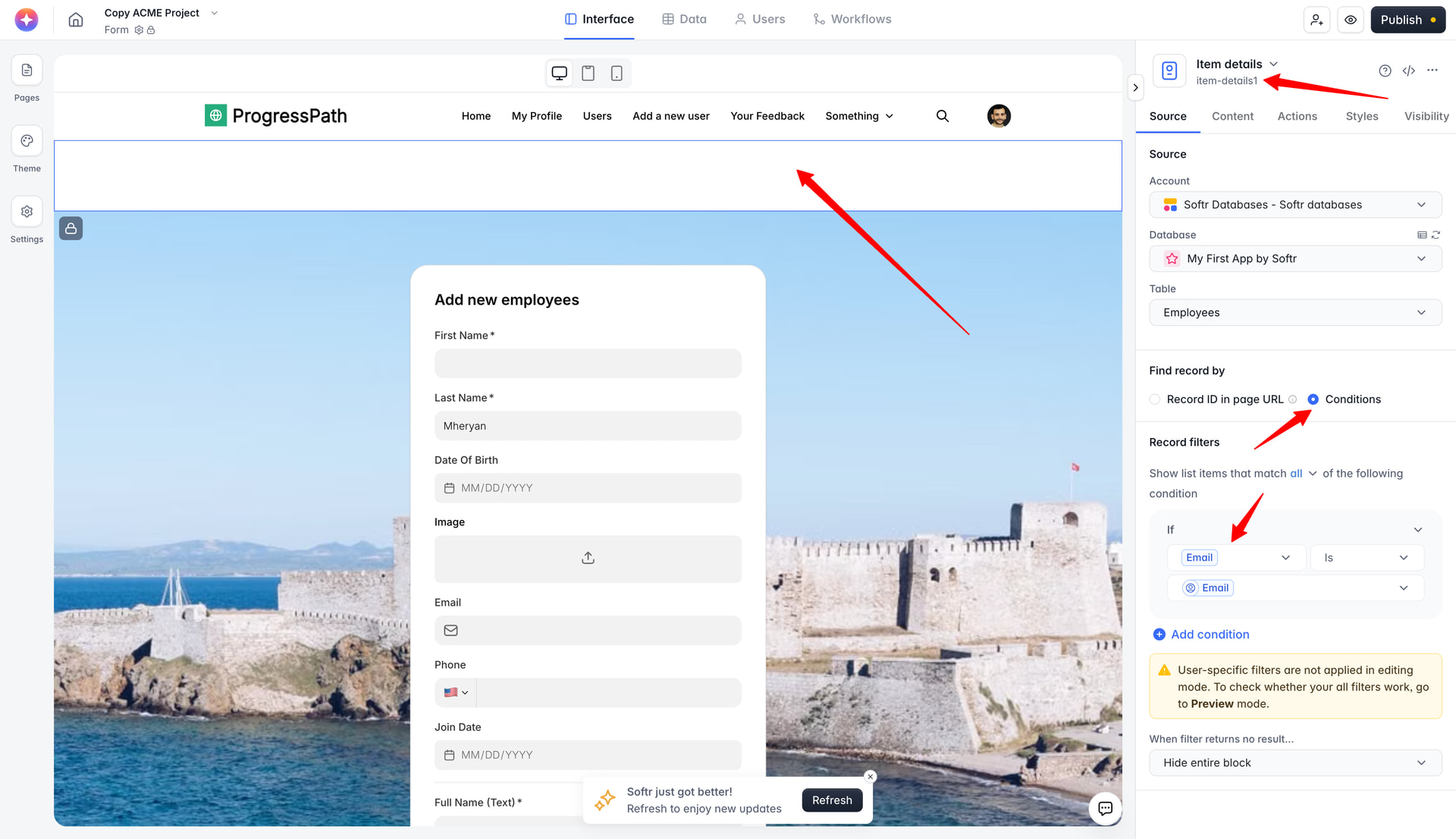
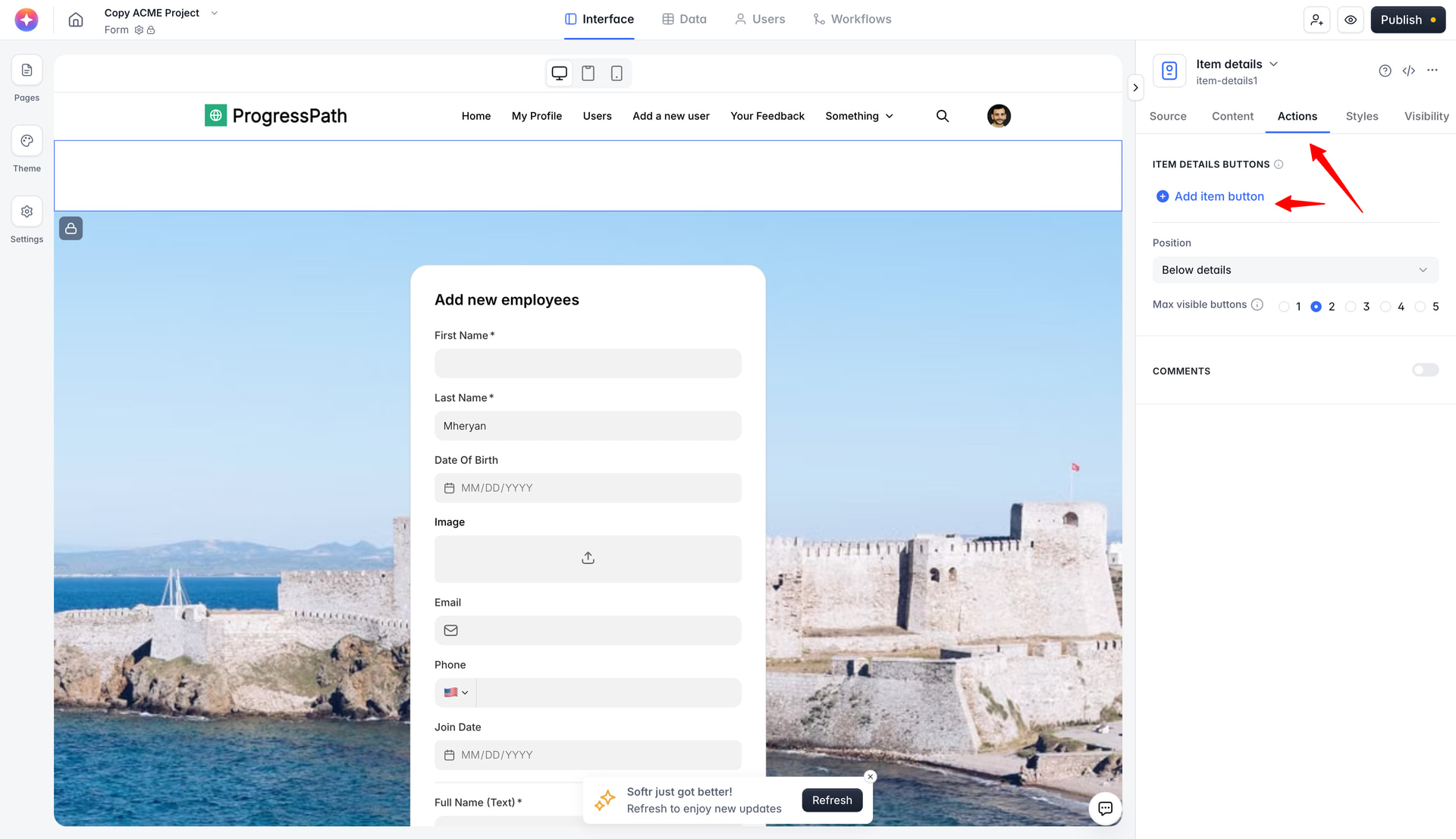
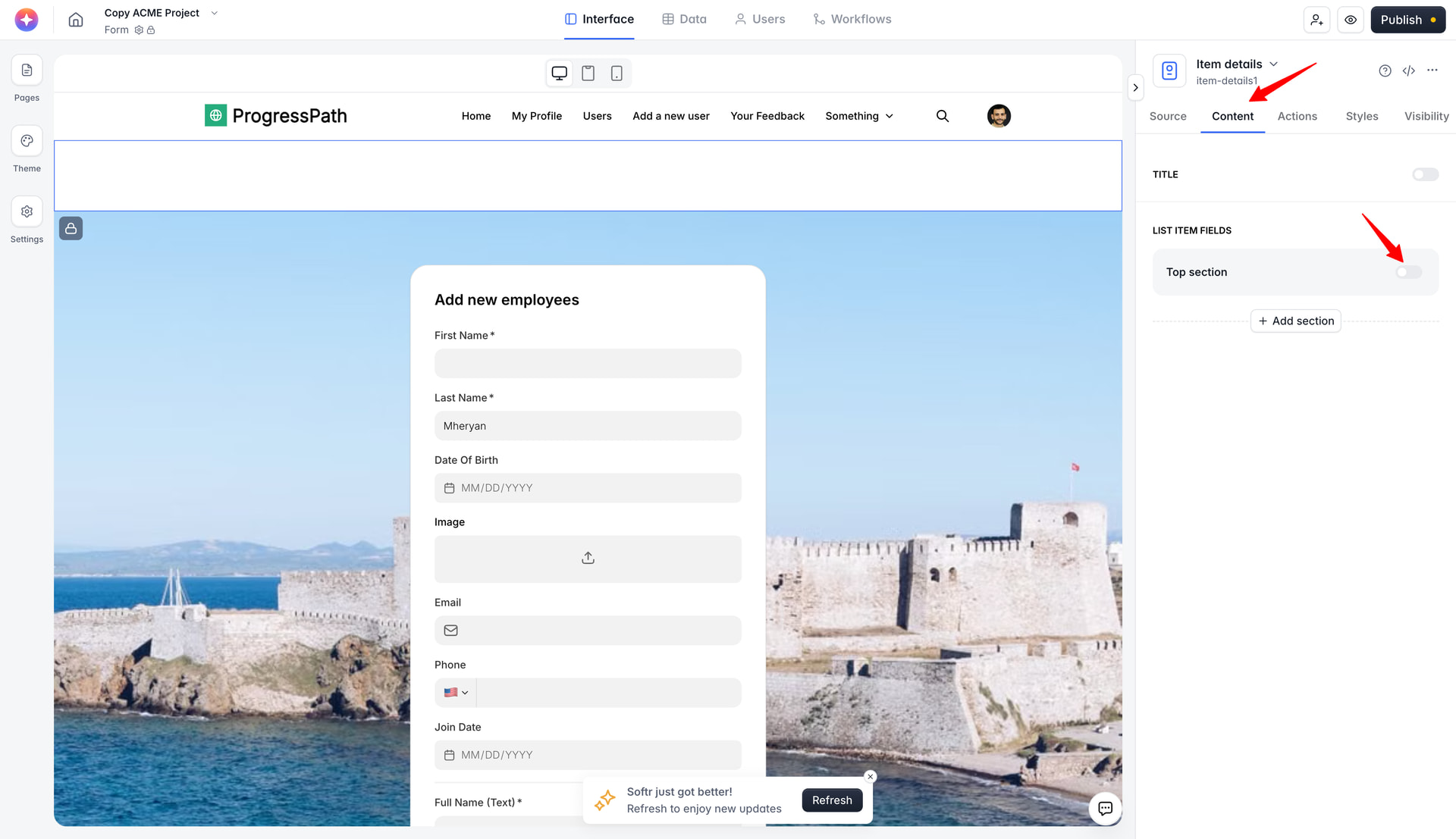
Create an Item Details block on the top of that page mapped to your users table, don’t show anything on that block - no fields, no buttons, nothing, just that block using the following conditional filter - If User Email is/is any of/contains Logged-in user’s email.
-
Once you have it, for all the blocks on that page you will have the Hide If setting available in the Visibility tab. There you can set a condition for that particular block to be hidden if the logged-in user’s user group is X. Of course, that user group should be a conditional one, and the conditions should be based on the users table where your users live.
Hope this helps.
Thanks a lot for replying man. Interesting trick I didn’t know about this. I was curious why I only see Hide If only sometimes. For my case I will keep duplicates of the same block, it is little bit easier to manage. I might use this in the future if it gets too complicated.
I will mark this as Solution since currently it might be the best “hack” that we got. Hopefully Softr adds some advanced visibility options or combinations, or even add Hide If for different blocks.
Best regards,
Erik