I have a Call API button on a details page. This page is a slide modal.
On click, it triggers an n8n workflow.
I would also like the page to reload after the button click, and offer the user the dynamic meeting link URL via a block that only appears once the button is pressed (and filters are met). This block should also disappear after 10 mins.
I have found this recommended solution, but the URL I’m using is not static; it’s a dynamic meeting link that’s different for each record: Navigate to page after Call API button pressed
AI gave me this code. It makes the block appear, but only on manual reload, and it’s very complex, given how simple the above code is! I’m sure it’s bloated with stuff I don’t need.
Your help with finding a solution is much appreciated. Thank you!
Softr workflows should solve this for you. You’ll need to use the Softr apps interface action which will allow you to press a button, trigger an n8n workflow while your user sees a wait screen, and then redirect your user appropriately!
Thank you so much @Jjenglert. May I ask for some extra guidance around how to set this up?
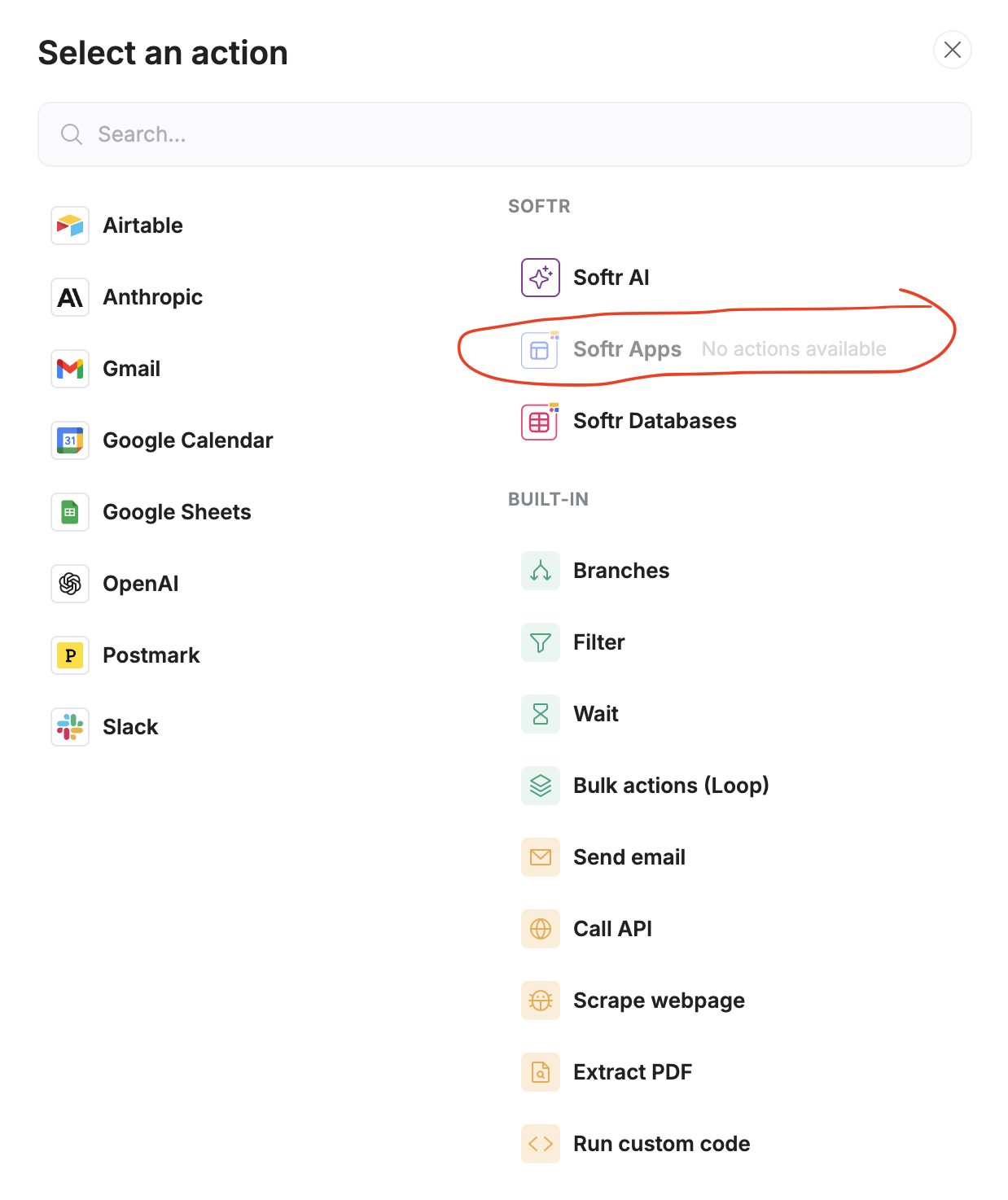
I’ve found the trigger in Softr apps like you mentioned. Then, when I go to set up the workflow, it looks the same as the other custom workflows I’ve made inside action buttons. I’m not sure they’re different at all.
You gave me a short video to watch (https://youtu.be/9NZV41_ZDiQ?si=gADDpWAelRkapdEL&t=186), and inside it, you mentioned this trigger, but the action you used was via Softr databases. I’m using Airtable. Is this why I’m finding it hard to follow your instructions?
You have to create the workflow that you want for the logic to happen in Softr workflows. And then on the interface side, you set up that trigger which is the run custom workflow button. So that way when you click that button, it runs that Softr workflow and then brings your user to the area that you want them to bring them to. Now I know that you’re using n8n, so maybe what you can do is within the Softr workflow, you set up a call API action which triggers your n8n workflow, and then you take the response from the n8n workflow and use another action in Softr workflows to save that response and then to redirect a user to the page you want them to go. I’m almost positive you could do this flow using Softr workflows and n8n in this way. I actually haven’t seen it done yet, but I’m pretty sure it could be done.
I have a hitch with the “end user interactions” in that the “new tab” redirect doesn’t work, but the “same tab” redirect does, so I’ll mention that to support.
But I’m very happy to have solved this with your help. Much appreciated!