Hey everyone, here is what’s new in Softr since our last update!
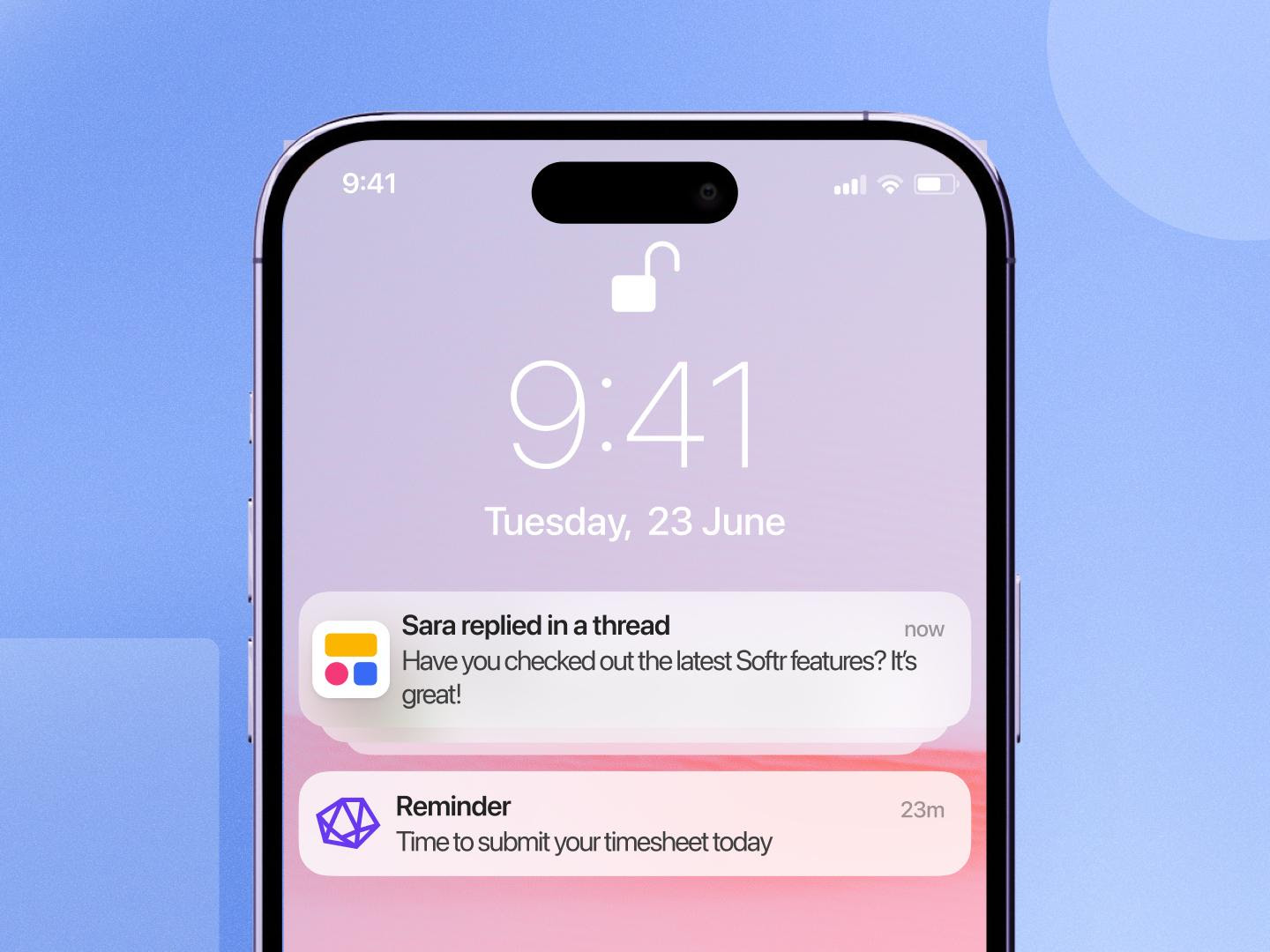
Send push notifications
Keep logged-in users informed with push notifications on desktop and mobile. Send custom notifications from your workflows with the Push Notification action. To get started, go to your App > Users > Notifications.
Push notifications for comments and mentions are coming soon.
Note: On iOS, users will need to install your app as a PWA to receive notifications.
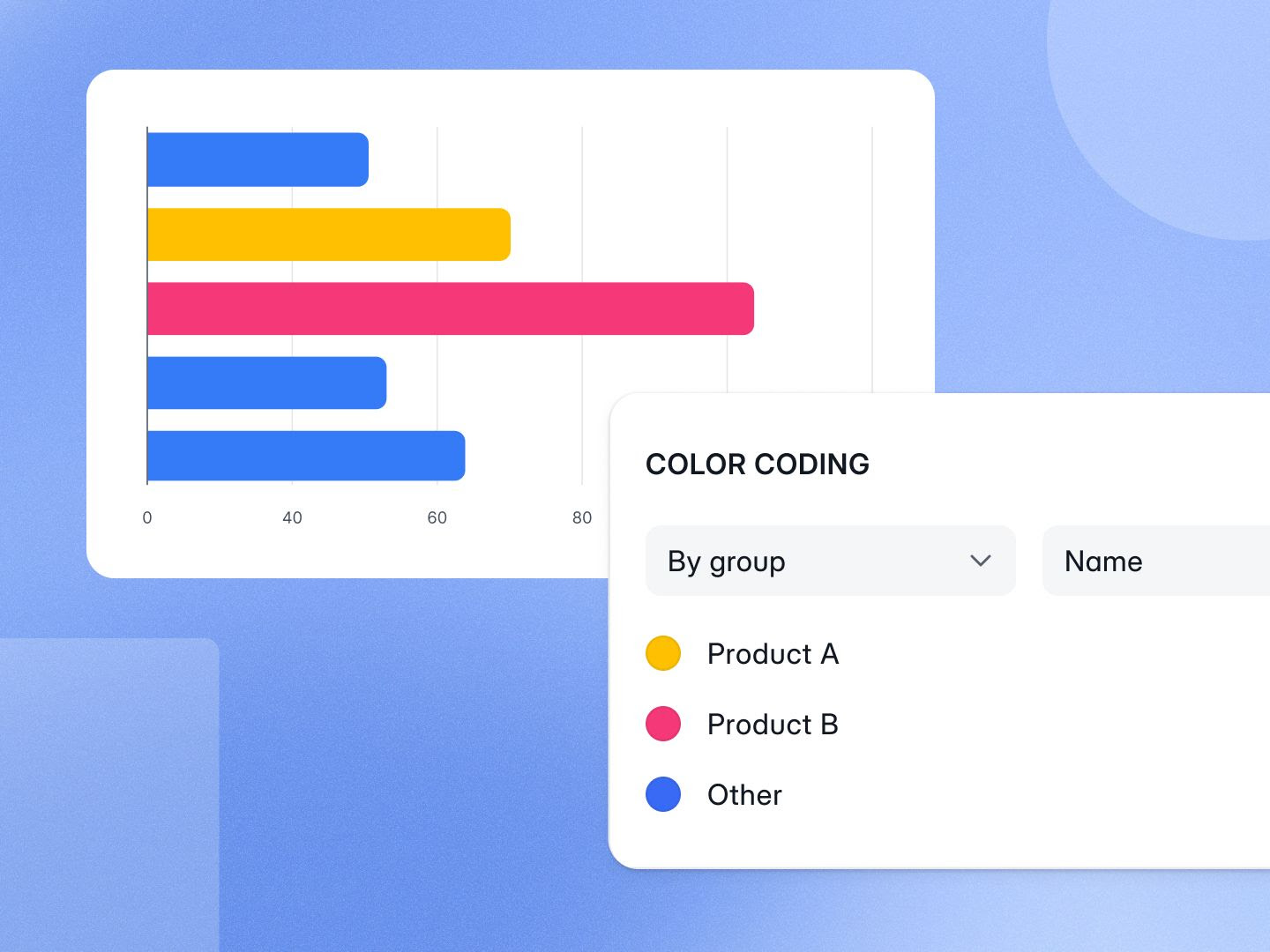
Highlight data with chart color coding
Make charts easier to read by applying conditional colors based on a group name or metric value.
Draw attention to key metrics, performance trends, or thresholds without any custom code.
Build apps with Salesforce data
Connect Salesforce as a native data source and build customer portals, sales dashboards, and internal tools using your CRM data.
Your app stays in sync with Salesforce, so your team and customers always have access to the latest information.
Build apps with Microsoft Excel data
You can now use Microsoft Excel as a data source for your Softr apps, making it easy to build portals, internal tools, and dashboards directly on top of your spreadsheets.

Automate more with new workflow integrations
Connect Softr workflows to more of the tools your business already uses:
-
ActiveCampaign
-
Microsoft Excel
-
Brevo
-
+ new Stripe triggers
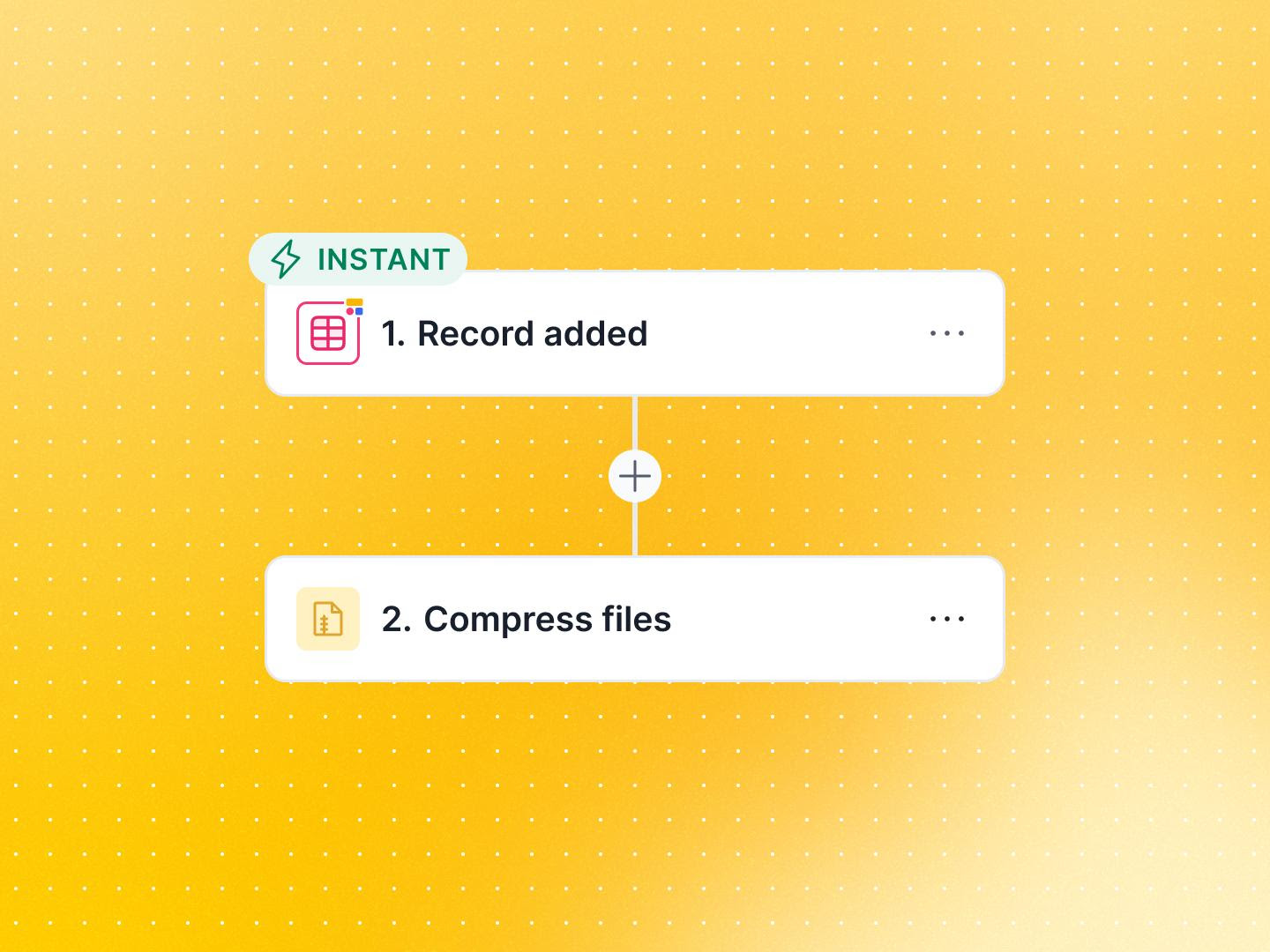
Compress files in workflows
Create ZIP archives automatically as part of your workflows. Bundle multiple files into a single ZIP file before storing, sharing, or sending them to users.
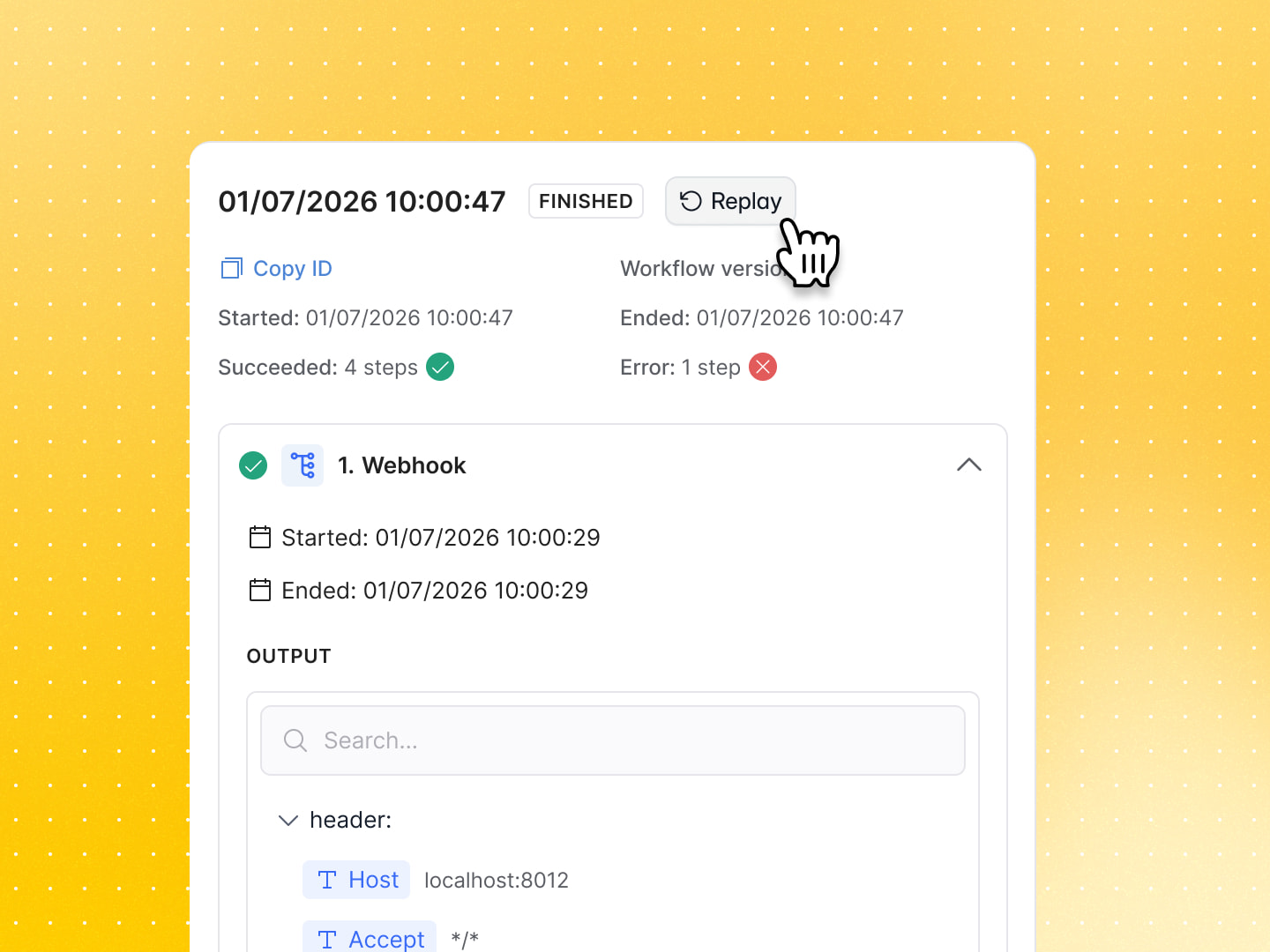
Build more reliable workflows
We’ve added two updates that give you more control when a workflow doesn’t run as expected:
-
Replay failed workflow executions: This helps you recover faster when an issue is fixed or a temporary error is resolved.
-
Continue on error: Let a workflow keep running even if one action fails. This is useful when one step isn’t critical to the rest of the process.
More updates
- Workspace builders can now view plan, usage, and AI activity.