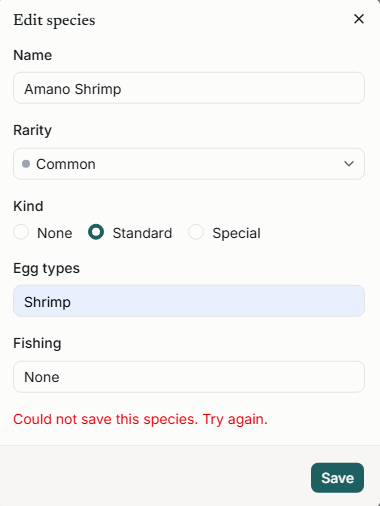
I’m trying to work on this personal project, and while AI did a fantastic, surprisingly good job with my prompts, it hasn’t allowed me to learn how things work on my own, which has turned into a problem. For whatever reason, if I try to save here, it won’t let me:
And I don’t know where to go to add things to that edit interface (other dropdowns, other radio buttons, etc.)
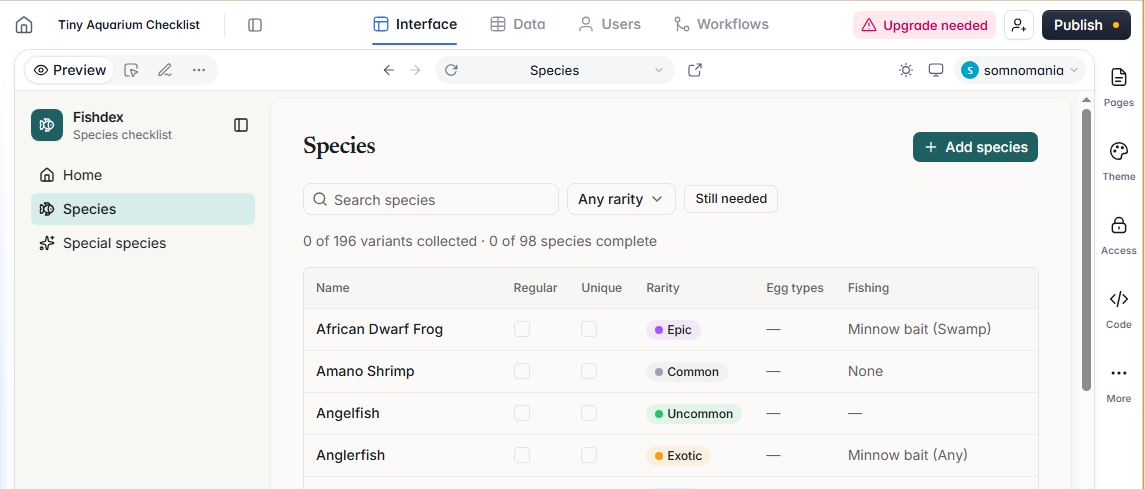
Also, I can’t figure out how to alter the columns shown here:
I’m feeling like I sort of boxed myself into a corner by using the AI. Any help is appreciated, I’m on the free plan and am not going to spend anything on this.
You’re not boxed in, the edit form just pulls its fields from the table the list is built on. Open the form block settings and check which fields are turned on there, and the columns come from the list block settings on that same page.
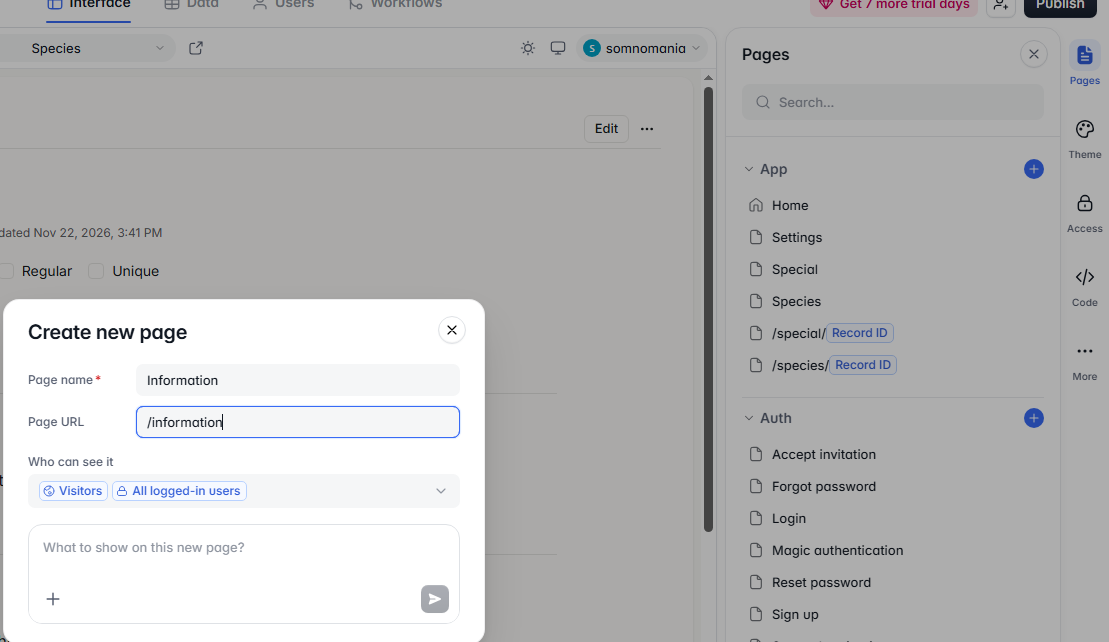
Sorry, where do I do that? This is what I mean by kind of regretting letting the AI do the work, I don’t know where anything is.  It also won’t let me add a new page without the AI being involved, which I’m out of credits for.
Click the block on the canvas and its settings open in the right sidebar, that is where the form and list options live. For a new page, use the add icon in the Pages panel on the left and pick a blank page instead of the AI option, so it does not use any credits.
I’m sorry, I might be an imbecile. Nothing opens on the right for me when clicking, in Select mode in Interface sections or otherwise, and the only means I have of adding a page is from the Pages panel on the right, which appears to want an input that goes through the AI chat before it will create it.
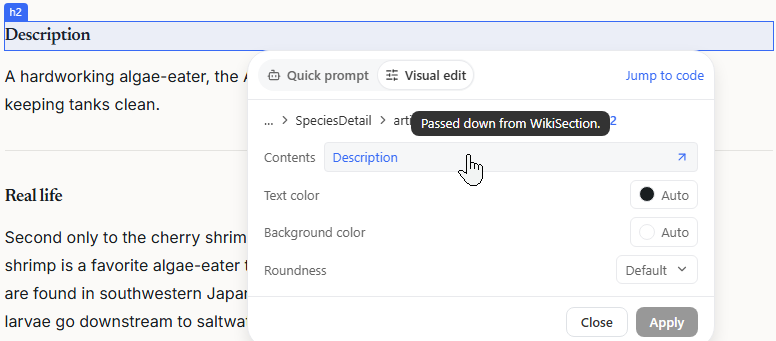
Even poking through help documentation didn’t clarify anything for me, it all seems to be referencing stuff that I didn’t have to do, because the AI built everything. I didn’t place any blocks, and I’ve clicked on everything I can find, with most sections giving me very basic edit capacity, or prompting to open the code, which I also can’t edit on the free plan.
You’re right, Pages sits on the right in the new Studio, so my last pointer was for the older layout. Your screenshots show those sections are vibe-code blocks, which is why clicking only offers a prompt or jump to code, so the fix is to rebuild that checklist as a regular list block, and for a new page just describe a blank page in that prompt box and build on it from there.
Probably for the best if I just rebuild visually on my own, the whole thing; I’ll learn more that way. Thank you for the help!