Do I need to register my Google account as a Chrome Web Store Developer and pay the registration fee in order for this to work? (Just want to make sure I’m doing the right thing before I take out my credit card;)
Hey! I downloaded the plugin and I noticed that now my pages section seems to be glitching. I am now unable to change the order of my pages (usually after trying multiple times, I refresh the page, and I see that the Softr pages are showing in the correct order). Additionally, I have to click at least 5 times to open a page. While I love being able to organize my many pages, it’s not worth if if the basic functionality of the pages is compromised.
Is anyone else having this problem as well and can recommend a solution?
Hi there Thanks a lot for taking the time to share your experience!
You may notice a little flicker when hovering over a page, but one click should still be enough to open it. The current drawback with the plugin is that it prevents reordering pages by drag-and-drop that’s a known limitation. However the default page ordering you had established, should not be altered.
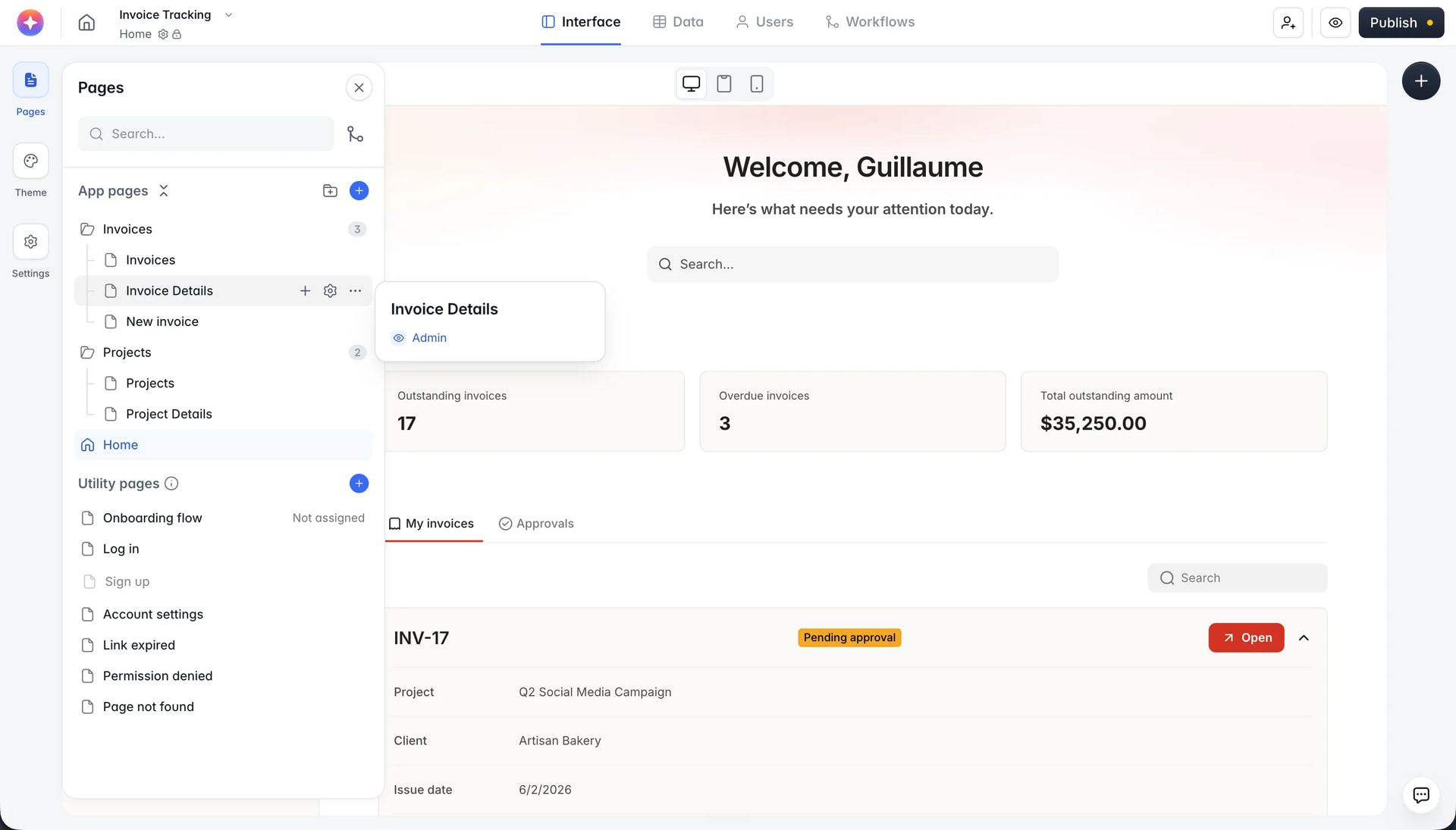
Folders
Group related pages together: client portal in one folder, admin in another.
Nested pages, unlimited depth
Nest pages under folders or under other pages. Build a hierarchy that mirrors your app.
Drag and drop
Drag a page onto a folder to nest it, drag whole subtrees around, or use the searchable “Move to” picker.
Also:
“Add and nest page” creates a page directly inside a folder
Collapse/expand any branch, with a count badge on collapsed folders
Draft indicators and a visibility popover on each page row
Refreshed look for the pages panel
Note: folders and nesting only organize the Studio sidebar. Page URLs and published navigation don’t change, so reorganize freely without breaking links.
 Features
 Assign pages to folders via dropdown
 Add, rename, and delete custom folders
 Lock search input so it persists across reloads
 Collapse or expand all folders with one click
 Hide dropdowns for cleaner sidebar view
 All settings saved locally — no backend required
 How to Install
 Softr-folders
 DEMO
DEMO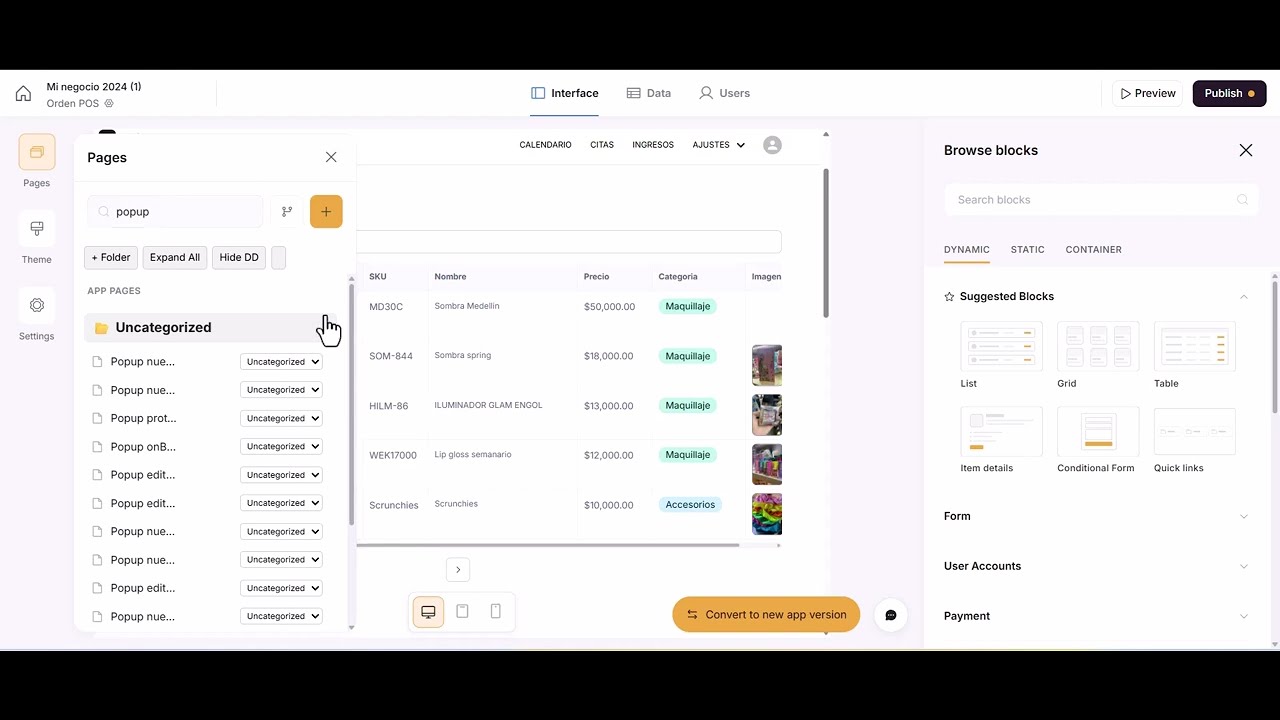
 Thanks a lot for taking the time to share your experience!