Hi everyone,
I am experiencing an issue with the PDF document preview in my internal Softr application.
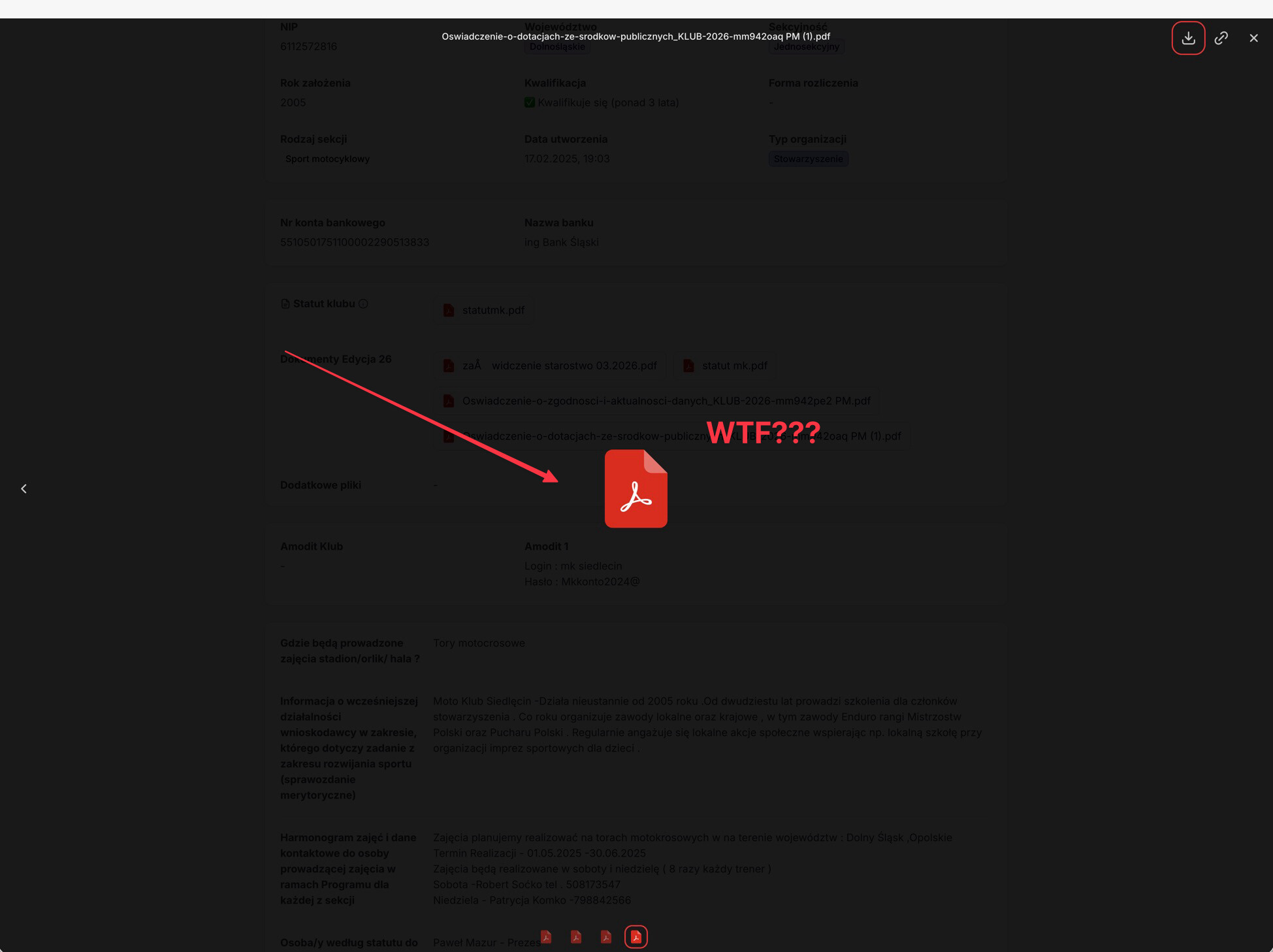
When I open the document view, the app does not render a preview of the PDF file. Instead, it only displays a generic PDF icon. As a result, I have to click the link, copy it, and manually paste it into a new browser tab to view the document.
This creates an extra, time-consuming step that significantly impacts our daily workflow.
Is this a known issue, or is there a specific setting I might be missing? I have attached a screenshot of what I see on my end.
Looking forward to your help.