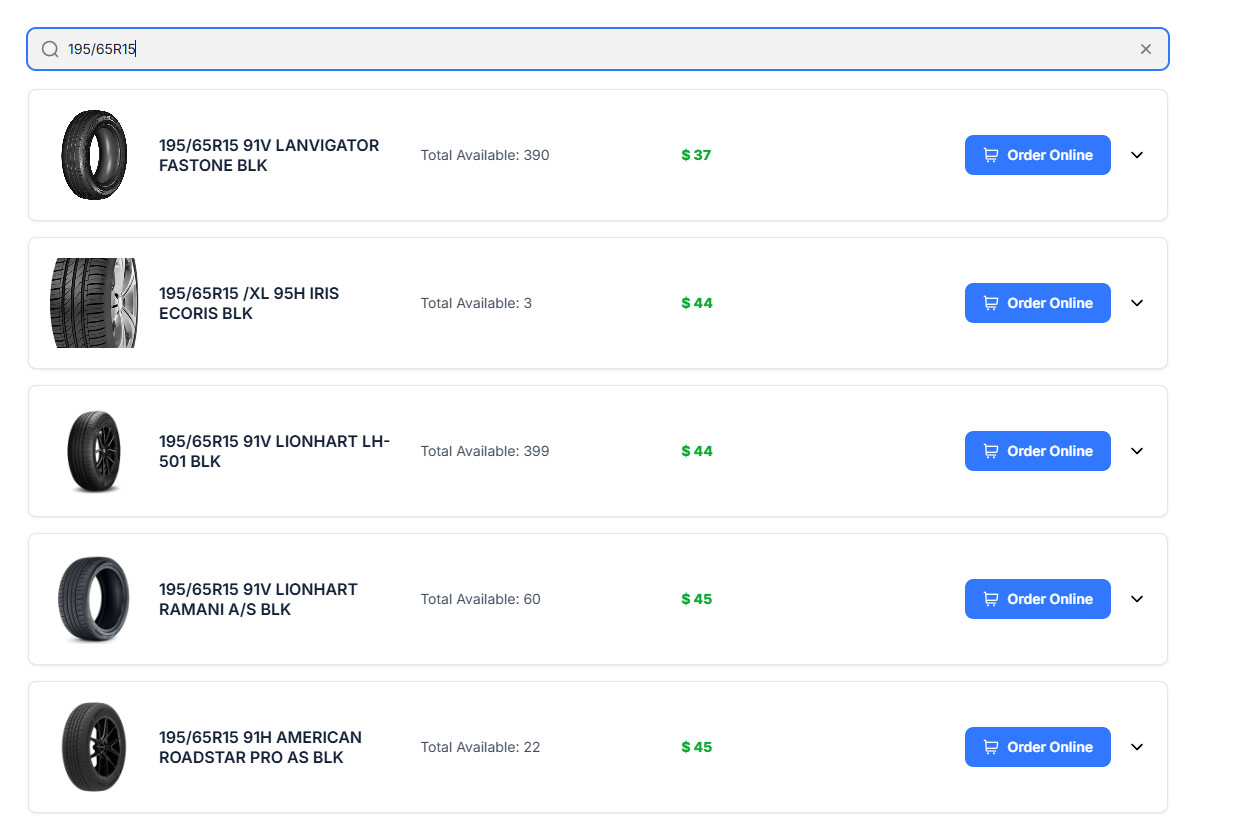
I need to set up a workflow where website visitors can order tires. I’m thinking about setting this up in two different ways.
The first option would be for the visitor to click an “Order Tire” button, select the quantity of tires they need, enter their basic information, and submit the order through a form. The website admin would then fulfill the order manually by contacting the customer and placing the order.
In this scenario, the customer would not have to pay anything online. They would simply submit the order request, and the admin would contact them to complete the order.
The second option would use Stripe integration. The customer would select the quantity, enter their information, pay a fixed deposit to place the order, and check out through Stripe. Once the deposit is paid, the order would be fulfilled and prepared for pickup.
My question is: How can I set up both of these workflows using Softr? How would I attach a form where the customer can select the quantity of tires they want while also passing the product information into the form, so the admin knows exactly which tires the customer is ordering?