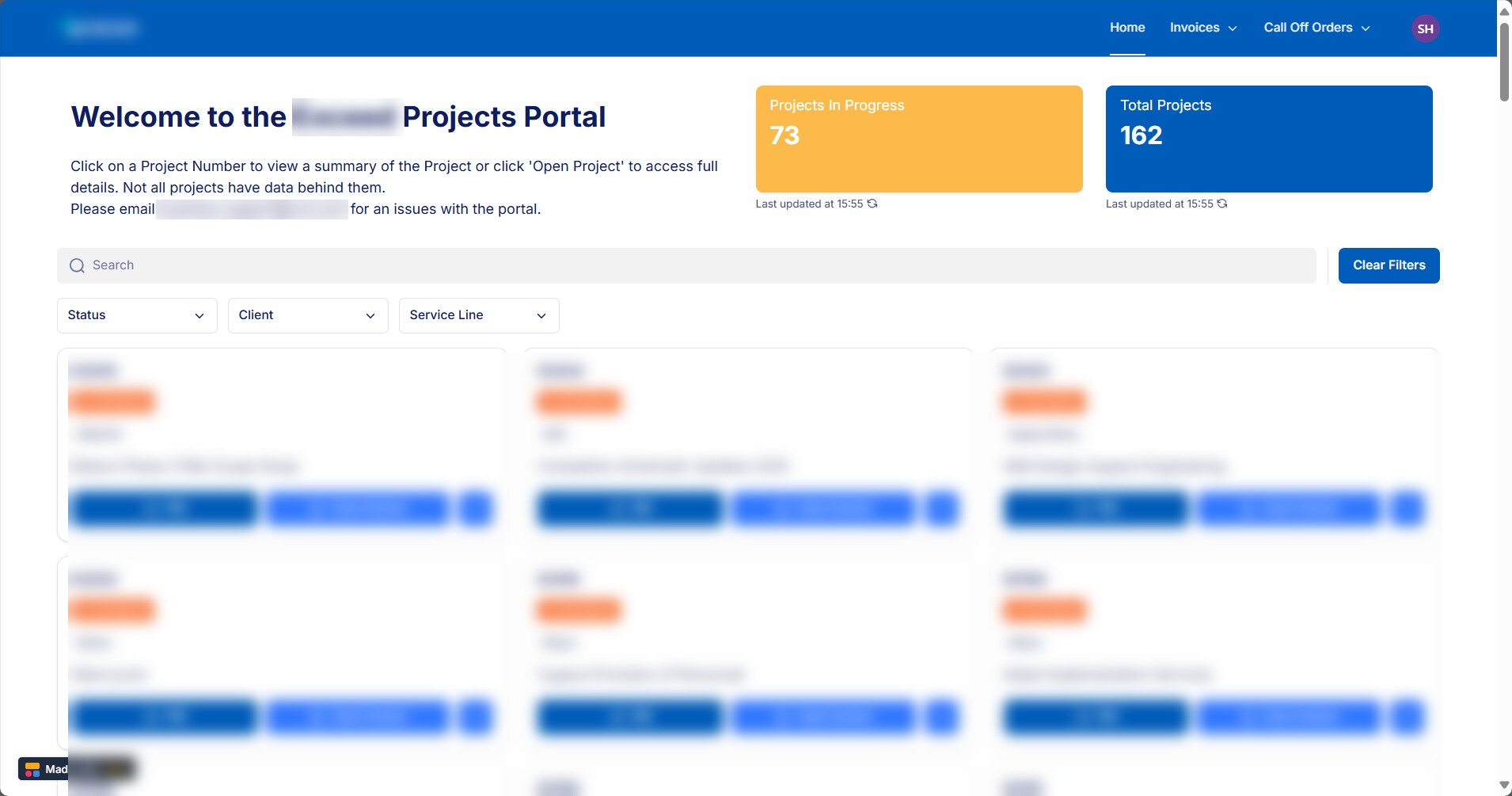
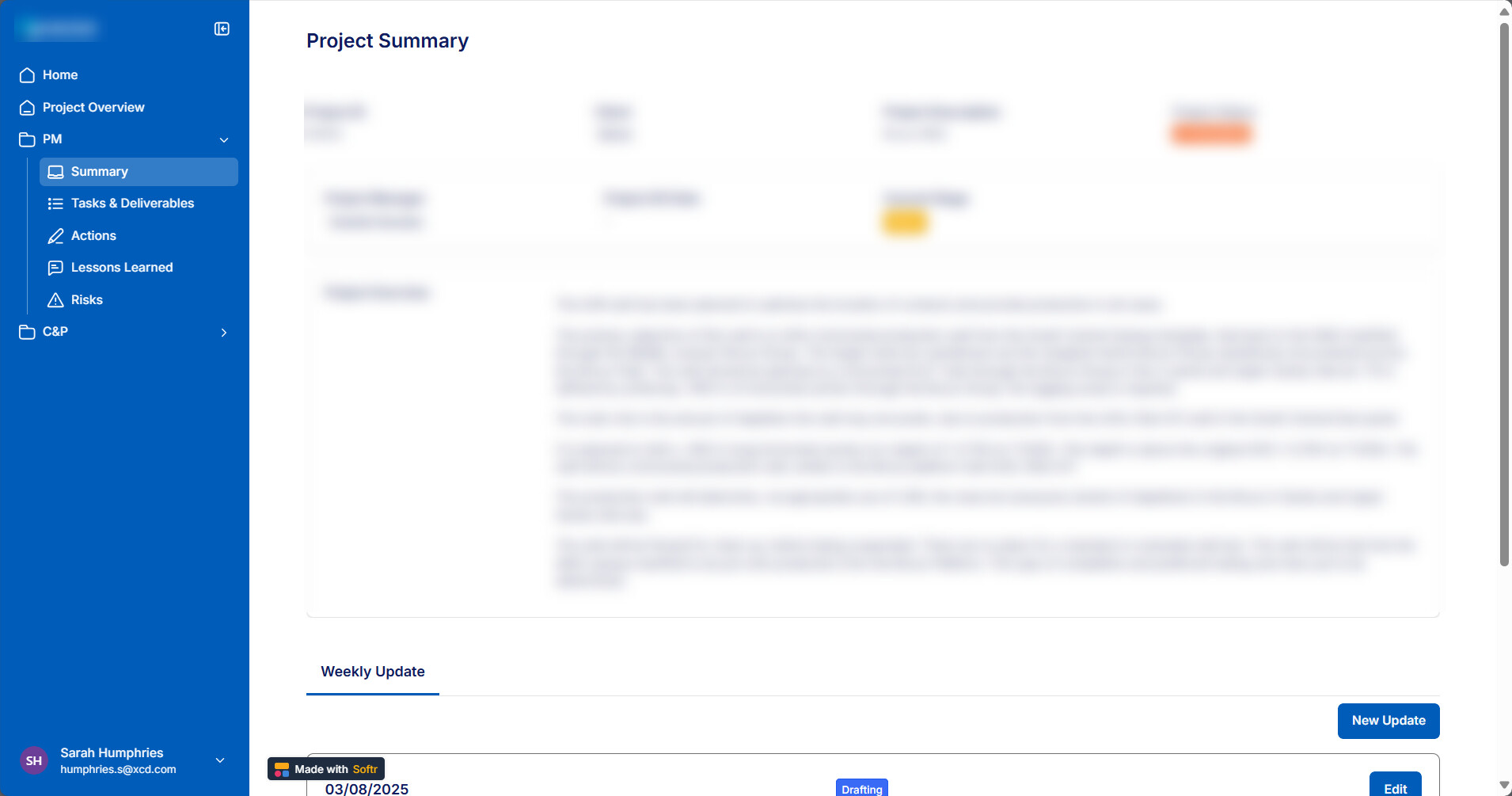
I’m creating a projects portal and from the home page when you open a project it takes you to an item details page (this works fine) However, once in the project I want to have a left hand navigation that lets you browse other item details related to that project.
The navigation doesn’t seem to work as it loses the record ID of the project that was originally selected from the homepage whenever I navigate away from the original project details page.
Does anyone have any ideas how to make this work? I originally has all the items down the left hand navigation as a tabbed container in the item details page but it’s becoming to many tabs and not easy to navigate.
I originally had it set up with tabs but it starts to look messy when there’s a lot of them especially given the number I will need. Also I can’t group the tabs like I can with the navigation menu. Each department working on the project has multiple views they need and the project manager needs to see them all. I’m trying to avoid needing a separate app per project (that would solve this issue but would create so many more)
I see. just maybe a friendly challenge to rethink the setup of your app: do you know displaying too much information to your user? What do they really need? start simple and extend further.
I’m pretty sure you can put custom code into your main details page that adds the record-id to the other pages’ url’s in the nav.menu. If that solution is of interest I will tinker around and see if I can demo it.
Doable indeed.
This appeared in older threads, but because requests have decreased significantly, it has not been updated in a long time. Here is the updated custom code to include in your details page (Page Settings → Custom Code → Header).
Every link you click in your navigation bar will inherit the recordID of the details page.
This is the basic setup—you shouldn’t need to change anything. Just copy and paste (unless your use case is more complex than it appears).
<script>
document.addEventListener("DOMContentLoaded", function() {
  const params = new URLSearchParams(window.location.search);
  const recordId = params.get("recordId");

  if (!recordId) return;

  document.querySelectorAll(".softr-sidebar a").forEach(a => { // it's .softr-topbar if you use a top navigation
    a.addEventListener("click", function(e) {
      e.preventDefault();

      let url = new URL(a.href, window.location.origin);

      url.searchParams.set("recordId", recordId);

      window.location.href = url.toString();
    });
  });
});
</script>
Hi @matthieu_chateau unfortunately I’ve been unable to get this to work. I think this type of use case would make a great feature for a video guide. @Jjenglert is this maybe something for a future working session? Would be great if we could get this working. It’s limited what I can post on here as it’s all client sensitive data but as above I’d like the left hand navigation to reflect the same record ID that I selected initially from the home page.
We can have a short video call if you’d like. It’ll be free, and I think I can debug it easily.
Just to be sure: did you insert the code on the page with the left nav bar? And when you tested it, was there a recordId visible on that page url (the first time you clicked and went to the details page with the left nav bar)?
Also the script should be added in all pages where you want to keep the project Id (so I guess it concerns Summary, Task & Deliverables pages etc.)
Aw that would be amazing if you could spare the time. I will drop you a message to arrange a time next week. Yes the id was showing on the page url when I click it but I haven’t applied the code to all the pages so I will try that too.