After some procrastination I finally installed the newer version of my app and two issues arose:
I wanted non-signed in users to be able to see sign-up and sign-in tabs in the nav bar but once signed in, these two are not needed (sign-out is under profile).
Signed in users have access to all the data in the system while visitors will have only limited access.
The Community helped me to resolve both issues. Not sure how I managed (1) but I had one single page with both data tables in blocks – for visitors and signed-in users. Visitos and signed-in users had access to two different blocks.
But it seems now that system is gone? I am unable to have the nav bar without the ‘sign-up’ and ‘sign-in’, and direct visitors and signed-in users to their respective blocks.
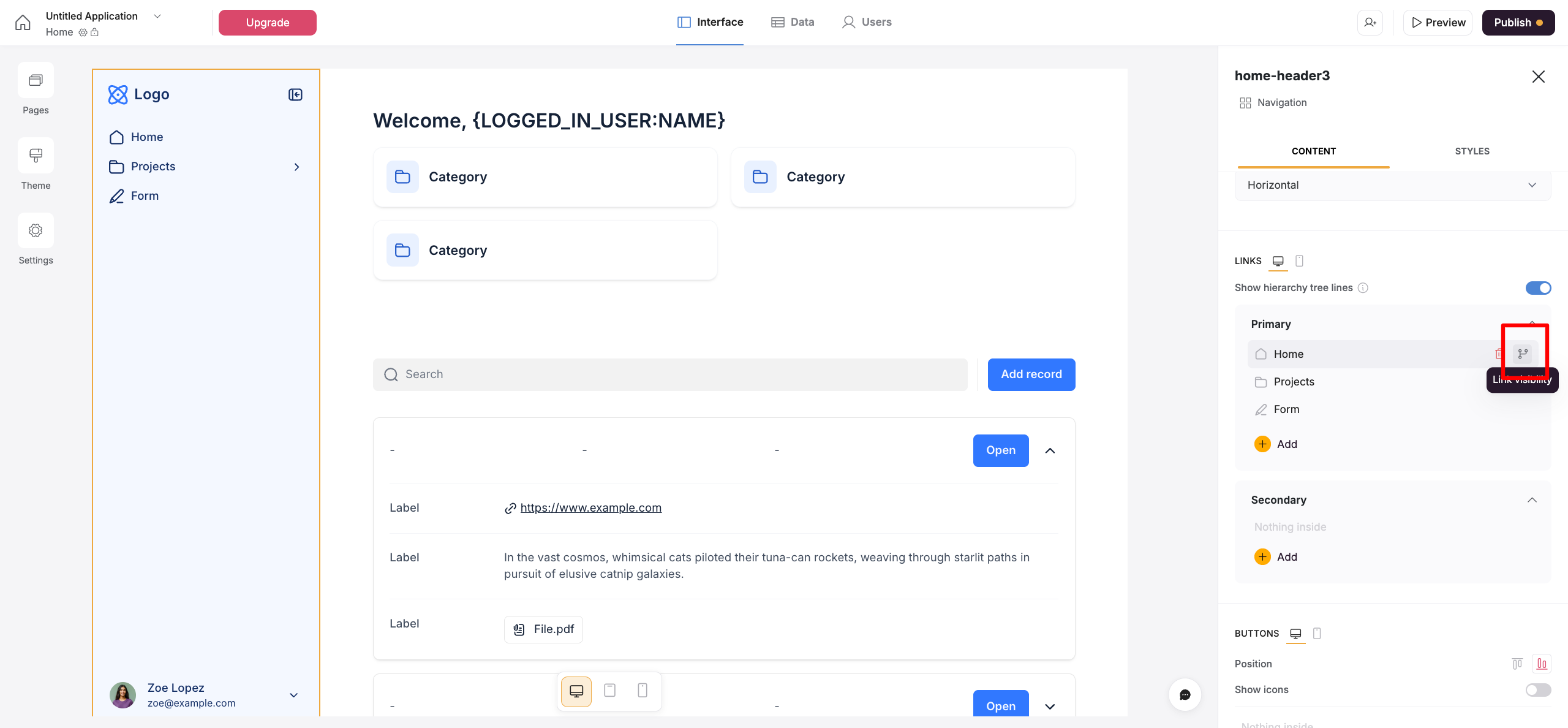
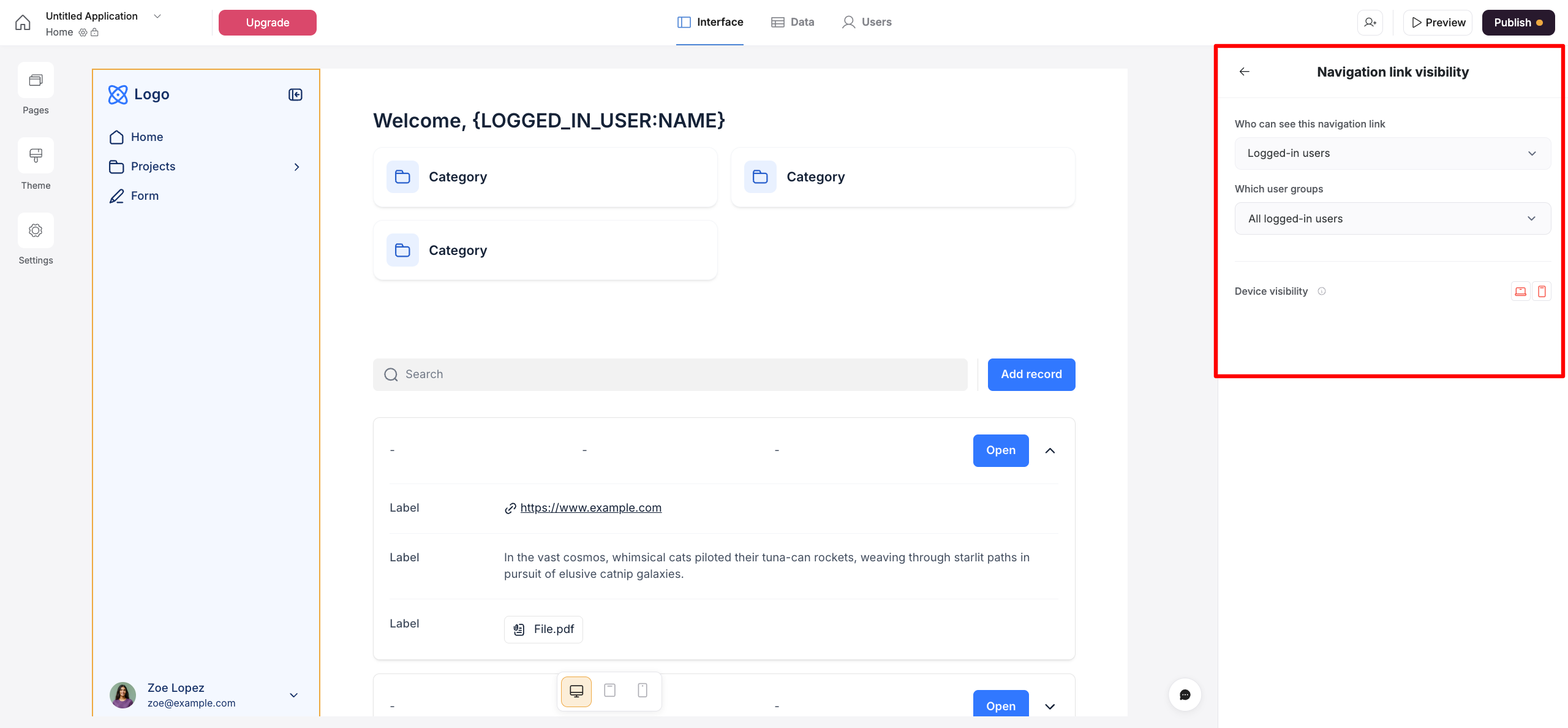
In the new Navigation block, you can configure visibility rules directly on the navigation links and buttons. This means that even though there can only be one navigation block on a given page, you can still have links that are visible only to logged-in users and others that are visible to non-logged-in users.
Please check the screenshot below for reference on where to find the section that allows you to define the visibility of the buttons and links.
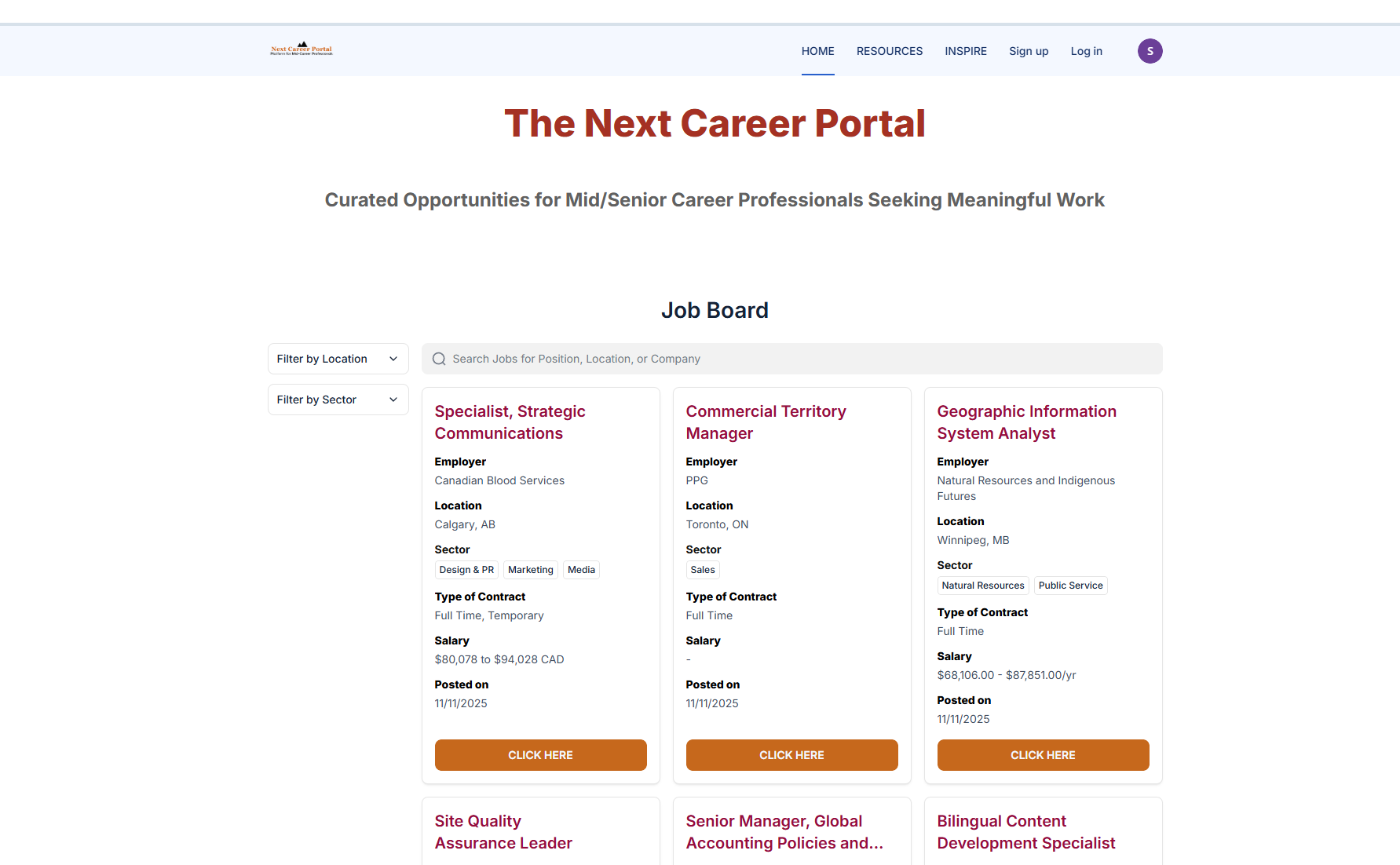
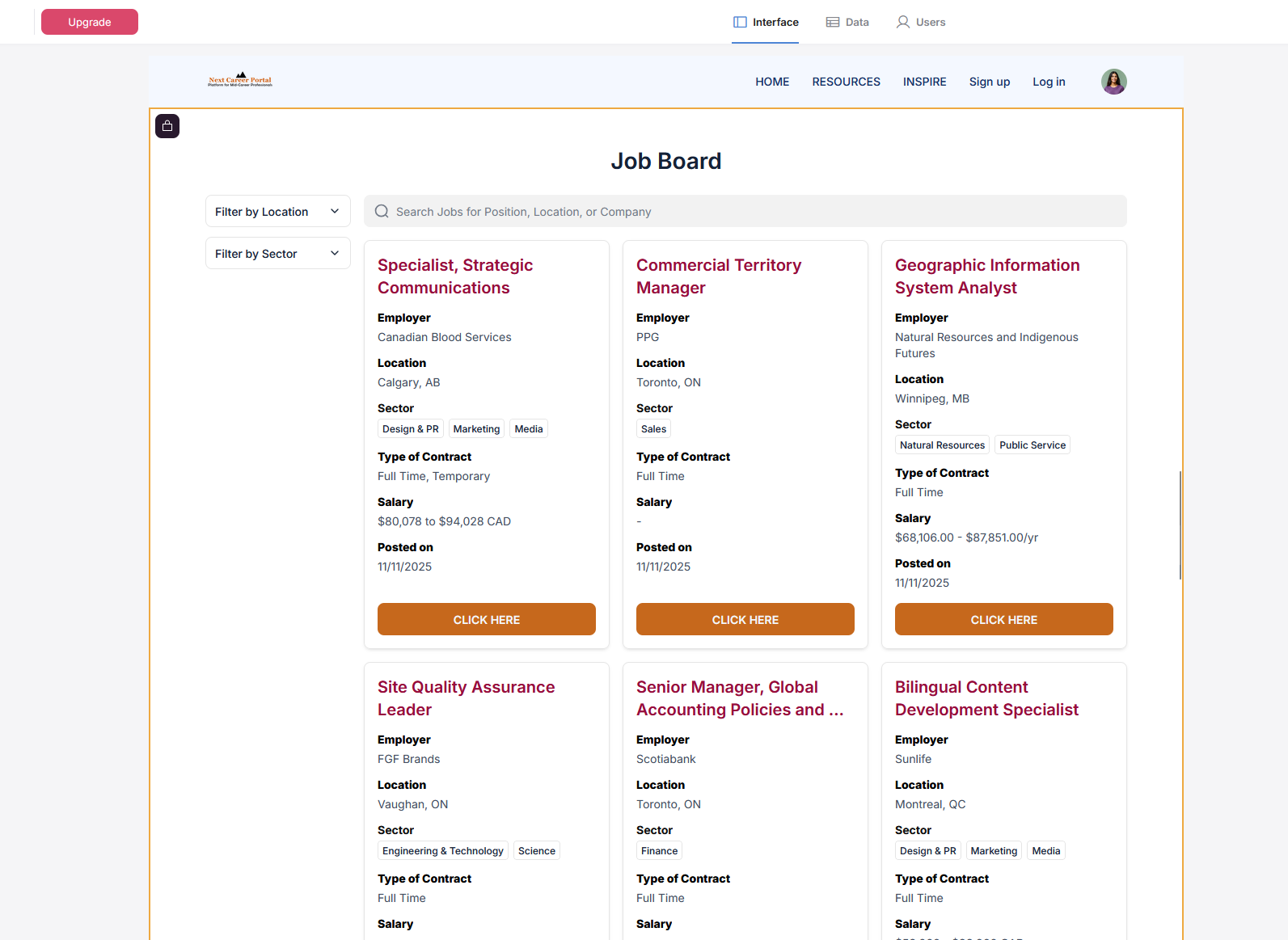
The page has four blocks: Home, Resources (visible to everyone and logged-in users), Limited Data Presentation (visible for everyone), Unlimited Data Presentation (for logged in users)
I want Logged in users to be able to see just the Home, Resources, and, of course, the Unlimited Data Presentation. They don’t need to see sign-up or sign-in.
Everyone can see all.
It appears to me that your guidance will help if I were to have tabs that are exclusive to either group (everyone/logged-in users) but not when I have tabs that will be visible to both.
@SenRath if you are using the the navigation in Softr after the user is logged in they should not see signup/signin links anyway… by default… can you share a screenshot ?