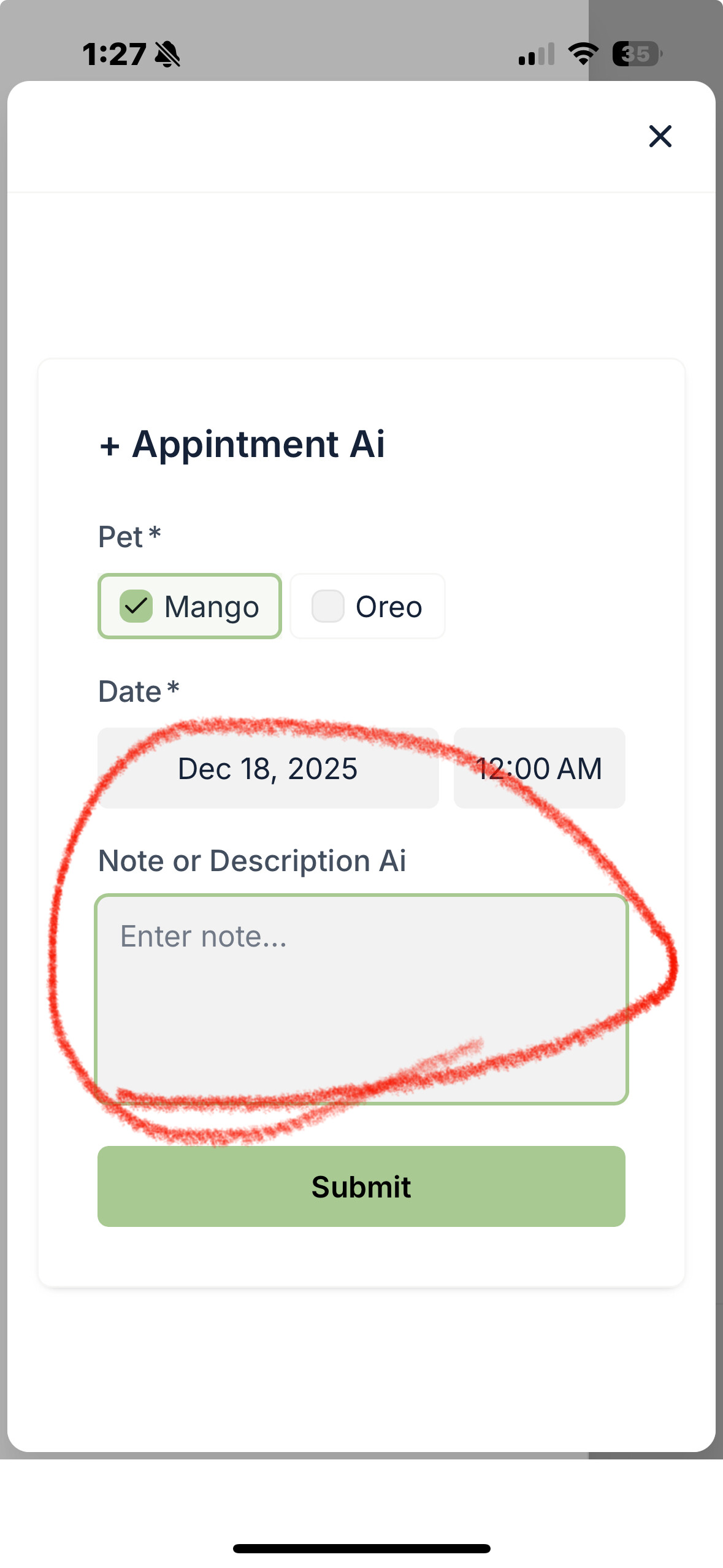
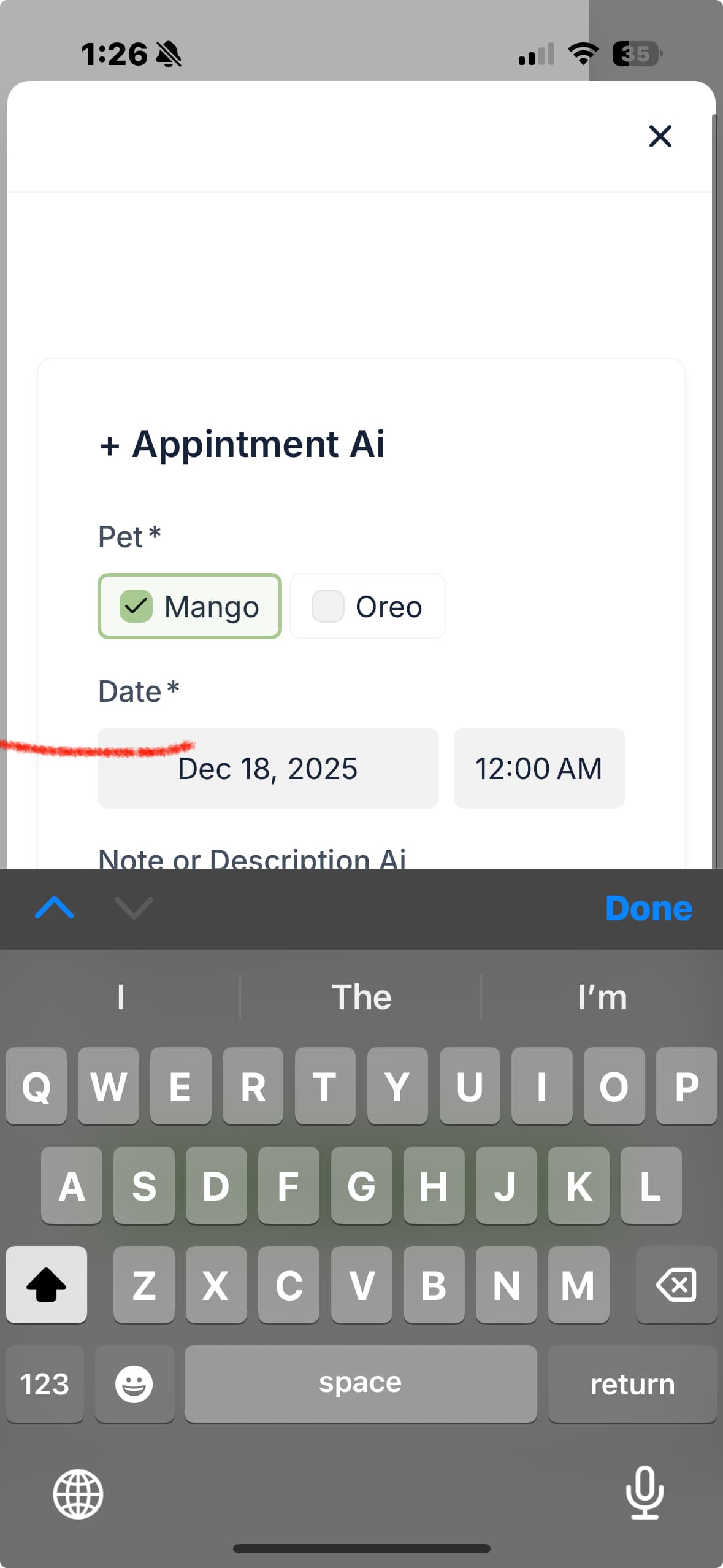
I’m running into an issue with the native forms on mobile. When I’m creating or editing records that include multiple field types—like image uploads, dropdowns, and multi-selects—the form layout often breaks on mobile screens. I find myself having to rotate the device or refresh the page to get things to align properly.
I wanted to flag this as a bug and see if it’s something you’re aware of or if there’s any ongoing fix. Any guidance would be appreciated!
I’ve attached a screenshot to show what’s happening. When I click into a long text field on mobile, the field is hidden under the keyboard and I can’t see what I’m typing at all. I haven’t been able to find any workaround for this, so I’d really appreciate any advice or a fix!
Thanks a lot!