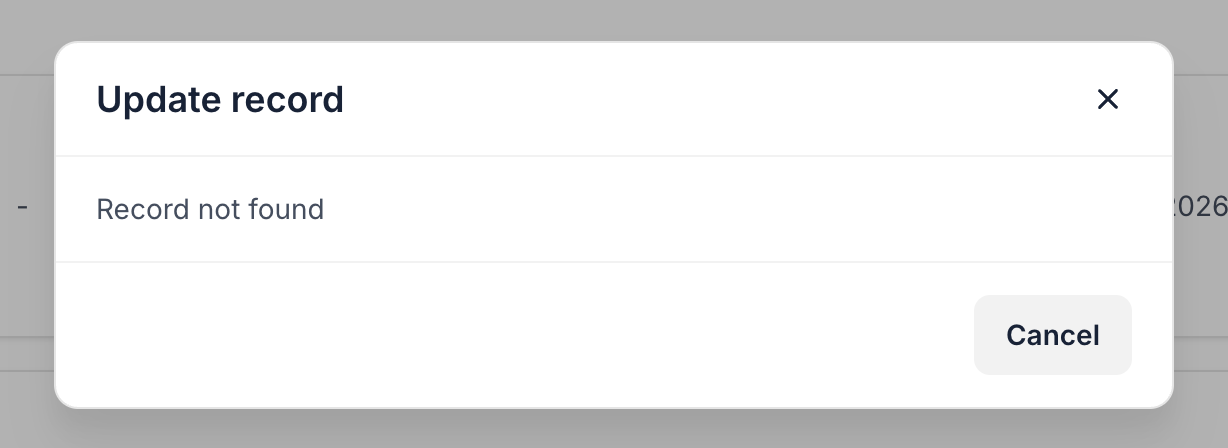
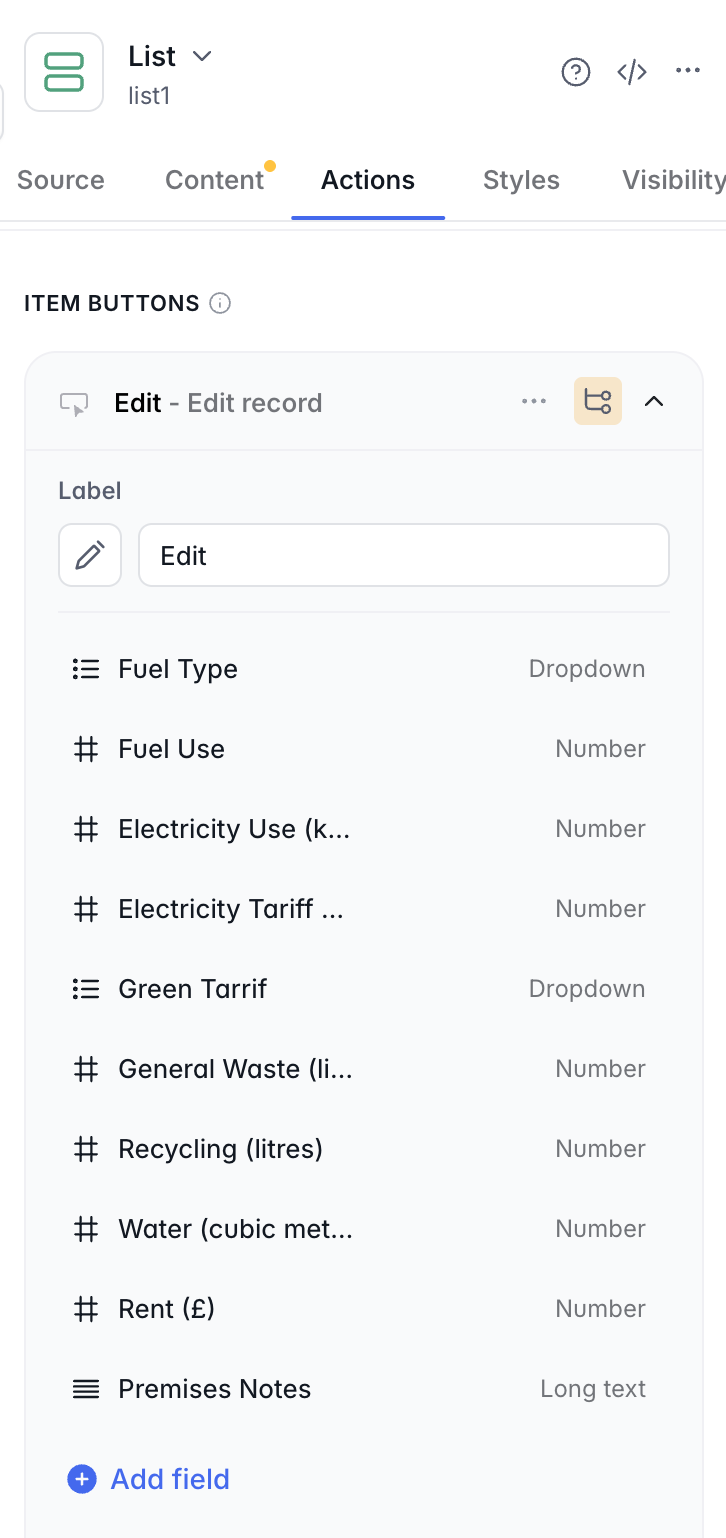
I’m creating a client portal, in which I need members to be able to add their own records, and then edit specific fields - for which I’m using a list block. The trouble I’m having is that while it’s showing the fields I want it to in the Interface builder, When I go to Preview it’s only showing the records, not the Secondary Section items, and then when I click “Edit” I get an error message saying that no records can be found.
Can anyone help me work out what might be going wrong?
Images below,
As it should be - as seen in the Interface:
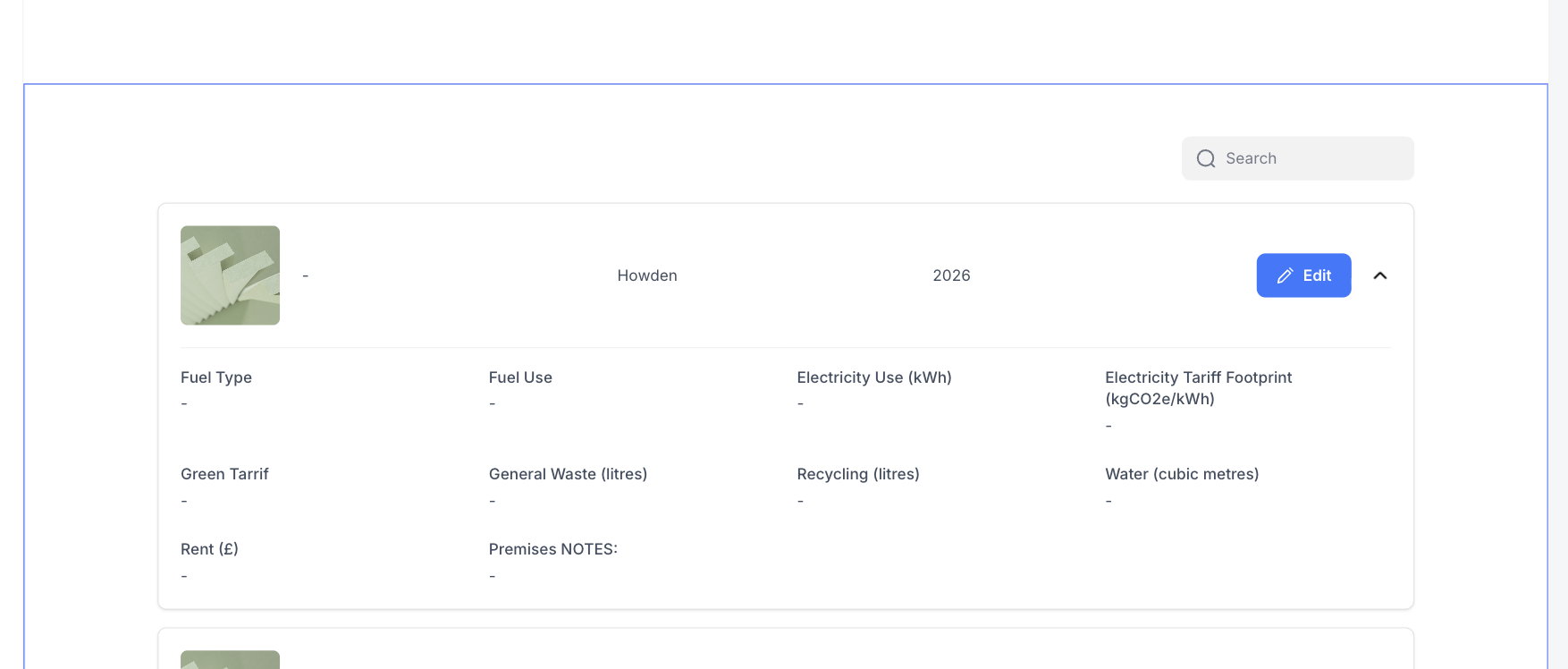
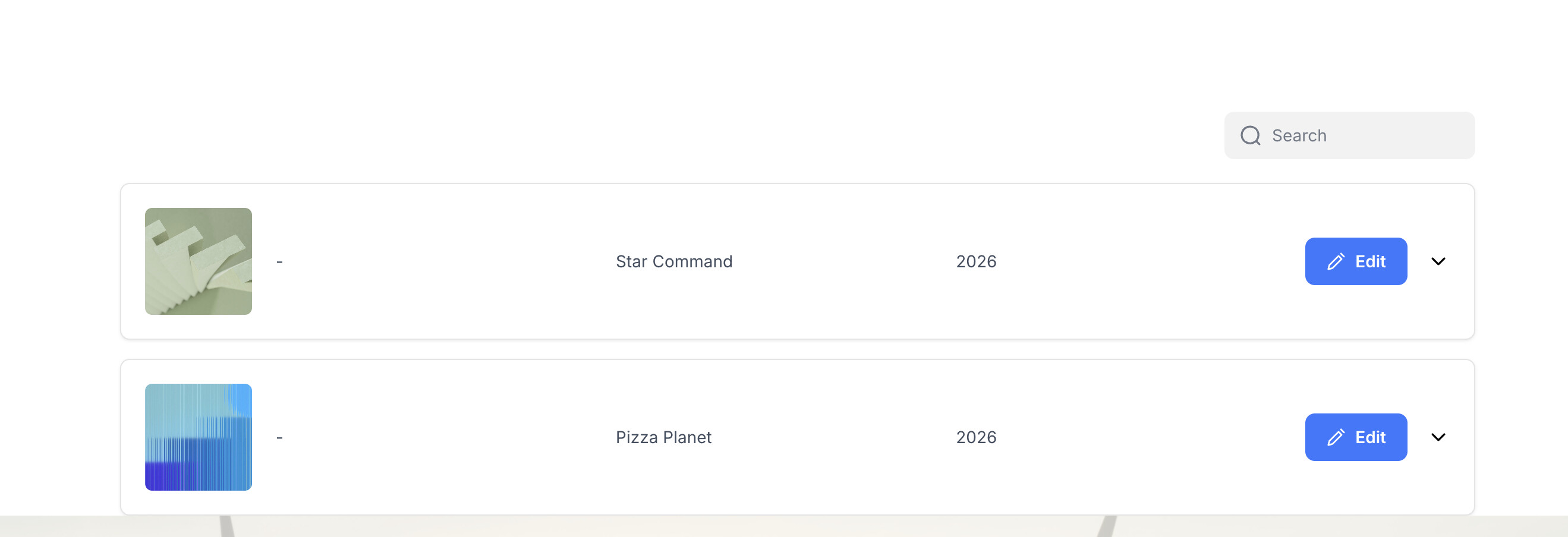
Then in the preview, without secondary section:
And the error message: