Hello, can anyone share custom code to change the size of the logo. For some reason it’s tiny - “7em”. Logo image has no class so it’s hard to style.
1 Like

1 Like
Thanks, I don’t know how I missed it. 
1 Like
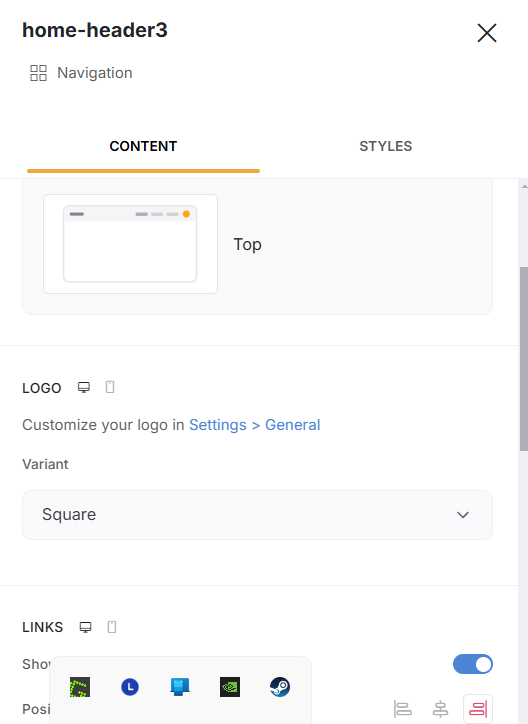
I have the same issue, and I still can not see the styling option illustrated on Suzie’s screenshot.
The block setting on the right side just says I should go the settings and it opens up this:
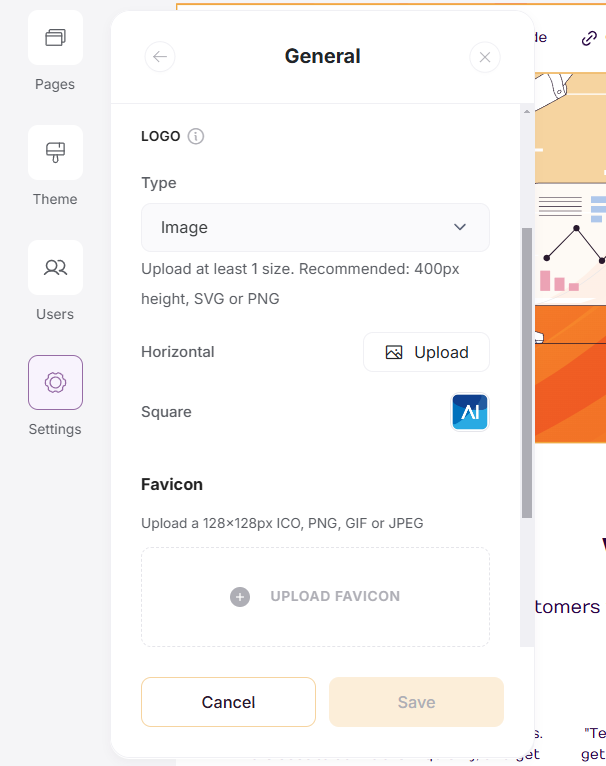
Was this feature retired? 
I had chatgpt write this code that i inserted in the footer custom code, and it did the trick:
img[data-testid="image-inner-img"] { max-height: 70px !important; /* Adjust size */ width: auto !important; height: auto !important; display: block !important; } /* If a parent container is limiting size */ .header-logo, ._937b739_1c9qxe35, ._937b739_1c9qxe37, ._937b739_1c9qxe30 { max-height: 70px !important; min-height: 70px !important; height: auto !important; overflow: visible !important; }Still would like to know if there is a setting though
Hey @martinb,
Currently this can be changed with a custom code as discussed in this thread. I’ll check with the team as well
I see you managed to change it with custom code as well.
I replaced my code with your suggested cod - seems to work better - thanks!
1 Like
Hi, i tried putting the custom code in, and changing the 1.3 to 1.2 or 1.4 but for some reason even when it says the changes were made, the logo still stays the same size?
Thanks
Still no setting for this? Still requires custom code if you’re upgraded to the latest version?
1 Like