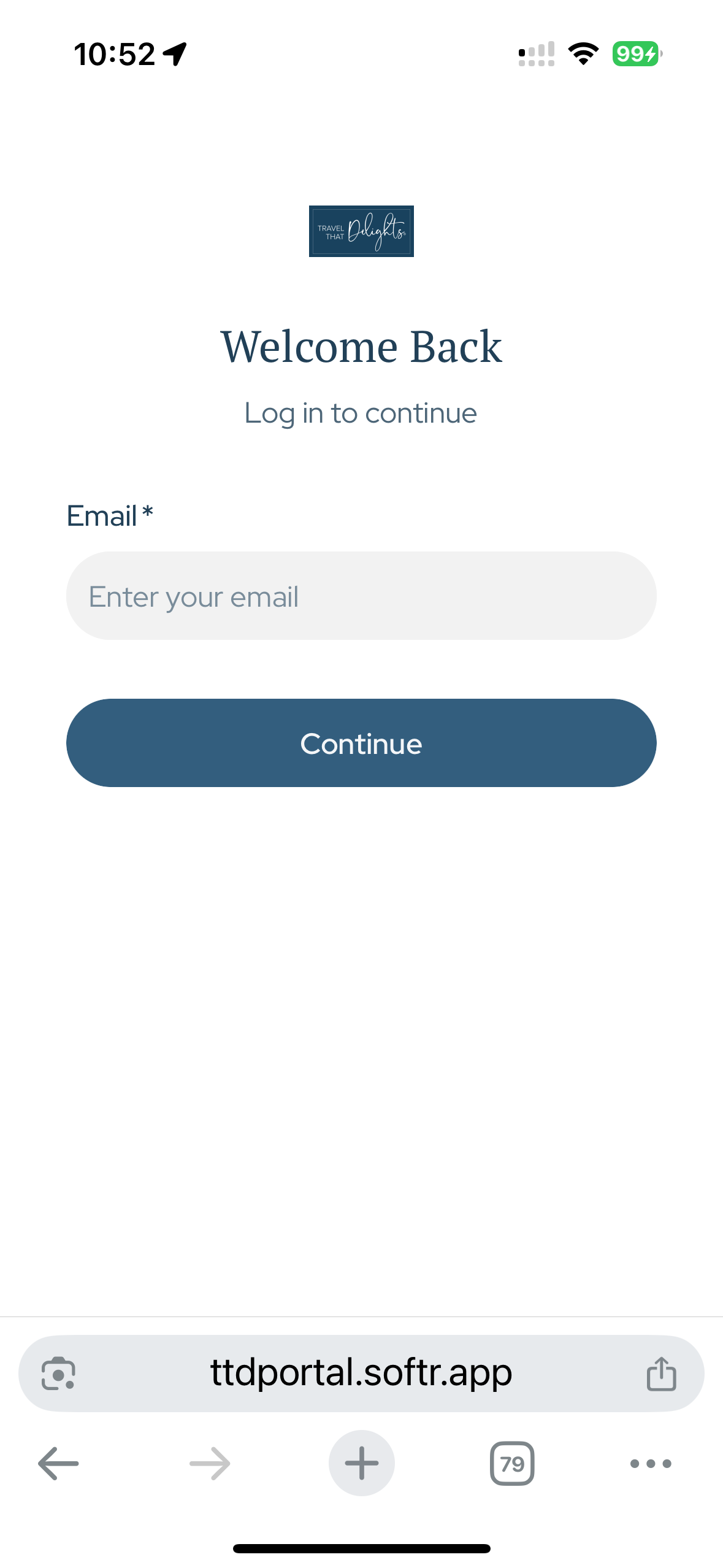
I found @matthieu_chateau ‘s code for increasing the size of the logo on the navigation bar. Does anyone have something for the login page? The logo size is miniscule and can’t be read on desktop, let alone mobile. And since there are no mobile styling options for the login page that I can find, there doesn’t seem to be a workaround solution.
Hi Kristin. To our dismay, “ the New Softr’s” styling was significantly reduced this year. For experts, not such a downfall though  .
.
What do you mean by this exactly?
Hi @matthieu_chateau -
I’m hoping for a piece of custom code that will increase the size the logo displays on the login screen. It currently displays so small it’s not possible to read on desktop or mobile. Tiny on mobile as well and no mobile settings available in the builder for this page. (Utility pages: log in)
Thanks for your help.
Ok,
To be inserted in page settings => custom code => header
<style>
#user-accounts1 img {
    transform: scale(2.1) !important; /* adjust 2.1 to suit your needs */
}
</style>
This should work properly. #user-accounts1 should be your login block ID.
Tested with the logo position above the login title. It should also work with the logo position at the top left corner of the screen.
Note that it works exactly the same for the Sign up page (if needed).
Thank you, Matthieu! Worked perfectly! 
Nice @matthieu_chateau! Can you also provide codes for customizing header links (i.e. size, spacing, etc.), like legacy blocks had?
Nope, the reason is that the header is too deeply integrated into the new Softr design system, so I just gave up on it. Not to mention, there are no stable CSS selectors for the header, so anything you try to do would be wiped out after any under-the-hood Softr updates.
Thanks for the explanation matthieu. @artur, it sounds like there is no way to customize header link size beyond the basic 3 settings in the studio. Is that accurate?