It is very convenient that HTML is allowed in various (almost all) dynamic blocks. This allows us to inject custom HTML and significantly improves the UI flexibility. However, HTLML is unfortunately not enabled within table blocks.
Example use-case:
We would like to display in one single table column a user and a user’s email address beneath in smaller font. Normally I could do this by generating a custom Airtable field with HTML code and using that as the display field in Softr.
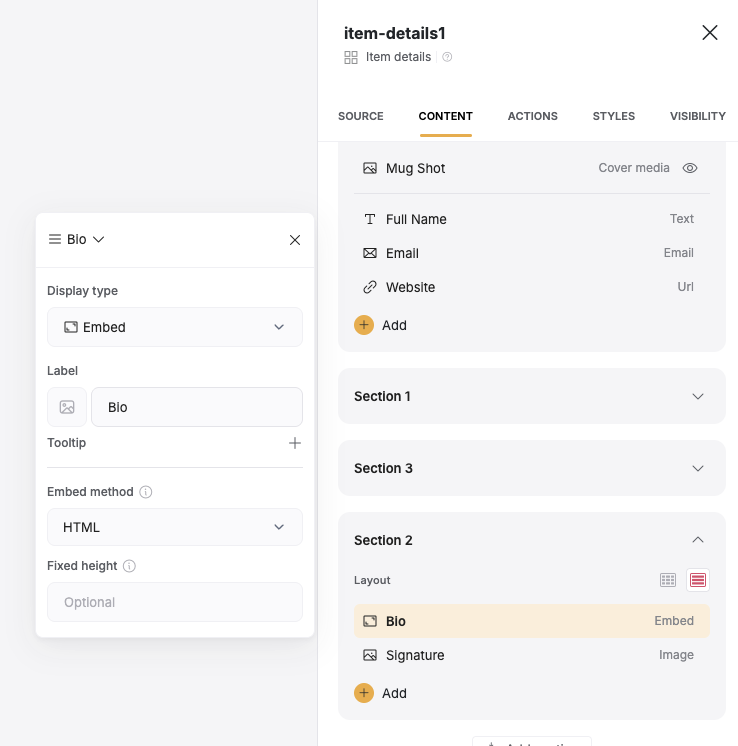
Well… i now found the Embed (HTML) options… That works ok’ish. but actually i want normal text from Softr DB text field to look normal, and only when there is HTML in it, it is displayed marked up… is that even posible?
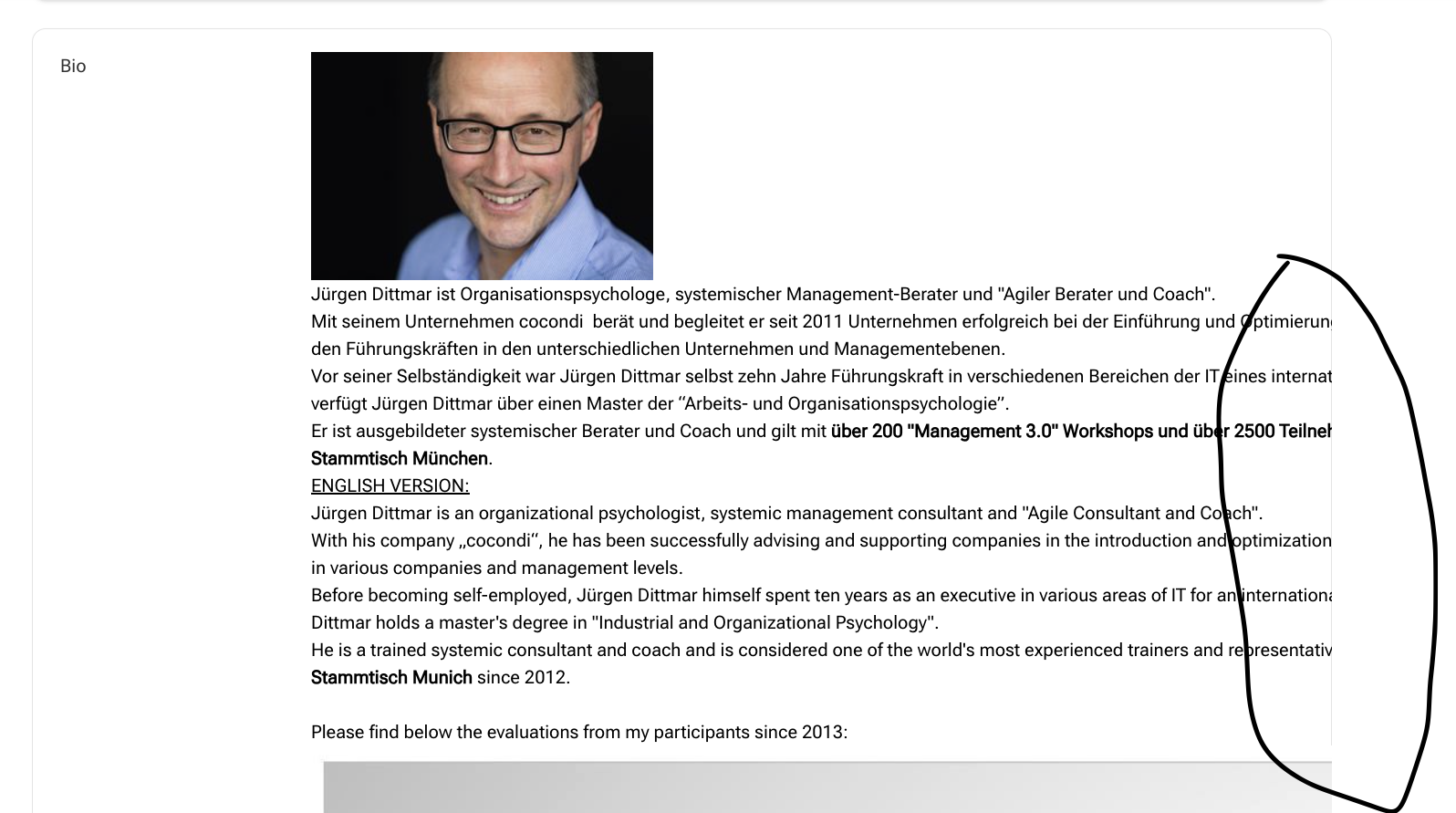
Hi, I’m getting somewhere here… but one strange behavior where you might help: The HTML-marked-up text and images are under/outside the block… any tips to make sure that does not happen? (see pics)