I know this might sound like a no-brainer, but I’m still having trouble finding the answer in the docs or on the forum. I’m trying to figure out how to resize fields in a list view. Right now, all the fields are the same size, which isn’t ideal for me. Any ideas on what to do?
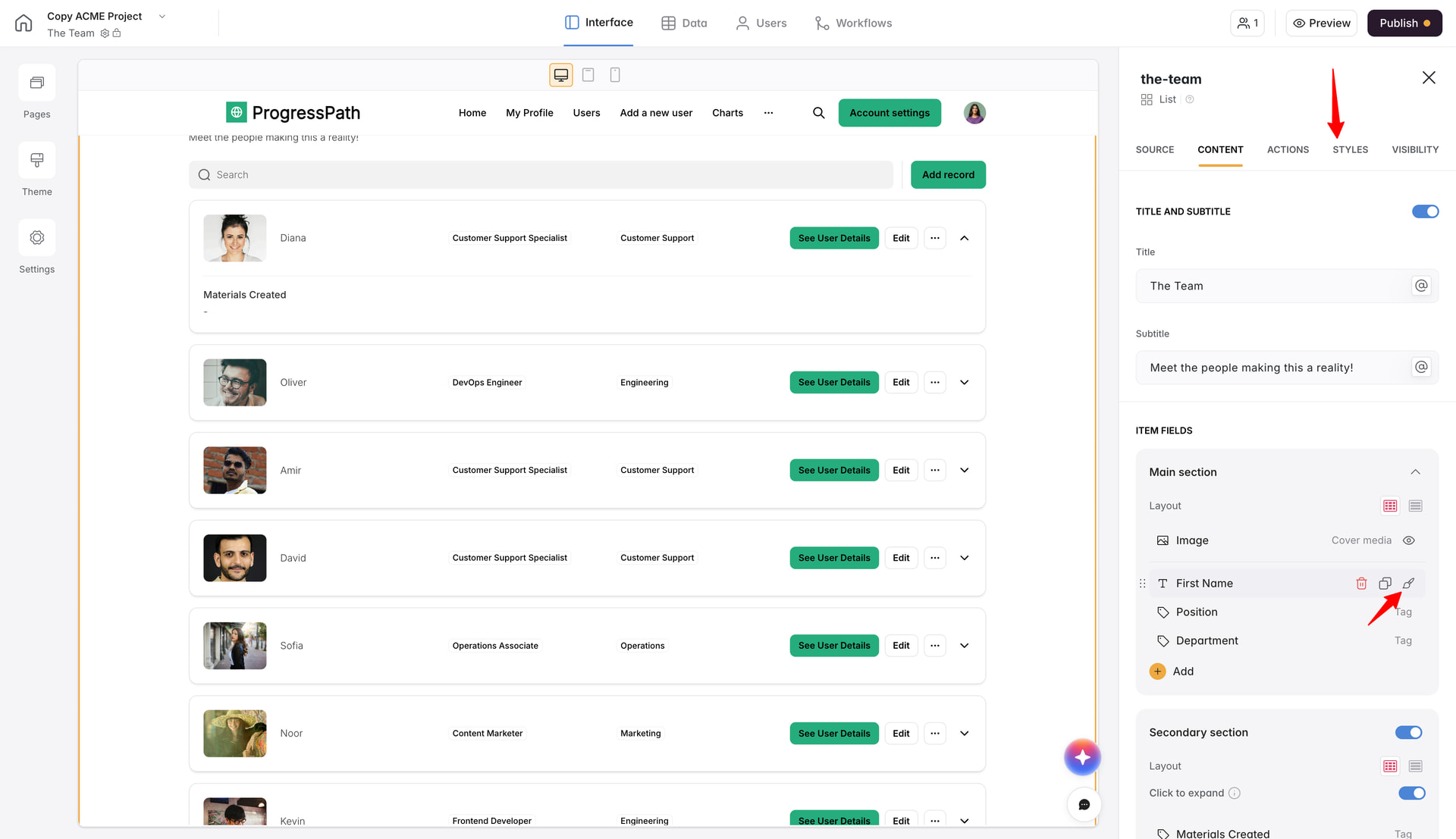
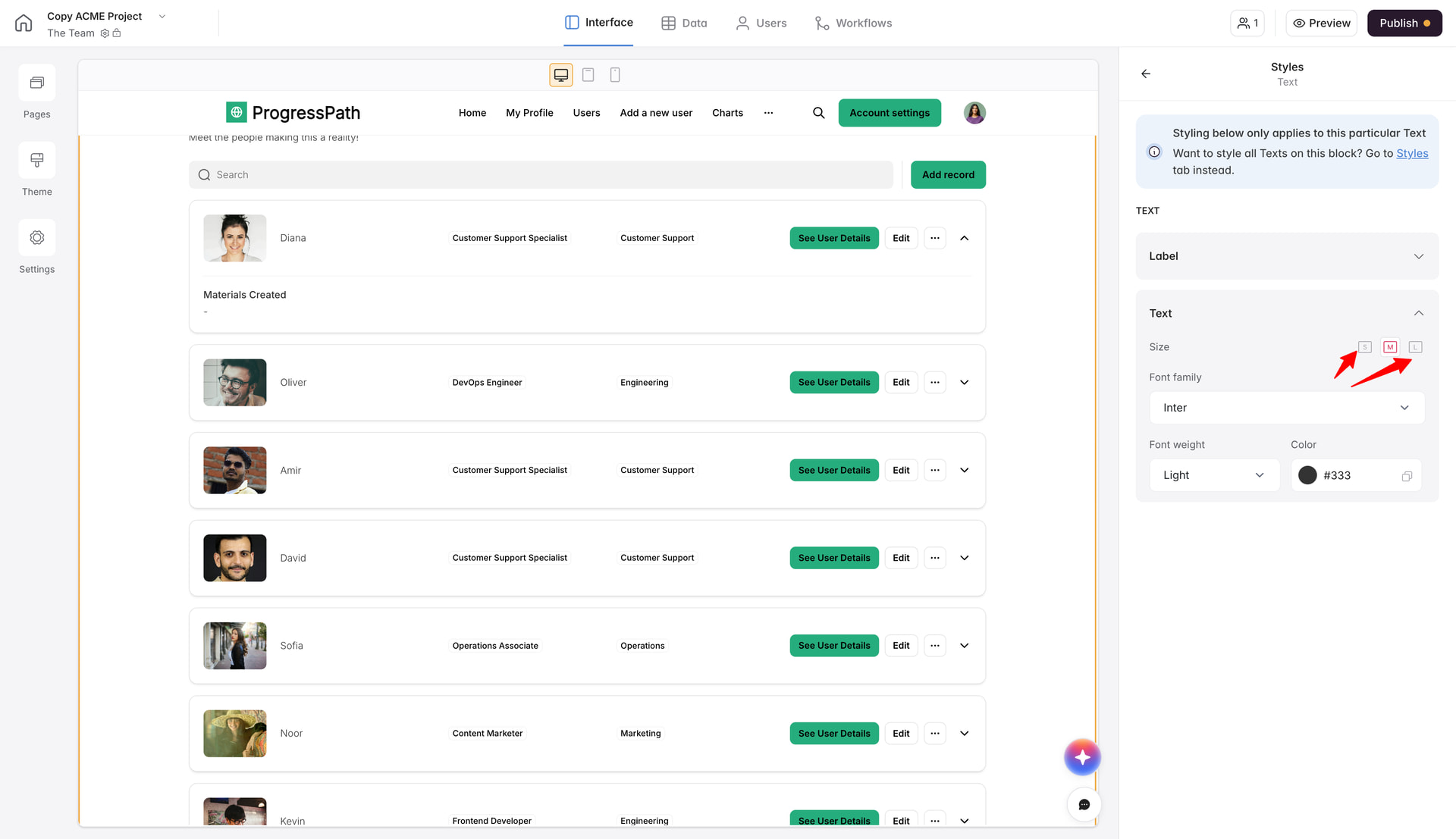
You can either hover on each item field, click on the brush icon and edit the style and size (if applicable for that particular field) separate for that field only, or you can change it checking the general styling for that block in Styles tab. Please check the attached screenshots for the reference:
I see. For some cases it will give you options to edit the size of not only the text, you can test around to see. Or you can create that list using Vibe Coding block and giving it a detailed prompt for the styling (and not only) you need