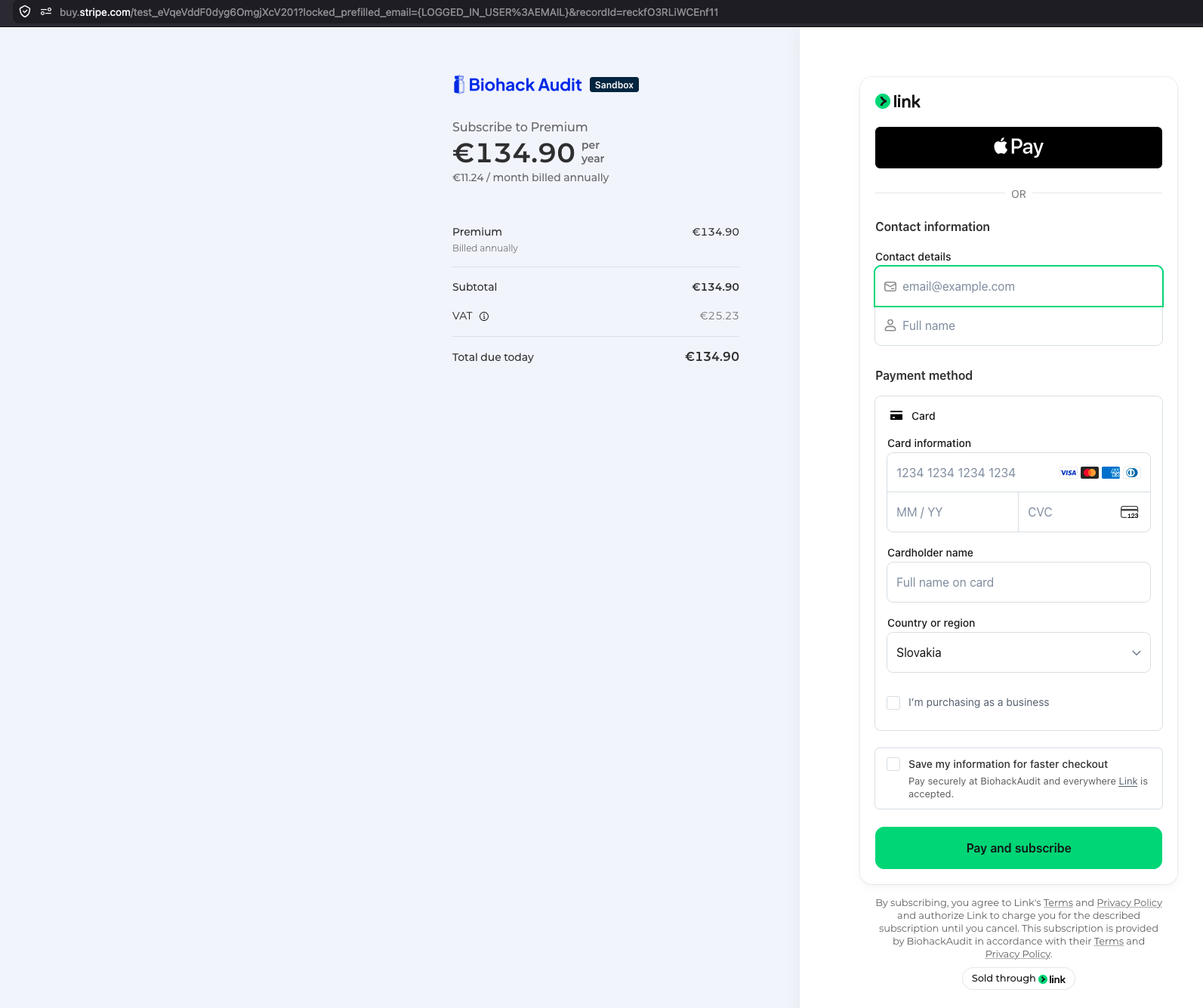
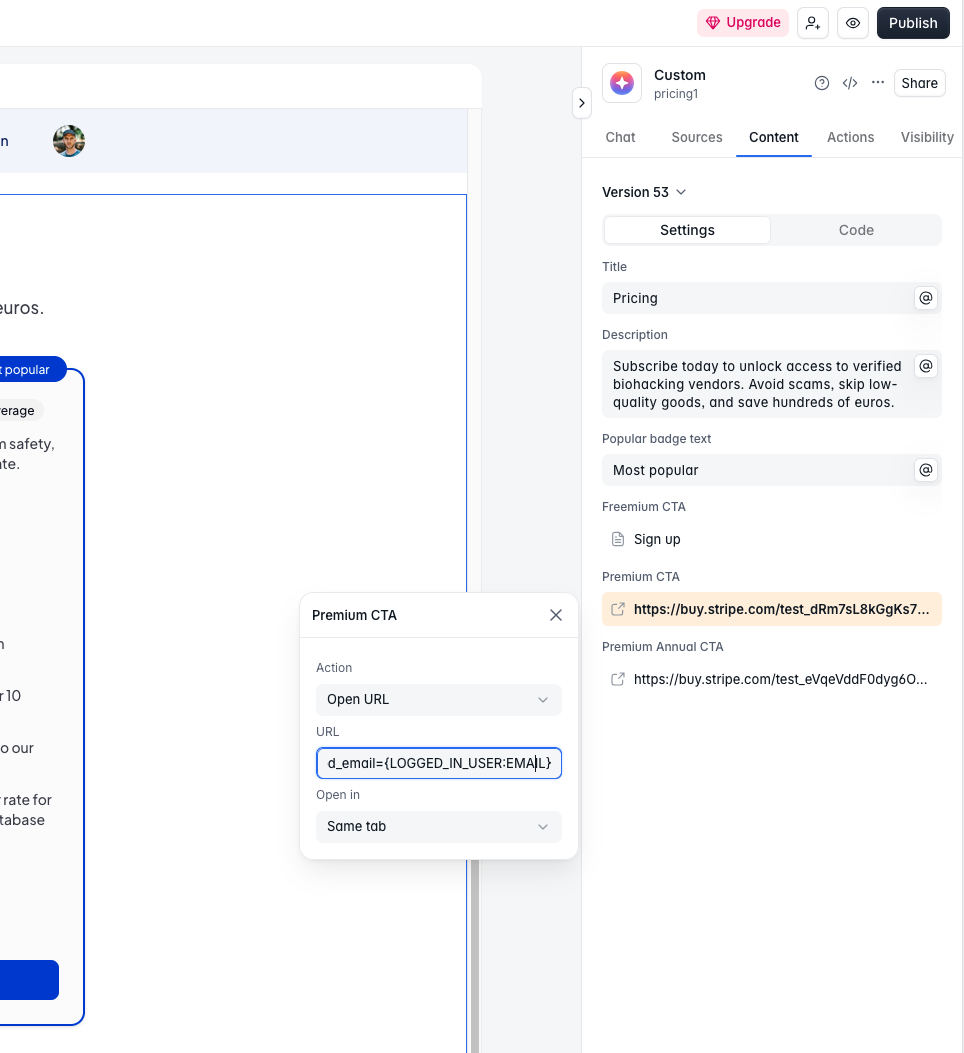
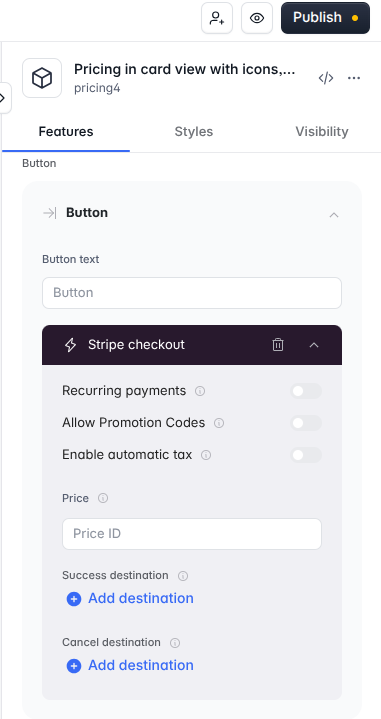
I got rid of Simple Checkout block because it does not support 3D secure verification and I replaced it with direct Stripe Payment links (by clicking on button from a Pricing plan)
The issue is that I am not able to pass locked_prefilled user email into Stripe links.
This variable displays correctly on Pricing page {LOGGED_IN_USER:EMAIL} but it does not send any data to Stripe Payment Link. How to achieve that?
If this won’t work then how can I reliably connect user with their plan? If during checkout they fill out different email, it won’t match and probably different email will get the subscription.
Btw in general, how do you guys achieve simple subscription with 3D secure verification option? It seems like rocket science to achieve this in Softr. I am very surprised and disappointed.
I managed to fix this issue by writing custom script that injects locked_prefilled_email and client_reference_id for button’s href in html (for each plan on Pricing page).
Then I also created two webhooks. One for Upgrading plan and second one for Downgrading plan(cancellation of subscription) and two automations in Airtable to handle Stripe payments and handle User table in Airtable(which is two way synced with Softr User table). Obviously based on Role field you create PAID and NON-PAID user groups in Softr, if you didn’t before.
Important details are that I used client_reference_id to match user in database(not email) and also Stripe serves as single point of truth, so I disabled the Role field in Airtable to be only edited by automations.
If anyone runs into similar issue, feel free to reach out. I might send specific codes which will need to be adjusted to your case of course.
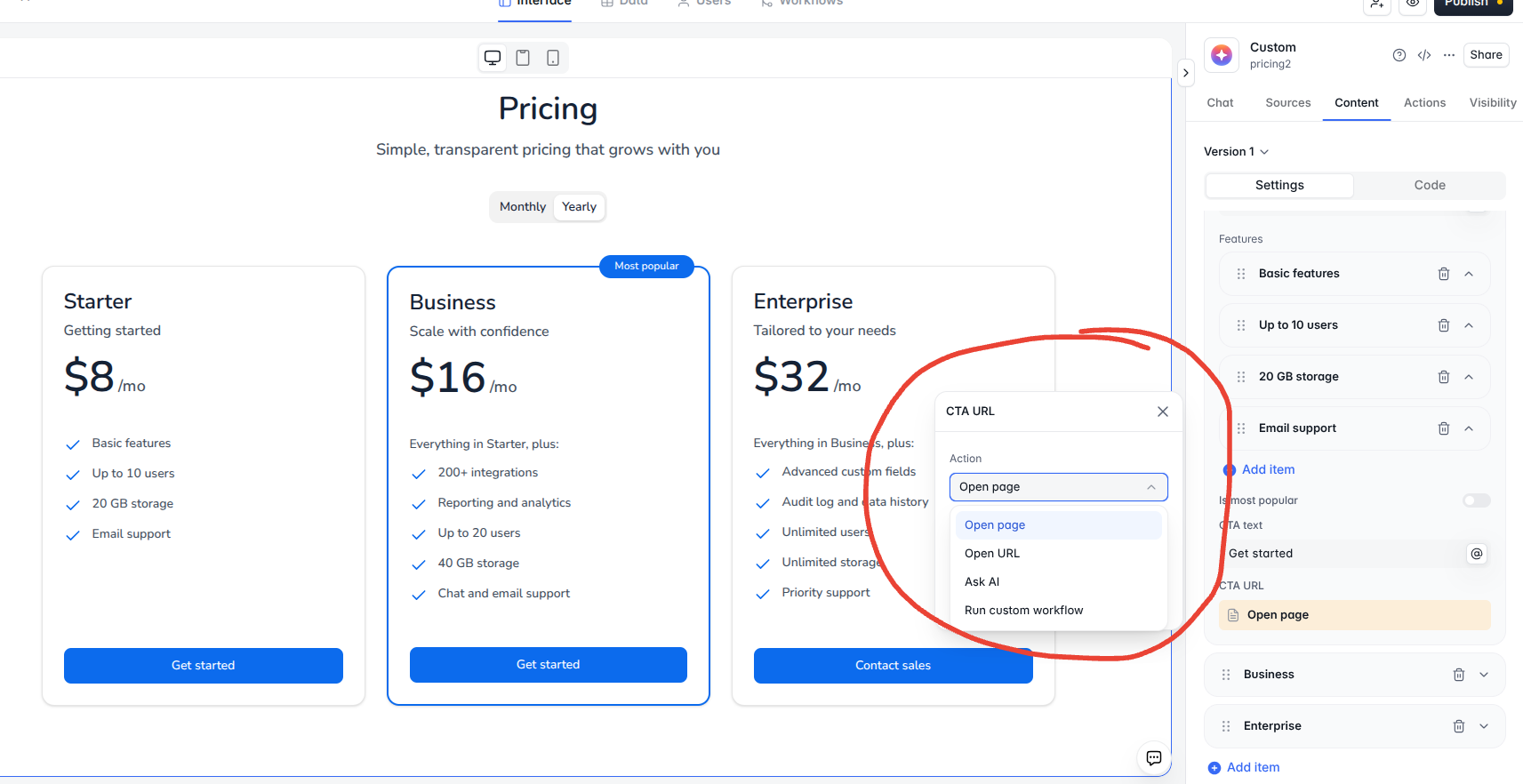
@JadedJared We are running into the same problems here. It looks like Softr prioritized AI over no-code user friendliness when designing the current pricing blocks. Not only is there no way to pass user email addresses to Stripe, like legacy pricing blocks, the pricing buttons do not even map product info to the native Simple Checkout Out block, which Softr support suggested I connect it to.
Legacy pricing blocks were mapped to a Stripe hosted checkout page that corresponded with your Softr pricing block product. All you had to do was plug in your product price Id, Softr redirect page, and it would map to a Stripe checkout page with the user’s email already populated on it. Simple, direct, and straightforward:
Instead of AI making this “no-code” feature more user friendly, it has creeped in more costs AND complexity for both builders and end-users. @Artur, I suggest Softr re-deploy Stripe pricing/checkout functionality more like your legacy blocks had.
Worth knowing Stripe payment links take a prefilled_email query param, so your script can just append the logged-in user’s email to the link instead of rewriting the button markup. Cleaner than DOM surgery and it survives block updates.
Thanks, but this is LESS simple and straightforward than legacy blocks’ no-code configuration, and Softr’s Stripe workflow actions don’t include creating Stripe Payment Links yet: