Hi there!
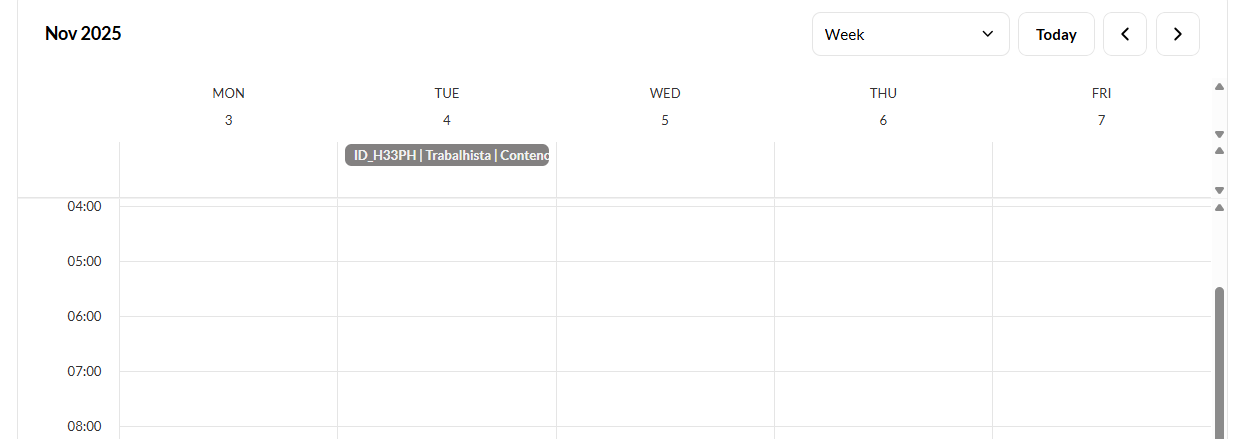
I would like to request a feature that allows us to hide time that is displayed in the Calendar Block.
For us, the date is important, but the time does not matter, as we are managing tasks that must be done during the day.
Hi there!
I would like to request a feature that allows us to hide time that is displayed in the Calendar Block.
For us, the date is important, but the time does not matter, as we are managing tasks that must be done during the day.
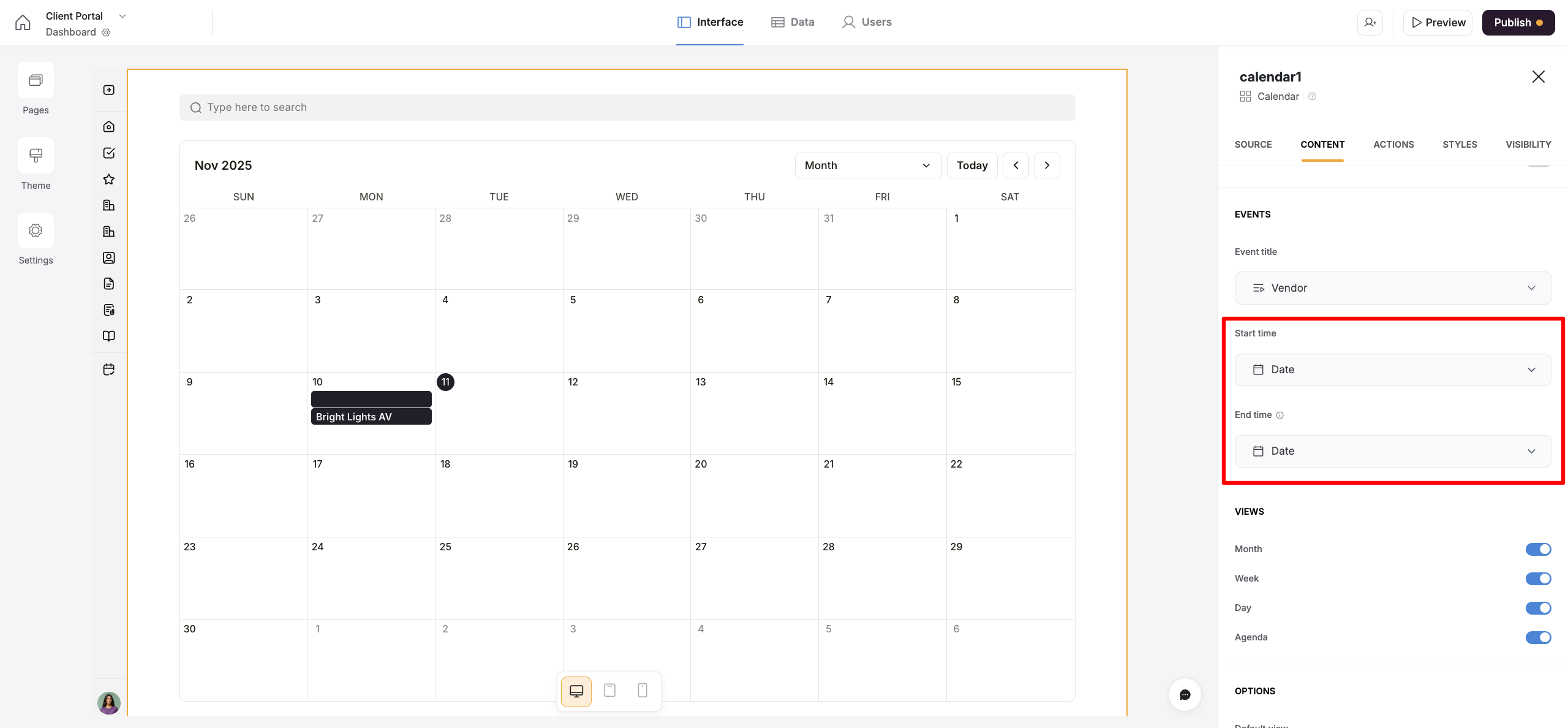
Could you please check if, by any chance, you’re using a Created Time field in your database as the Start Time or End Time field in the calendar block?
If that’s the case, please try switching to a Date field that does not have the time option enabled. This will display the events on the calendar without specifying any time for them.
Hi @sveta.ohanyan ! I am using a date field.
When I select the monthly view, it works. But the “week” or “agenda” view does not work.
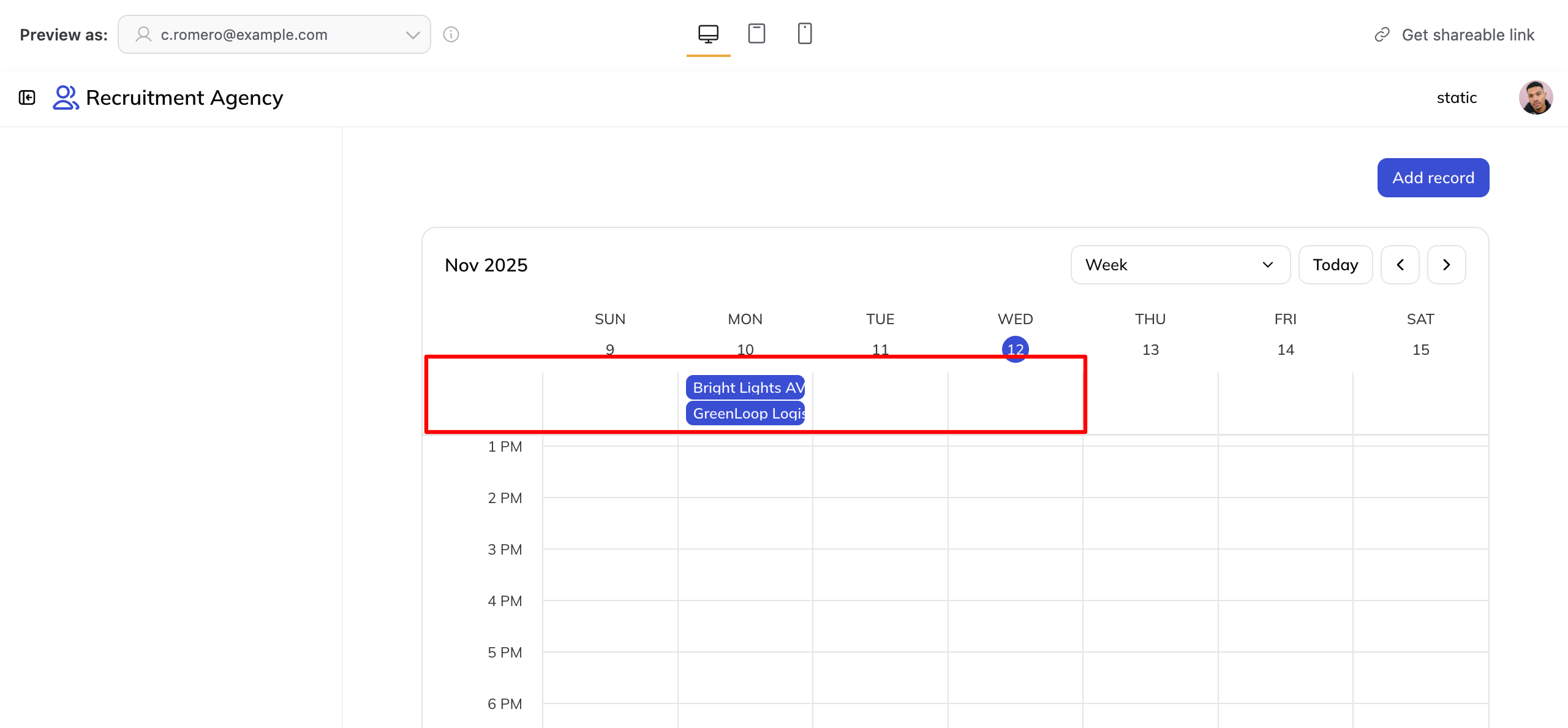
As you can see, when in the Week view, there is still no specific time slot assigned to events that only have dates but no time set. This is the intended behavior.
The purpose of the Agenda view, on the other hand, is to display what events are scheduled per hour for each day. If no time is specified for an event, the view will automatically assign it a 12:00 AM – 12:00 AM range, indicating that it’s meant to last for the entire day.