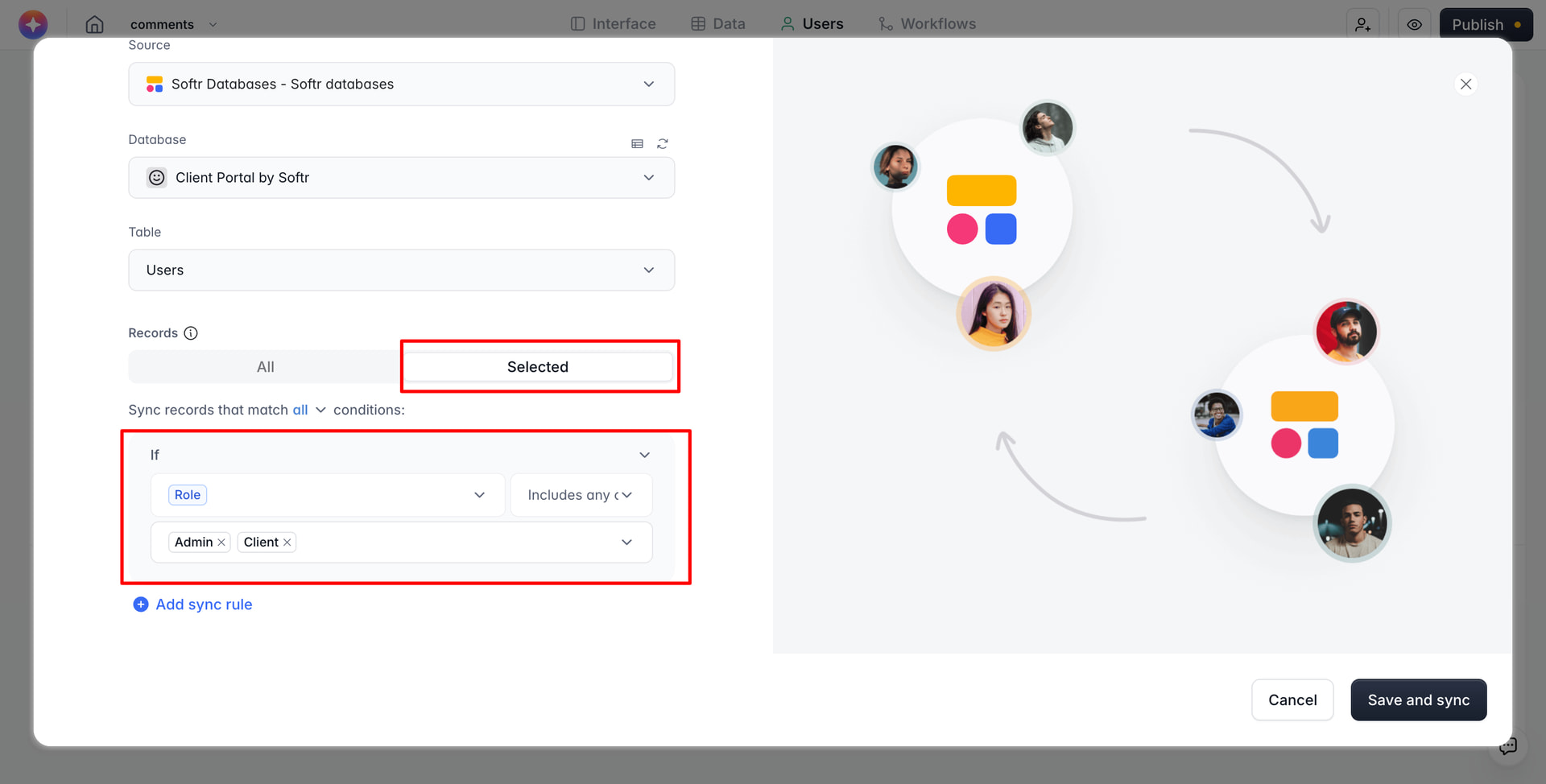
Hello, I am trying to manage my active users so I can stay within my softr subscription limits. Based on other post in the features requests section I am testing conditional user syncs with auto deactivation. But I am concerned my logic is flawed and am hoping someone can help me better understand and course correct if needed.
My desired logic is that is a user is inactive for 90 days they will be deactivated in softr so I can reclaim that user “license”
My users originate in an airtable and are sync’d into softr, previously using the “all” setting in softr user sync. “last seen” dates from softr are sync’d inot the airtable, so I created two new fields to determine activity:
- “Days inactive” counts he days between the last seen date and today
- “User Status” uses a formula to set the status depending on the number of day in the previous field
- Equal or Greater than 90 = “Inactive”
- Equal or less than 89 = “Active”
- No last seen date = “Never logged in”
Here is where things go sideways…
The softr “auto-deactivation” is based on whether a currently sync’d user ceased to be sync’d. So using the airtable information previously mentioned, I create a sync rule that says “only sync users that are NOT “inactive” (using the airtable “user status” field). Softr documentation says:
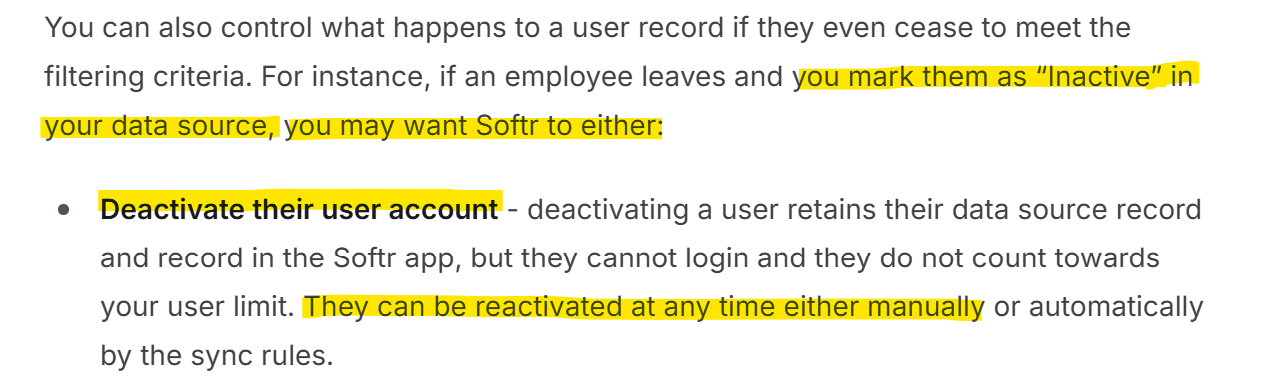
Let’s assume this is working as expected. What happens when I manually re-activate a user in softr (which I just tried). The user still shows in softr user management no longer being sync’d even though I have re-activated their softr account. The source data hasn’t been updated to reset their log in counter or status, so the current state still meets the sync rules to NOT sync this user.
So how is this re-activation supposed to work?
If I change the logic to begin the reactivation “process” in the airtable data, and manually set the user status to “active” that would theoretically start sync’ing the user in softr, but what would trigger softr to “re-activate” the user?
Furthermore softr doesn’t sync “activation” data into the data source which just adds another layer of confusion when trying to operate solely in the data source.