Having unknown issues without making any changes…
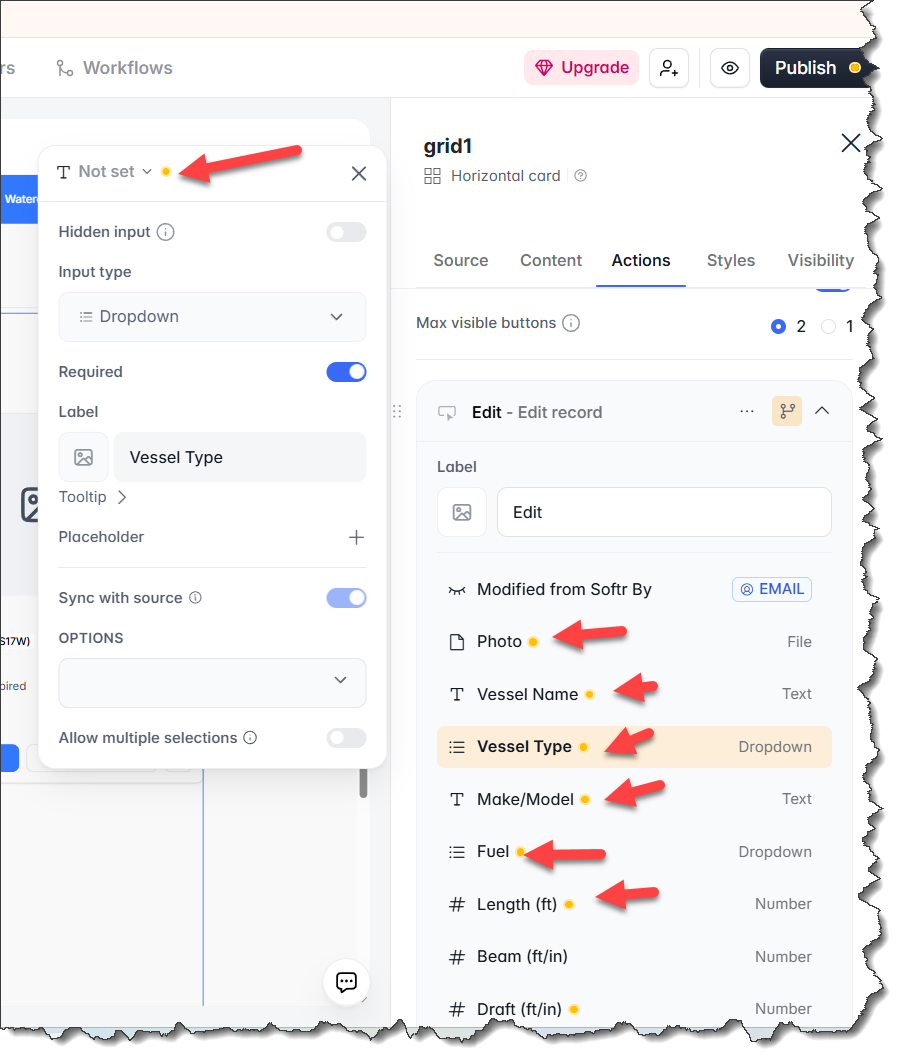
All fields in the Edit record dialog were changed to “Not set”.
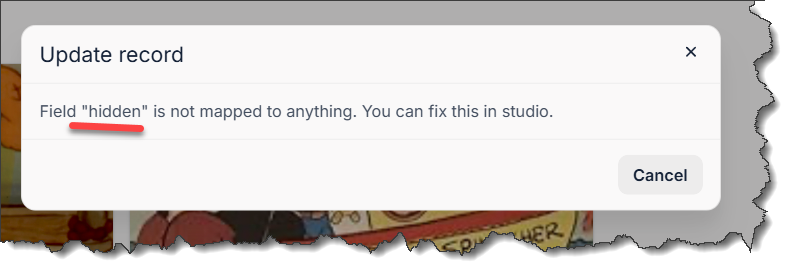
This is the error the user sees.
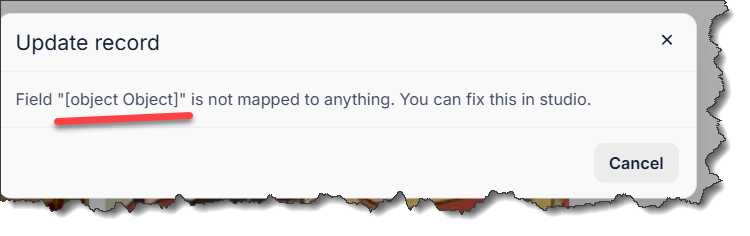
After reassigning the fields in Studio, I get this error. All the fields are assigned, with no unassigned field remaining.
Please help.
Looks like you need to remap the fields. Softer does not allow any of them left as “not set” without the user getting an error.
Click on “not set” to choose the field.
Or delete the item completely.
My issue is the fields were all assigned and this page was working and being used members. Something happened in the Softr or AirTable systems that unassigned all the fields and now I’m not able to reassign them without getting the object error
That sounds frustrating, I understand now.
Perhaps the only way to progress is to delete the button and start afresh?
Hi @PYCAdmin
Were all these fields hidden fields before?
No, two were hidden; the rest were regular fields.
The fields in the block editor did not display the “orange” icon, indicating an issue. The page had been working and was being used by members.
I took @MarkSchofield’s advice and rebuilt the page. But first, I tried various things with copies of the original page. I changed the source table to another table and then back again. I tried editing and deleting the fields one by one to see if it was a specific field. Every time I would get the error “Field [object Object] is not mapped to anything.”
I found that after deleting all the fields, adding a field back worked. So I deleted everything and started fresh.
I see, thank you for letting me know.