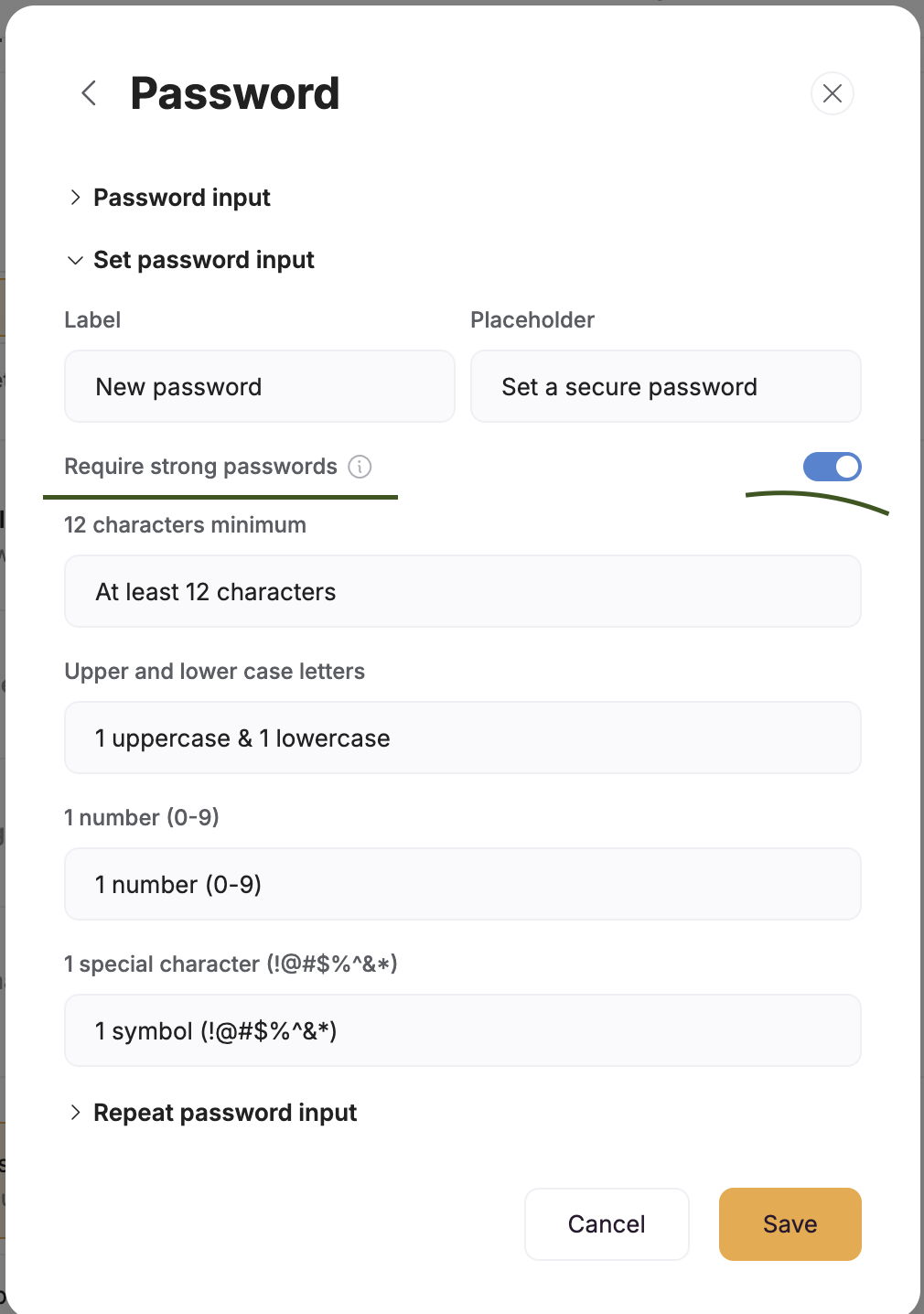
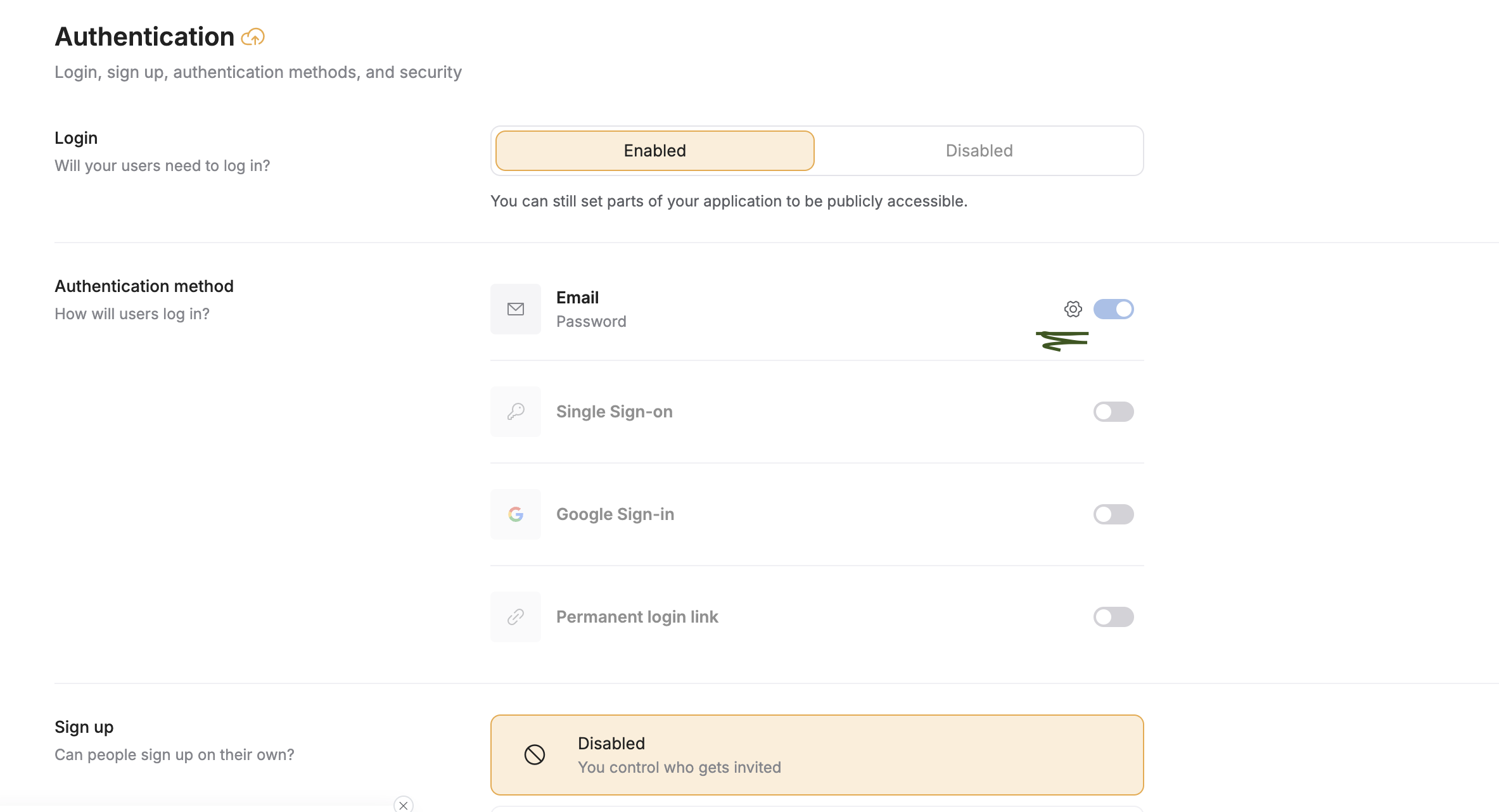
I can’t see any info about this on the User Authentication documentation, but does softr’s authentication provide
password complexity requirements?
password re-use checks?
timeouts on multiple failed login attempts?
Admittedly, Softr doesn’t say anywhere that they provide the above, but I would have thought these were common-sense, basic requirements of a secure authentication system?
That’s a fair concern. At the moment, Softr doesn’t clearly document password complexity rules, password reuse checks, or lockouts after multiple failed login attempts. Those settings aren’t exposed or configurable from the user side.
Softr’s auth is designed to be simple and managed for you, which works for many apps, but it does mean less visibility and control over specific security policies. If your app needs stricter or clearly defined requirements, you’d likely need to add an external authentication layer.
It would definitely help if Softr documented this more explicitly.