Hey all
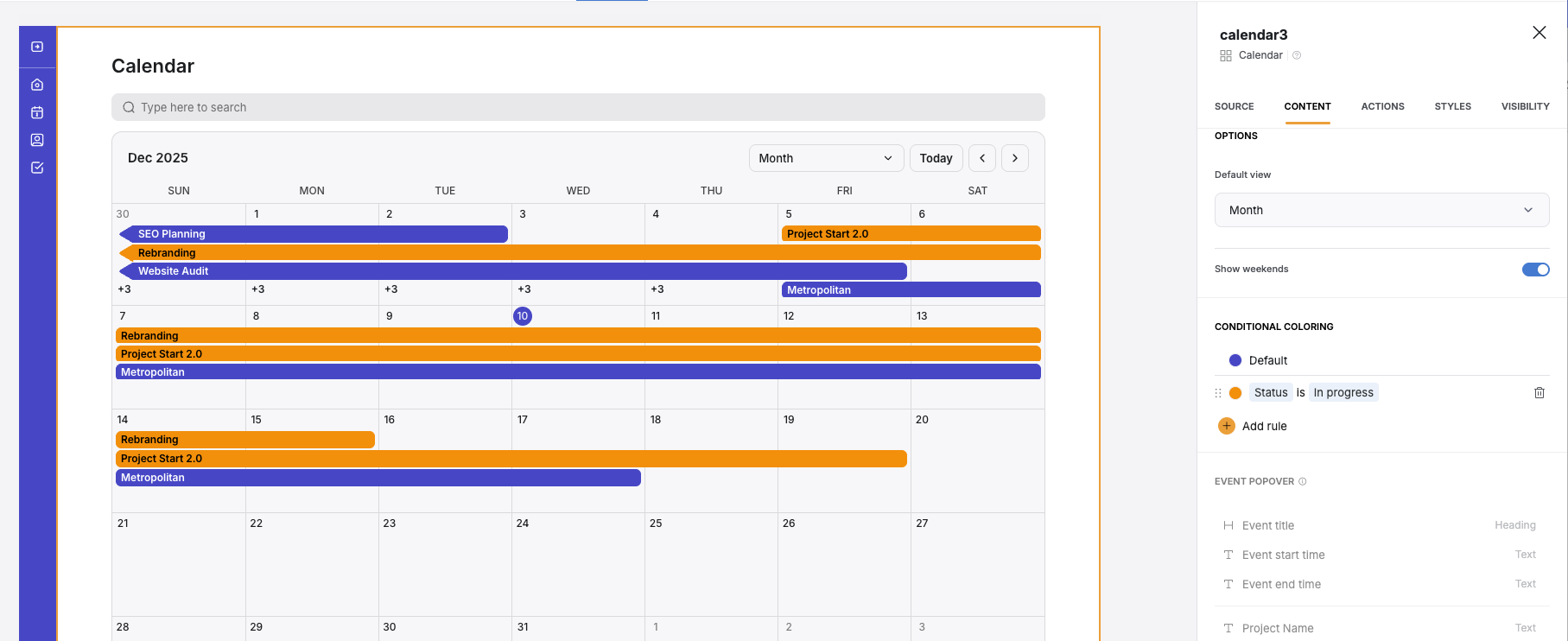
Today we launched conditional coloring for the calendar block, which means you can set rules to color events based on:
Project status
Priority level
Task counts or deadlines
Owner or team assignment
Any custom field from your database
Try it out in Calendar block → Content → Conditional Coloring and let us know what you think!
p.s. You can also check out and support this feature launch on LinkedIn
2 Likes
Really nice upgrade to our calendar block!!!
1 Like
FloAPI
December 10, 2025, 5:26pm
3
Great!! is it already on live?
1 Like
FloAPI
December 10, 2025, 5:34pm
5
nothing for the moment on my softr studio, maybe i would wait few minutes?
1 Like
For calendar block: Is there copywriting any time also planned? Example: Change the button “Today” to german “Heute” or set week to “Woche”, “Month” to “Monat” and so on.
artur
December 10, 2025, 6:59pm
8
@marc-encawa can you check after refresh ?
Got the softr refresh a bit later @artur now it works
artur
December 10, 2025, 7:47pm
10
@FloAPI I think once you refresh and check you will see it
Agudah
December 10, 2025, 9:26pm
11
What a great update! Thank you!
I refreshed my page and republished it, and I still don’t see it in my calendar block. Is there something else I should be doing to see it?
artur
December 10, 2025, 9:38pm
12
Can you add new block and check, asking as not sure how old your current calendar block might be
Agudah
December 10, 2025, 9:52pm
13
Yes, just did that, and I still don’t see the option to have conditional coloring
StevenQ
December 10, 2025, 10:18pm
14
Hi all,
12 Days of Softr. Great Idea.
I’ve already enabled Single Page App and am looking forward to the next present.
As for conditional colouring. It’s an awesome new feature. I’ve been waiting on this one.
I’ve tried the steps suggested by Artur, but it still won’t appear for me.
I have:
1 - refreshed
2 - cleared browser cache
3 - inserted new block
4 - published and repeated the above 1-3
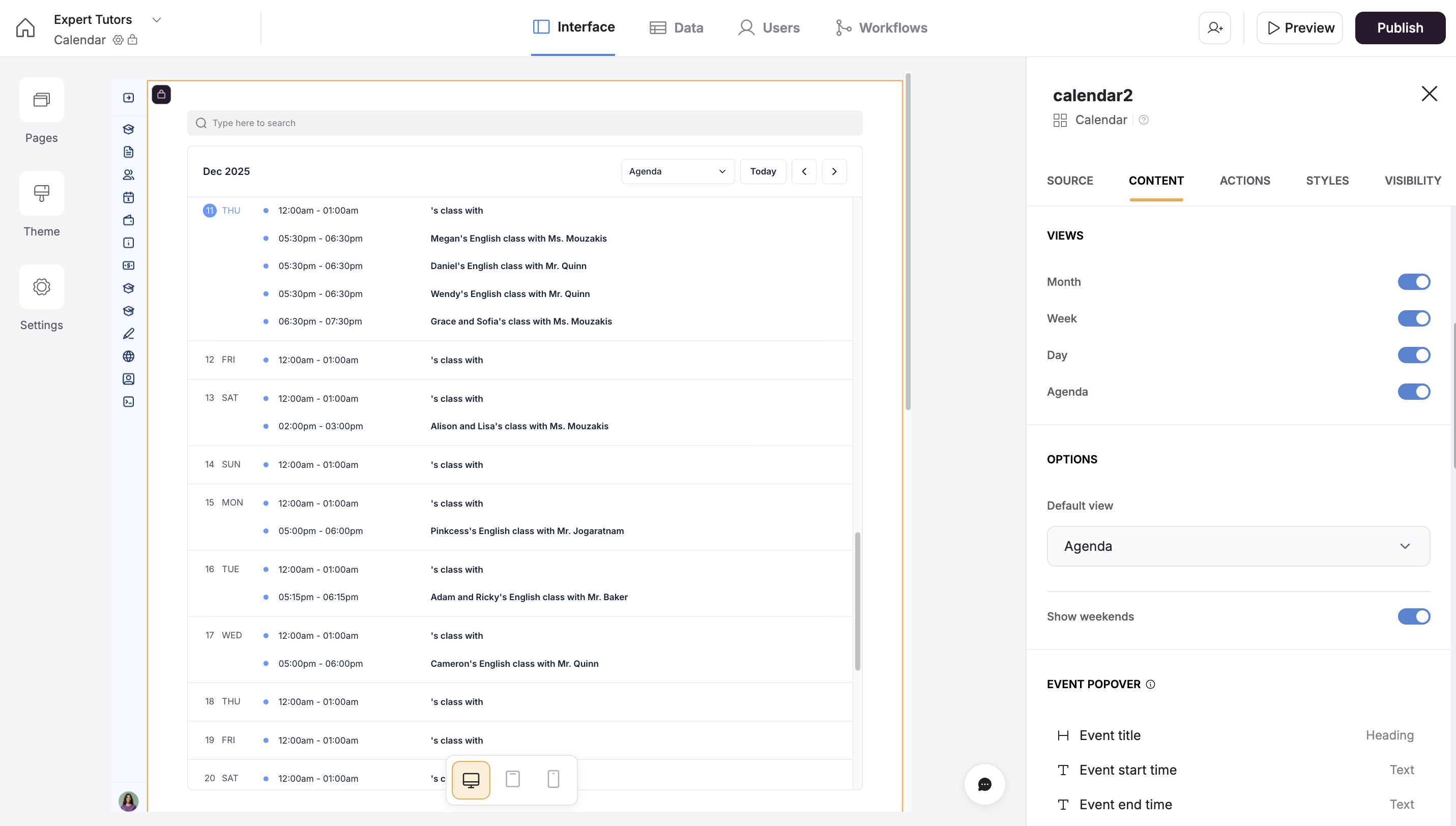
I’ve included a screenshot below.
Any help is much appreciated.
Thanks,
Steven
StevenQ
December 10, 2025, 10:35pm
15
Hi again,
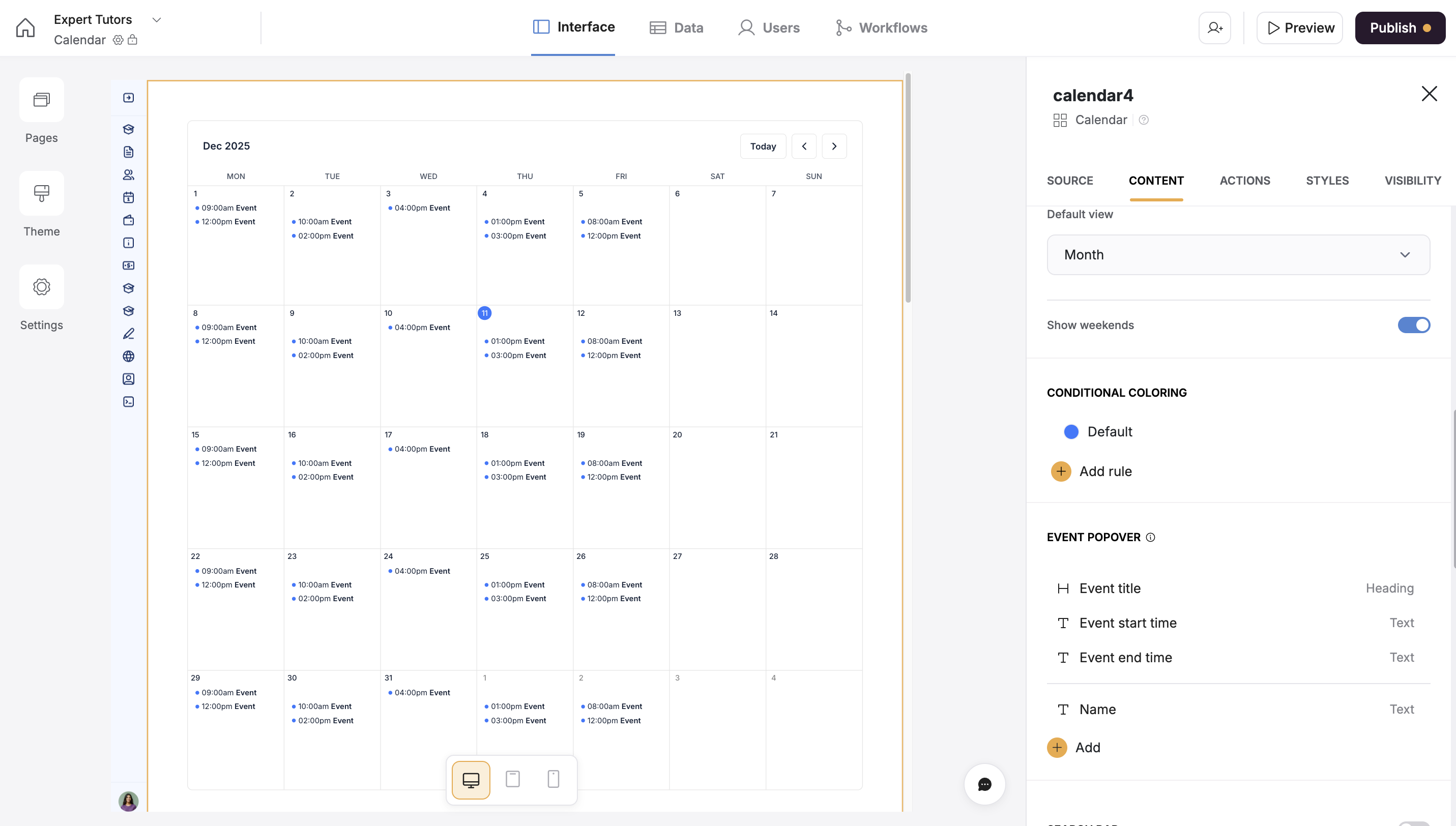
After a bit more playing around, I see that conditional colouring is visible when the Calendar block uses a native Softr database as its source . However, it is not visible when using Airtable as a source.
Just checking on whether there is any plan to extend this functionality to external data sources?
To be honest, I now much prefer using Softr Database and Workflows over Airtable, but recreating the legacy work put into the Airtable database and automations inside of Softr is not on my agenda.
I suppose I could create a mirrored table as a workaround.
I’ve included a screenshot of the working conditional colouring option in the calendar block.
Any pointers are much appreciated.
Regards,
Steven
1 Like
artur
December 10, 2025, 10:52pm
16
Hey folks one clarification for Airtable only, this will be available in a week from now
1 Like
StevenQ
December 11, 2025, 12:16am
17
Thanks for the prompt reply, Artur. I’ll check in then.
Ah ha — thank you for this clarification, @artur . Very very excited to implement this update!
@Jjenglert something like this is possible in future?
artur
December 13, 2025, 12:56pm
20
@marc-encawa we might have ways shared in community how to do it via bit of code… need to search…
 , Erin here from the Softr team.