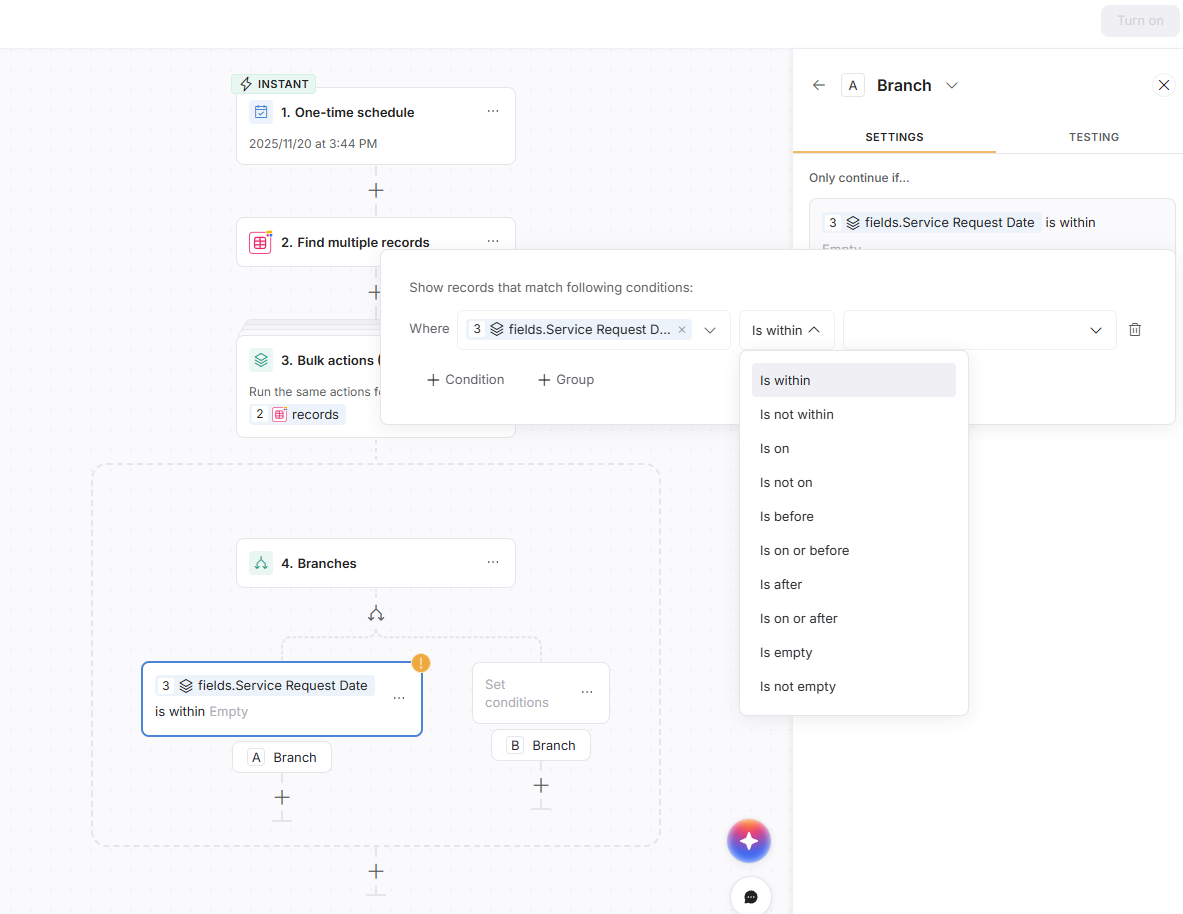
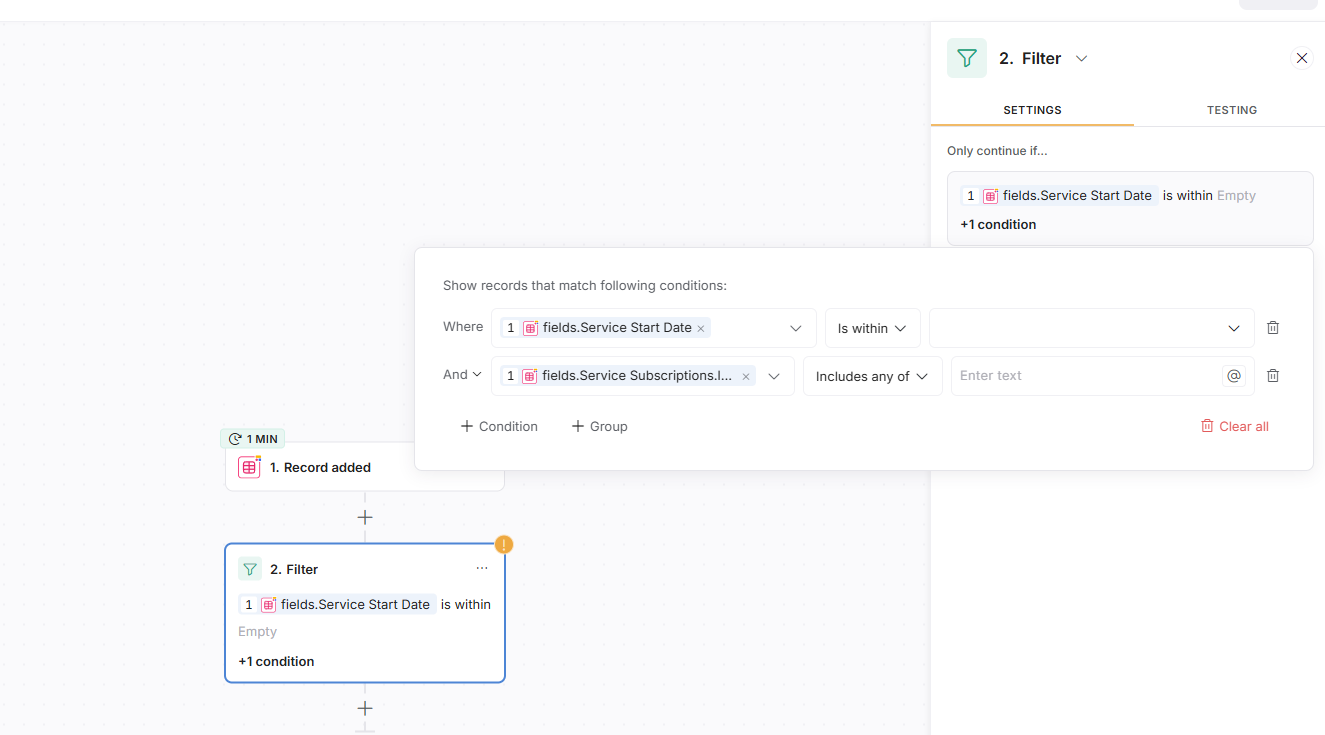
I see the feature when I use the query here
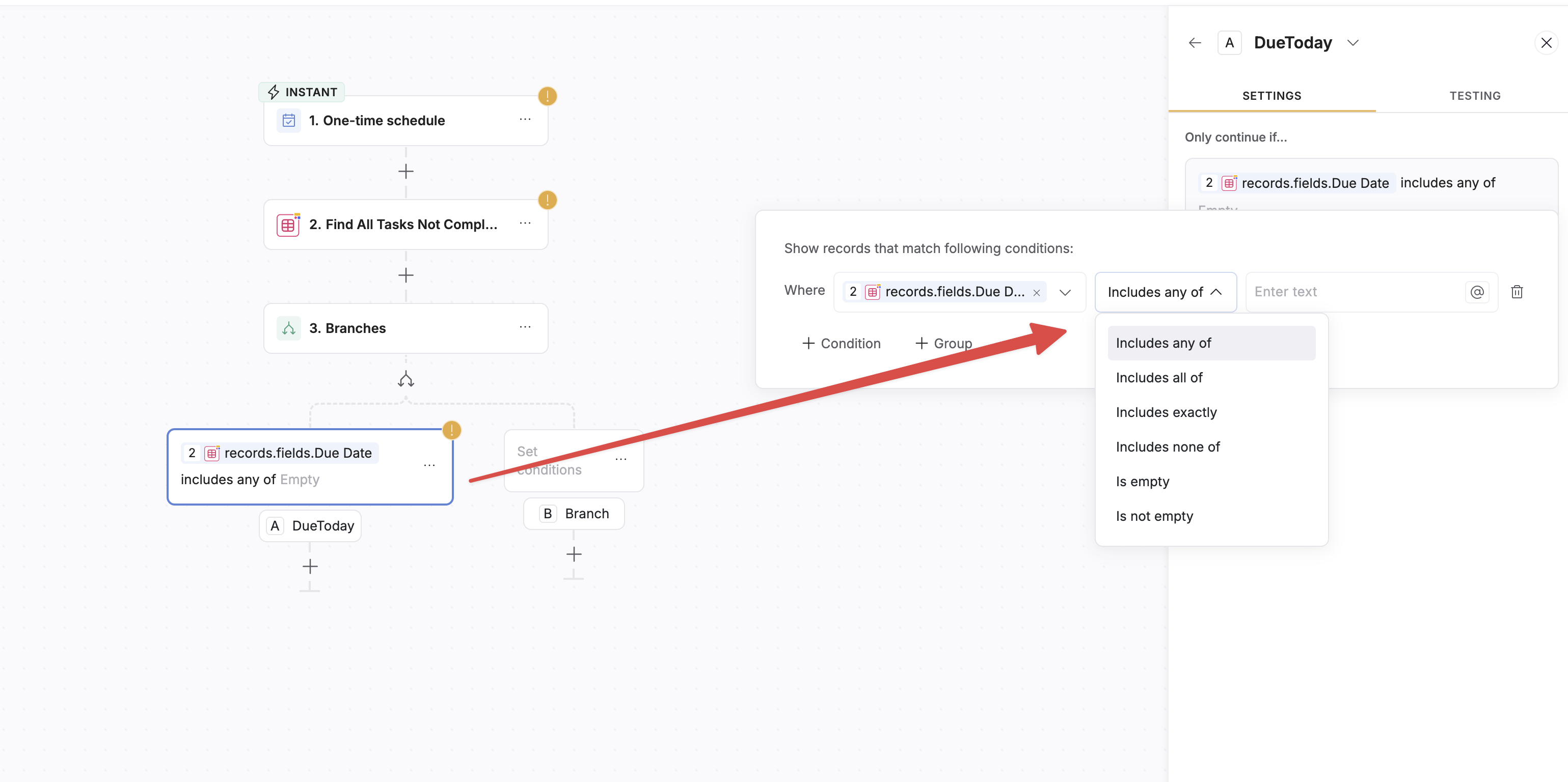
but not later on in the branch area
Thanks
Updated response: Looking more at your flow, it appears that the step 2 is going to return multiple records and not just 1. This is similar to what I describe below in that there will be multiple results returned and therefore you cannot evaluate the single date field in the branch.
You may/should be able to loop through the items before going into your branch, and then on your branch reference the current record date field. That may give you the filtering results you are looking for.
Here’s an example:
Original response below:
I encountered this issue with workflows as well. From my testing, the issue is not related to the position in the branch, but rather the setting on the field you are referencing in the 2nd screenshot (records.fields.due date). For linked records that link to multiple items, you get the “included any of” list, but if you point to a field that only links to 1 item, then you get a different set of filters like what you see in step 1.
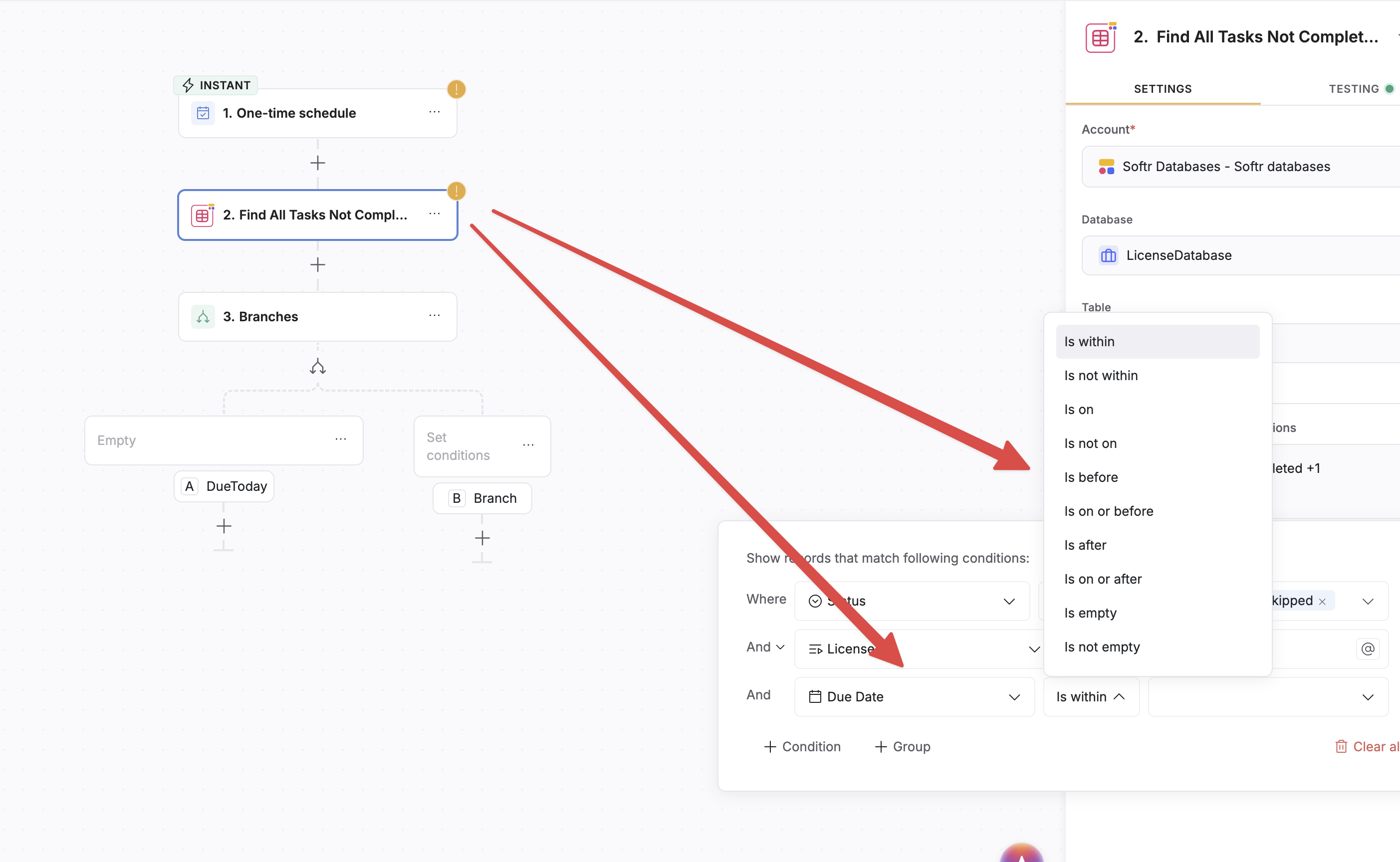
Below is a simple example where even within the same step, the comparison logic is different based on the referenced field. In the screenshot below, Due Date is a date field that holds 1 value, while subscriptions is a linked record that allows linking to multiple records.
good point I noticed that after but then never went back to test date again let me do that.