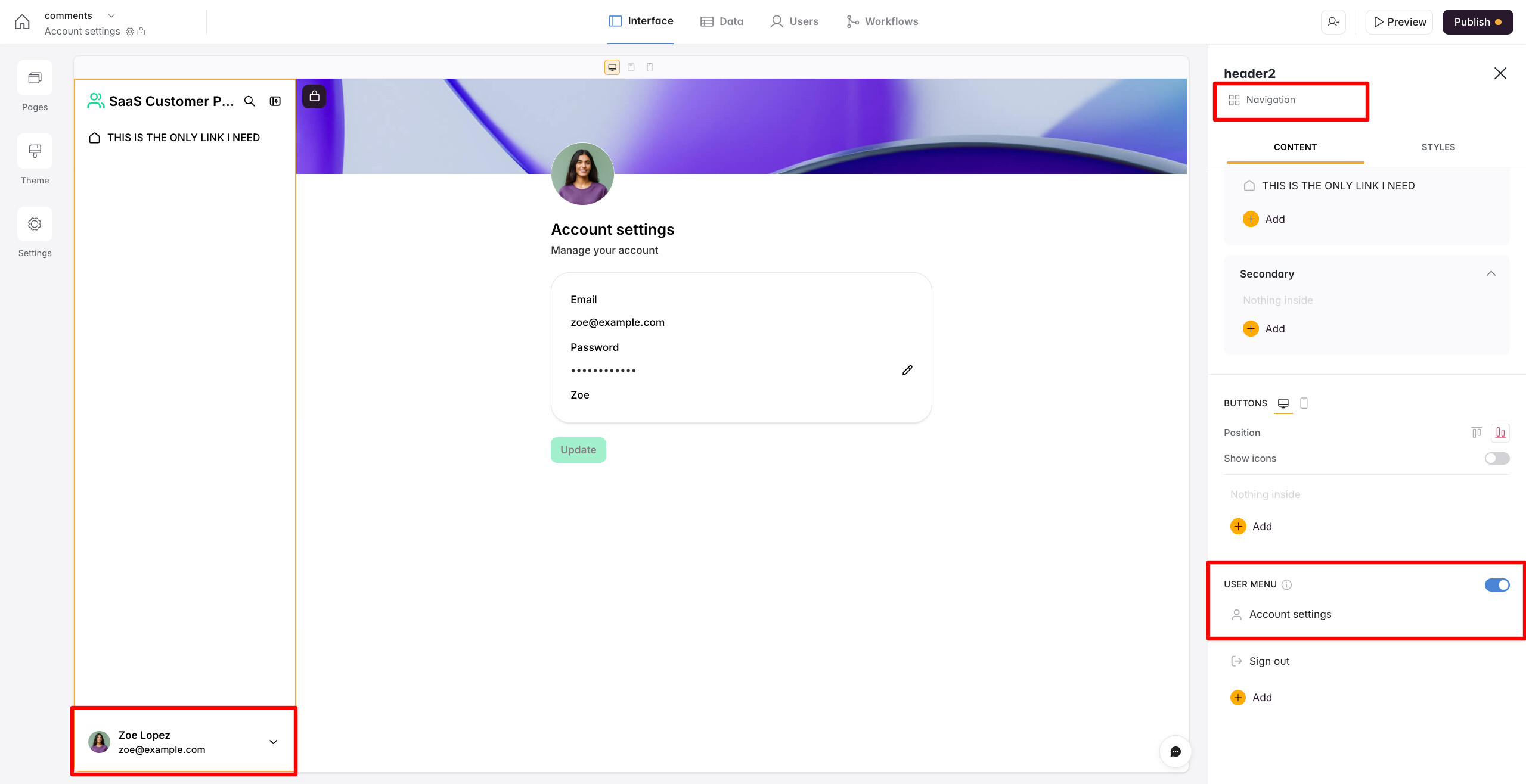
I would like to add header label to the account settings page and don’t see how. At the moment its showing the “Avator next to User’s name” and I would like to add some label or header above that. I tried custom code, but didn’t see it on the page after adding. Appreciated any guidance on this.
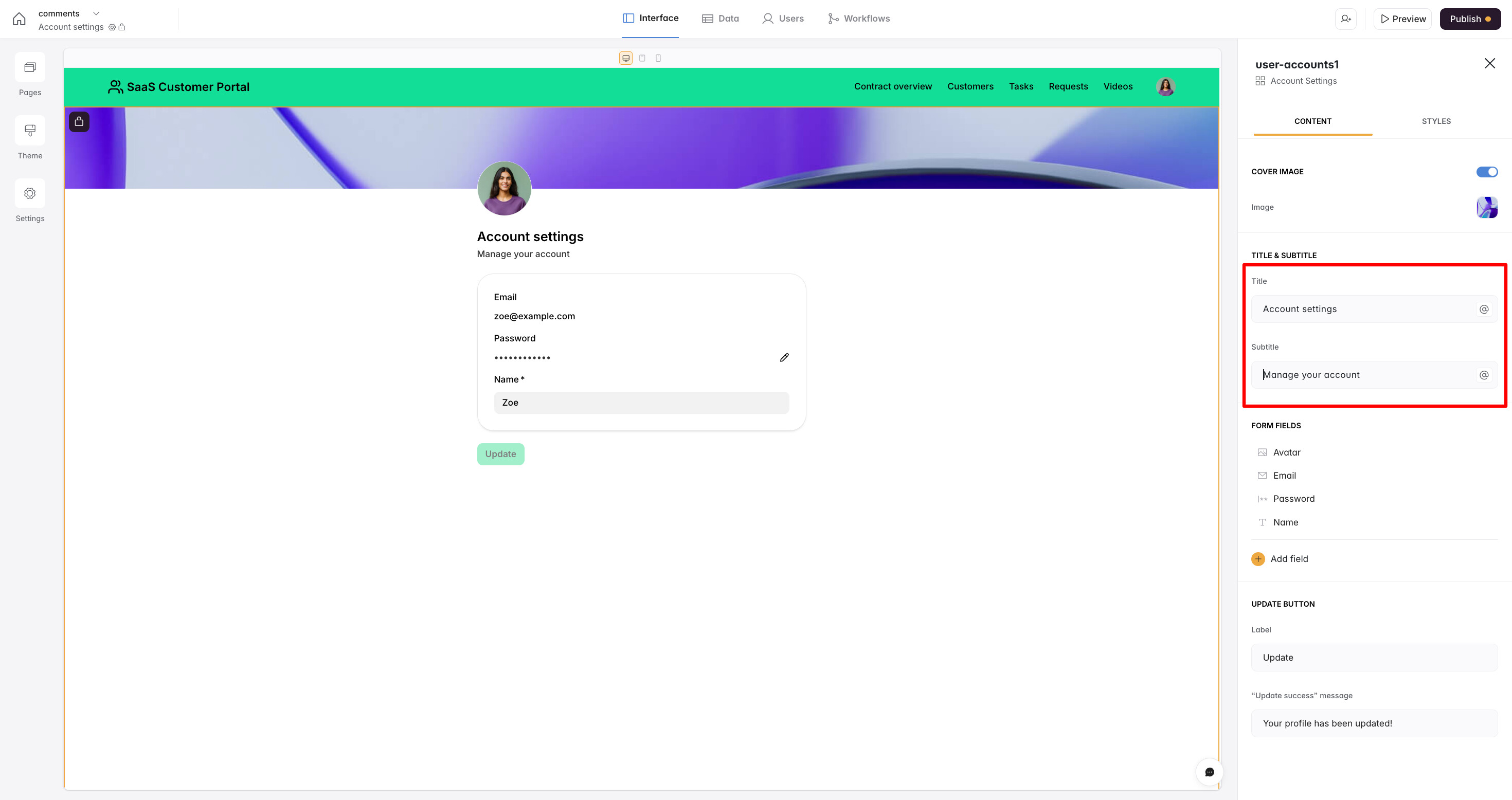
Hi @Moe1. For now, you can add the labels in the title and subtitle sections of the block—please see the screenshot below for reference.
While we do have plans to offer more customization options on this page, including the ability to add additional blocks, this is not available yet. At the moment, the only place where you can add a header or any kind of description is in this section.
@sveta.ohanyan Thanks for the info. Quick question: Is it possible to use custom code (html & css)? I see settings → custom code area has box. Where can I find documentation for using that box etc.
Also, the area where I want add the label is bottom left area, not the area where title & subtitle are - see attached image below.
Thanks
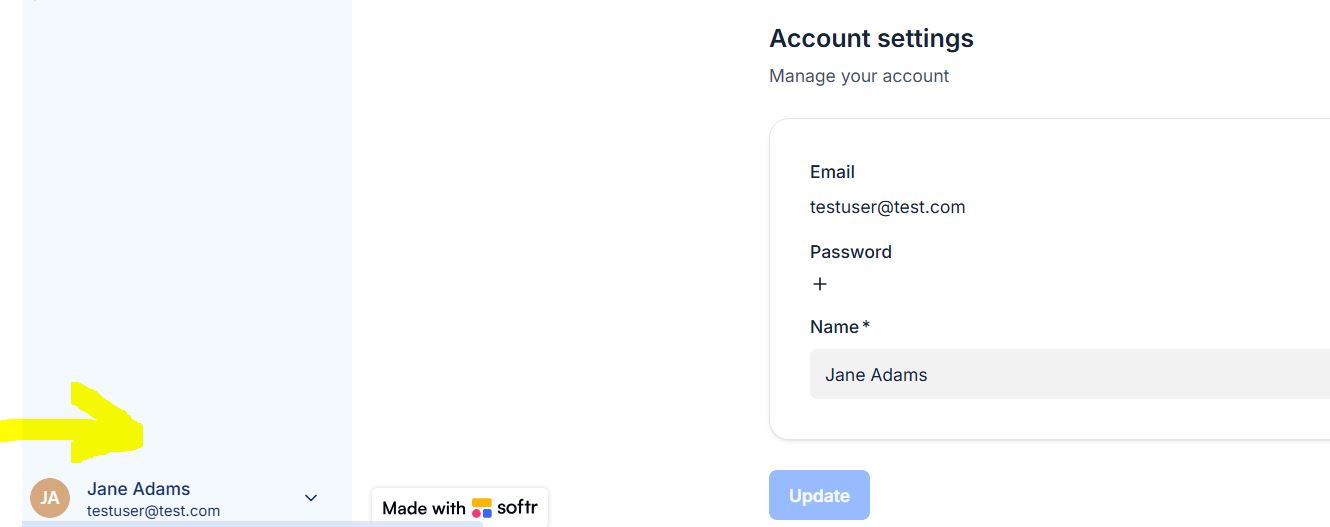
The section you’re referring to is the User Menu in the page navigation. It does not come from the Account Settings block itself, and unfortunately, it’s not possible to add a label to that section via navigation settings.
You might be able to achieve this using custom code by targeting the navigation elements directly. However, we haven’t seen any reliable implementations of this approach so far, and we don’t have any ready-made custom code in our directory that we can share.
For more details on using custom code and learning how to identify the correct selectors to target specific elements, I’d recommend checking out this documentation