Hi all, here are some fresh updates this week!
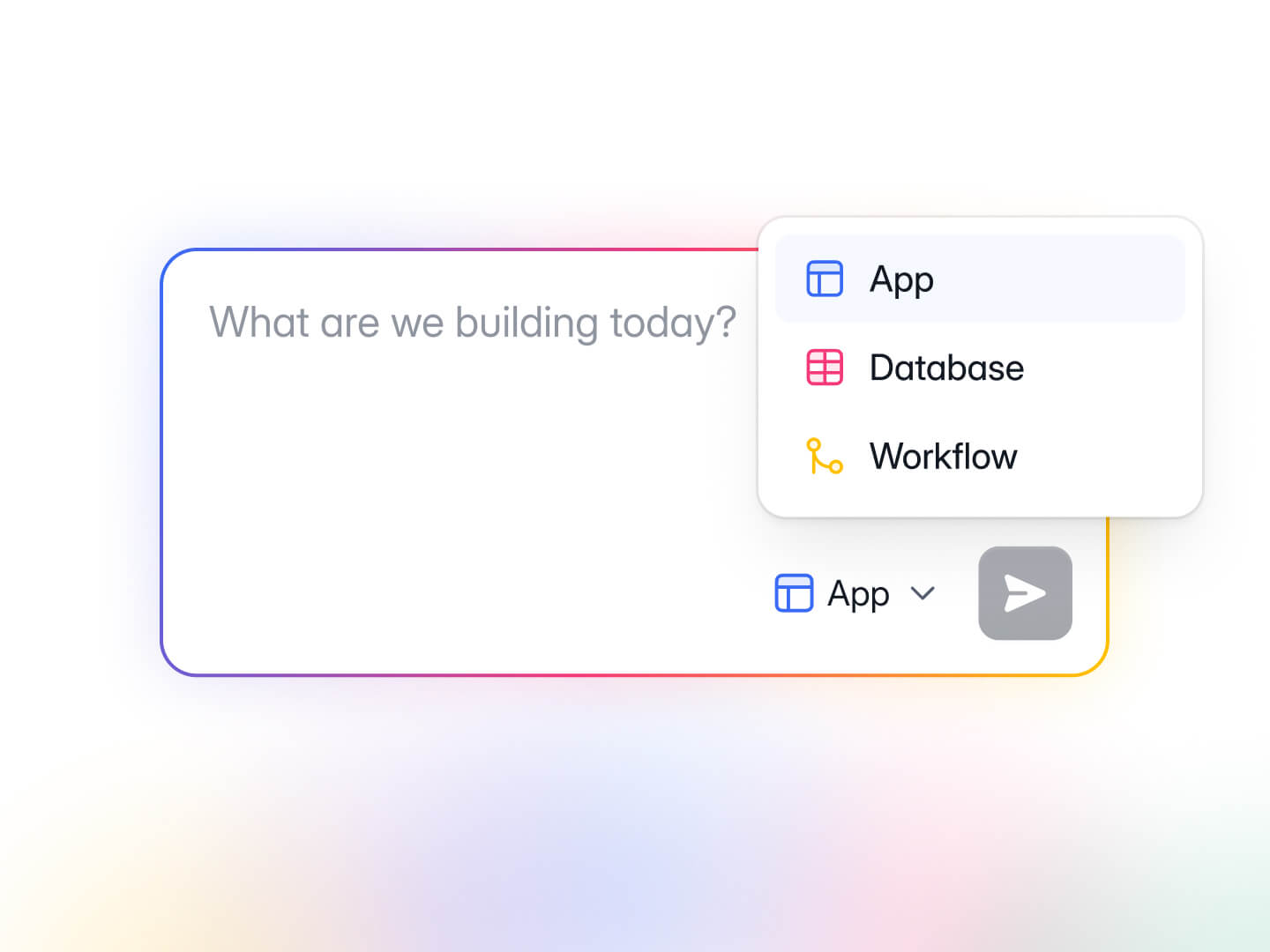
Create new Softr DB or Workflows with AI
You can now create new Softr Databases and Workflows with AI directly from your workspace dashboard.
Simply click on the selector next to the Submit button, describe what you need, and watch the magic happen!
Salesforce integration in Workflows
Keep your CRM in sync automatically. Create, update, retrieve, and delete records across any Salesforce object: Contacts, Leads, Opportunities, Accounts, and custom objects.
Trigger CRM operations from form submissions, sign-ups, or record changes, with no manual data entry. Turn form submissions into Leads, update Opportunities when a deal stage changes in Softr, or let customers edit their own profile and flow those changes back into Salesforce.
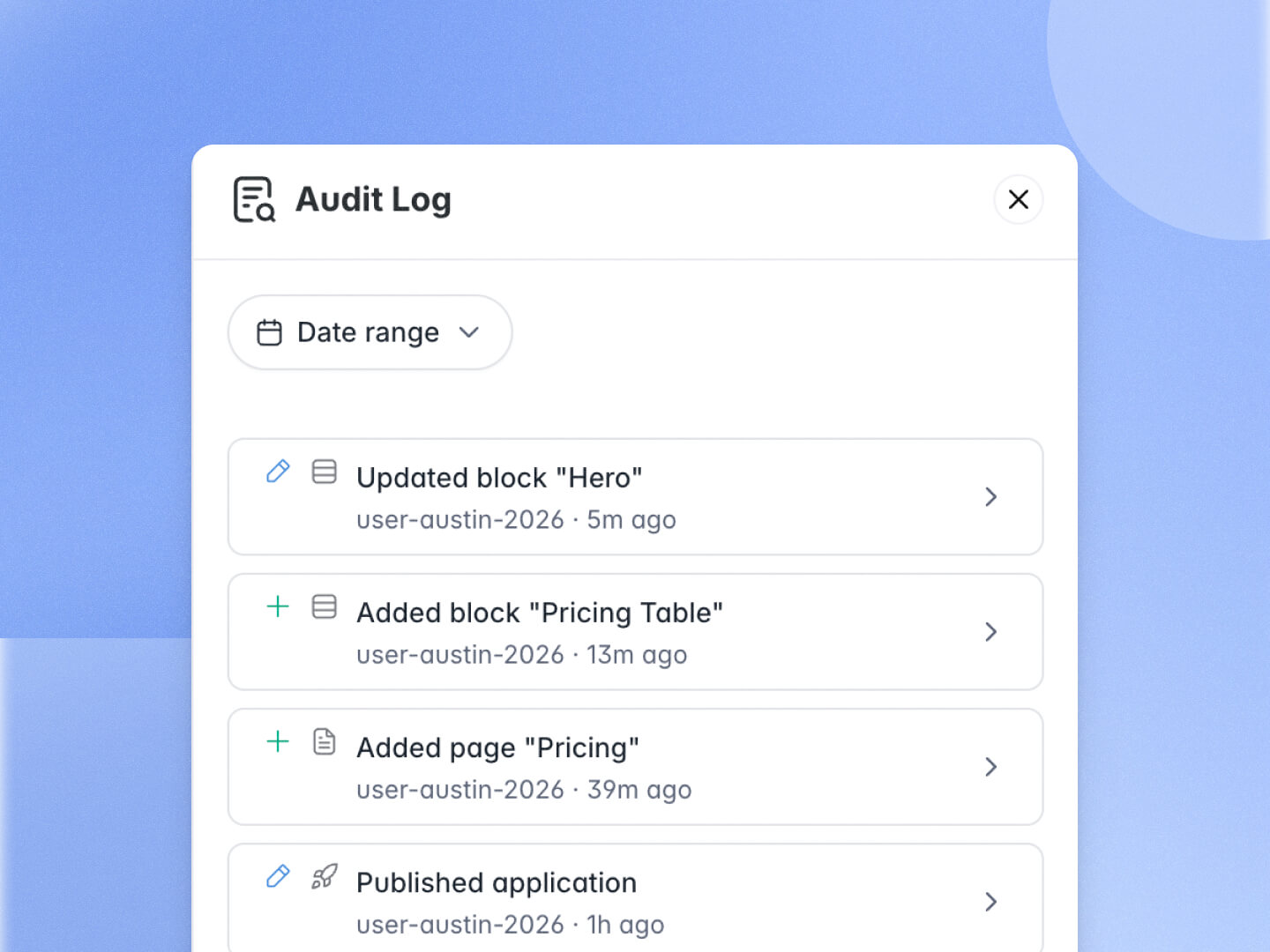
Application audit log
Collaborating with a team on the same Softr apps? You now have clearer visibility into who’s edited your apps and what changes were made, making it easier to maintain governance across your organization.
The audit log is available on the Enterprise plan. Contact sales if you’d like access.
Invite, deactivate, and activate app users via Workflows
In addition to default user automation you can set up in Softr apps, you can now also automate user invitation, activation, and deactivation through Softr workflows!
P.S. Please make sure your workflow doesn’t conflict with default user automation, especially if you have filtered user sync enabled.
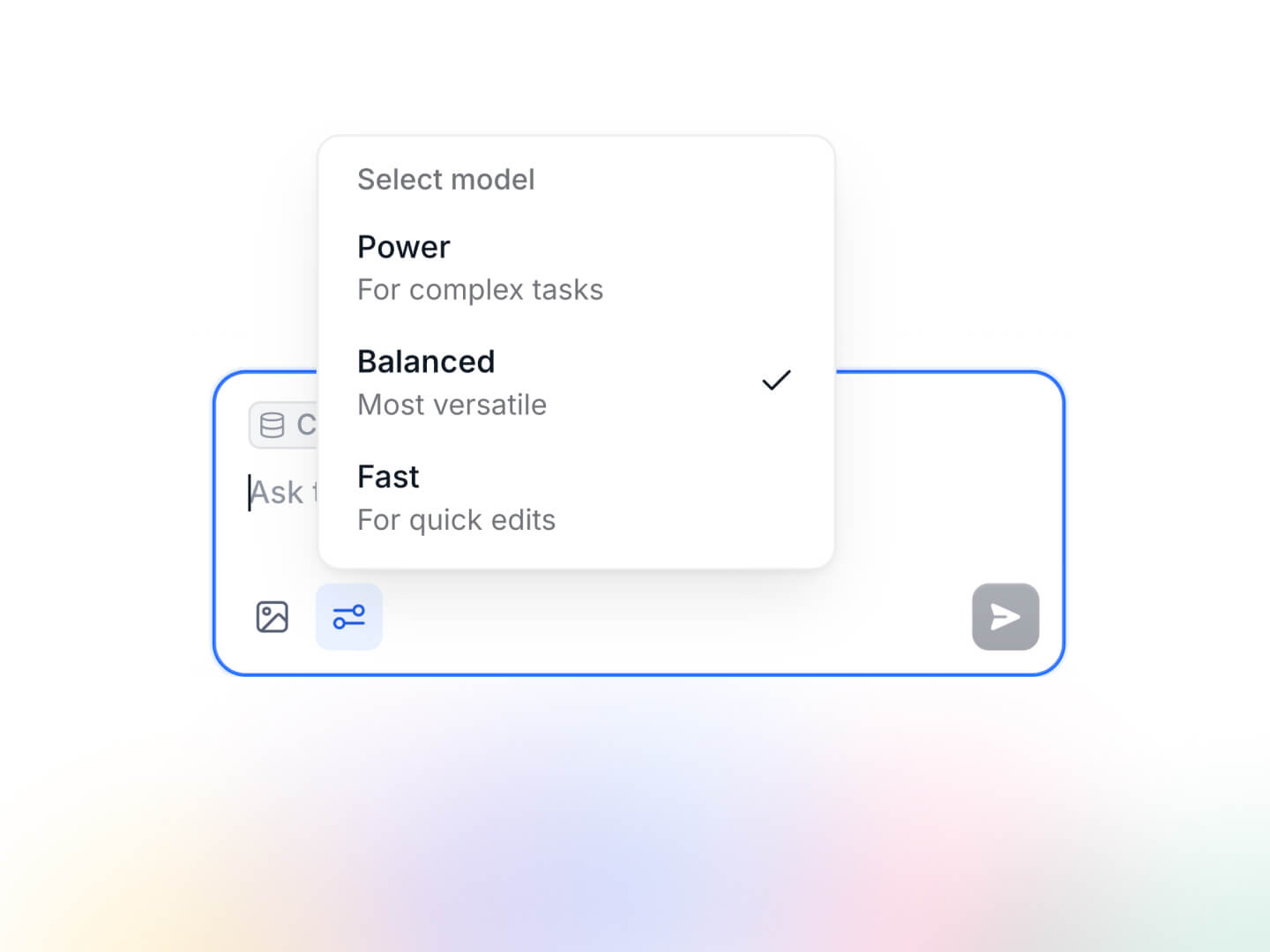
AI model selector in Vibe Code block
Not all vibe coding prompts are created equal. Sometimes you need a small change, and other times you want to add a complex feature.
That’s why we added a AI model selector in the Vibe Code block, so you can choose the best model for each task!
Firecrawl integration in Workflows
Scrape any URL into clean markdown, HTML, screenshots, or summaries, and run natural-language searches across the web, news, and images.
The output is LLM-ready, so it plugs straight into downstream AI actions. Enrich a lead by scraping their company URL, generate competitor briefs from pricing pages, or build a daily news digest.
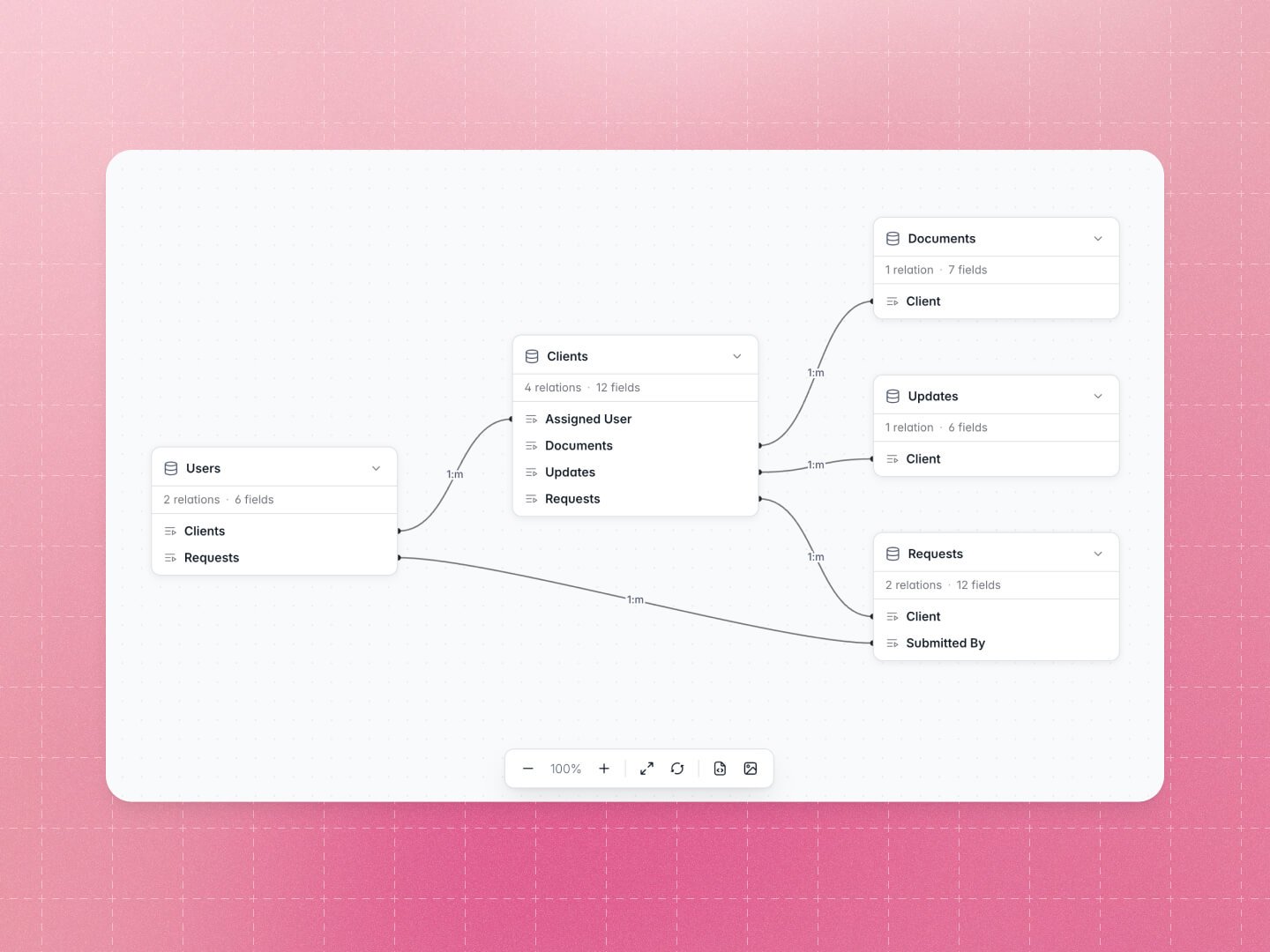
Visualize your Softr DB as a diagram
This new diagram feature gives you a bird’s-eye view of your data schema in Softr DB — fields, relations, and soon connections to apps and workflows.
If you want an intuitive way to show someone how your database is structured, this is a feature you’ll love!
More updates
App
- Improved Workflow tab UX
- File upload > More granular file type validation
- Details & List block > Limit number of lines shown in long text field with See more/less button
DB
- Drag and drop files into Attachment field
Workflows
- Slack > Thread reply support to Slack message actions
- Postmark > Email attachments
