Hi there! I’m new to Softr and am impressed, but running into an issue - hoping to understand if this is something that requires an upgrade or alternative workaround solution:
We have a the base package, so two user groups are allowed
On a given page, we’re trying to incorporate block-level permissions for visibility. For blocks like item details, you can put in conditional filters so the user doesn’t see all records. However, we’re noticing that on some blocks, for instance, forms, there is no way to limit visibility unless a new user group is created.
Is there a workaround to limit block level visibility without creating dozens of user groups?
For more specifics, this is exactly what we’re trying to do:
We have multiple pages with multiple different forms on them. On a given page (A) with form (1), upon the users first visit, we want them to see a blank form. However, for a returning user, we want them to see the item details with all of their previous form entries in a item details page. Then we want them to be able to click an edit button, make changes, and resave the new item details.
The problem is, we don’t want the form block to show up for returning users, but without block level visibility permissions, we’re apparently stuck! Thanks in advance for your help / ideas.
Hi @mike_ta
Welcome to Softr and thank you for the detailed explanation it is great to have you here!
You can achieve the behavior you described (showing a form only when no previous submission exists, and hiding it when the user already has a record) using block visibility rules based on the currently selected record.
If your Item Details block displays a record that includes a “Form Submission” field (or any field that indicates the user has already submitted), you can:
Select your Form block.
Go to the Visibility tab.
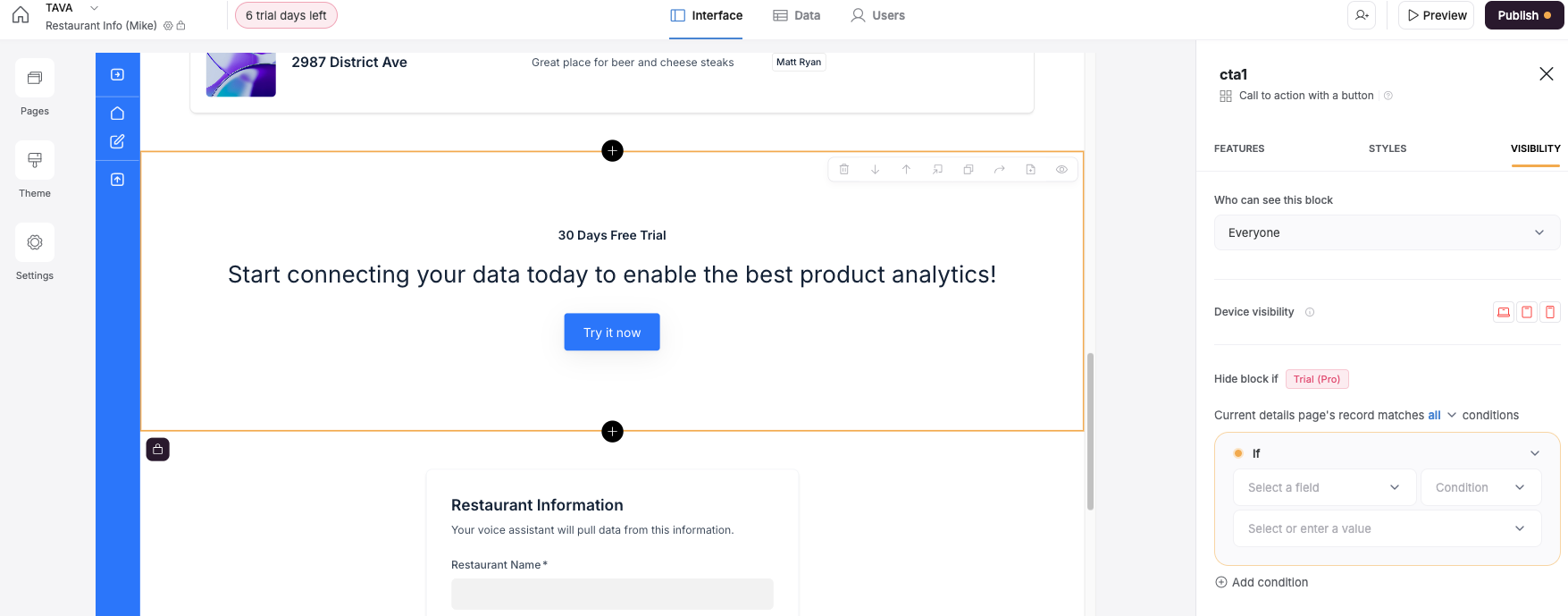
Enable “Hide if”.
Set up a rule like:
Hide if [Submission field] is not empty
That way, when a user already has a record, the form will automatically be hidden — and only new users (with no record yet) will see it.
Here is a document that describes the HIDE IF functionality.
You also mentioned wanting users to edit and re-save their previous submission.
That’s a great point — and good news!
Our “Edit Form Entries” functionality is currently in development and expected to roll out by the end of this year or early Q1 2026.
Until then, the current workaround is to:
Use a Details block to show the submission,
Add an Edit Record form or button linked to that record for updates.
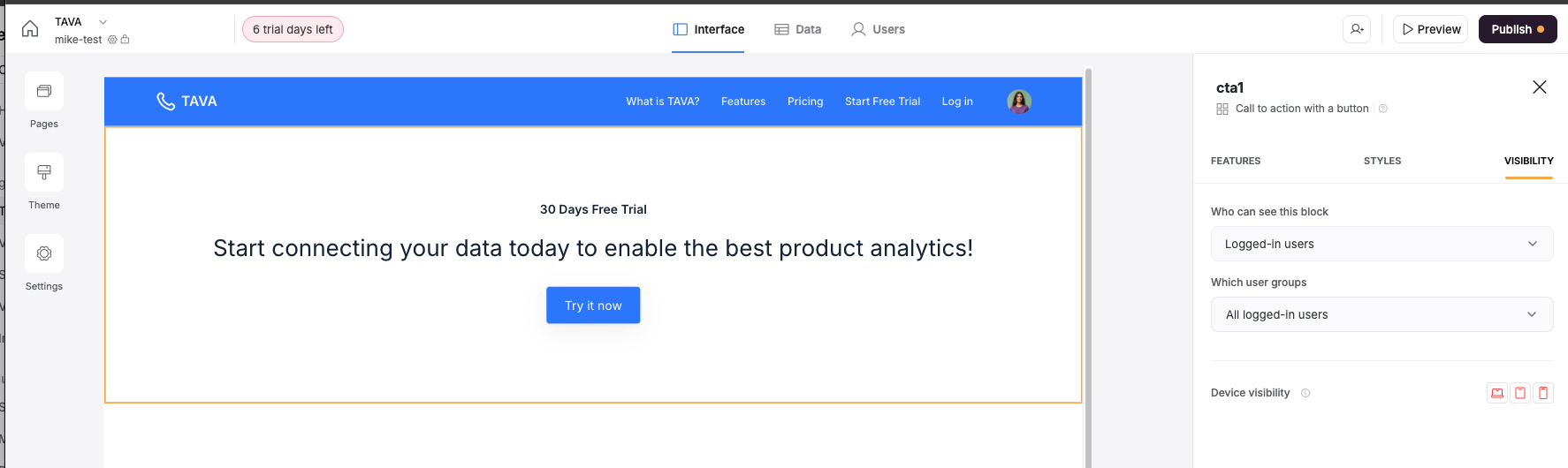
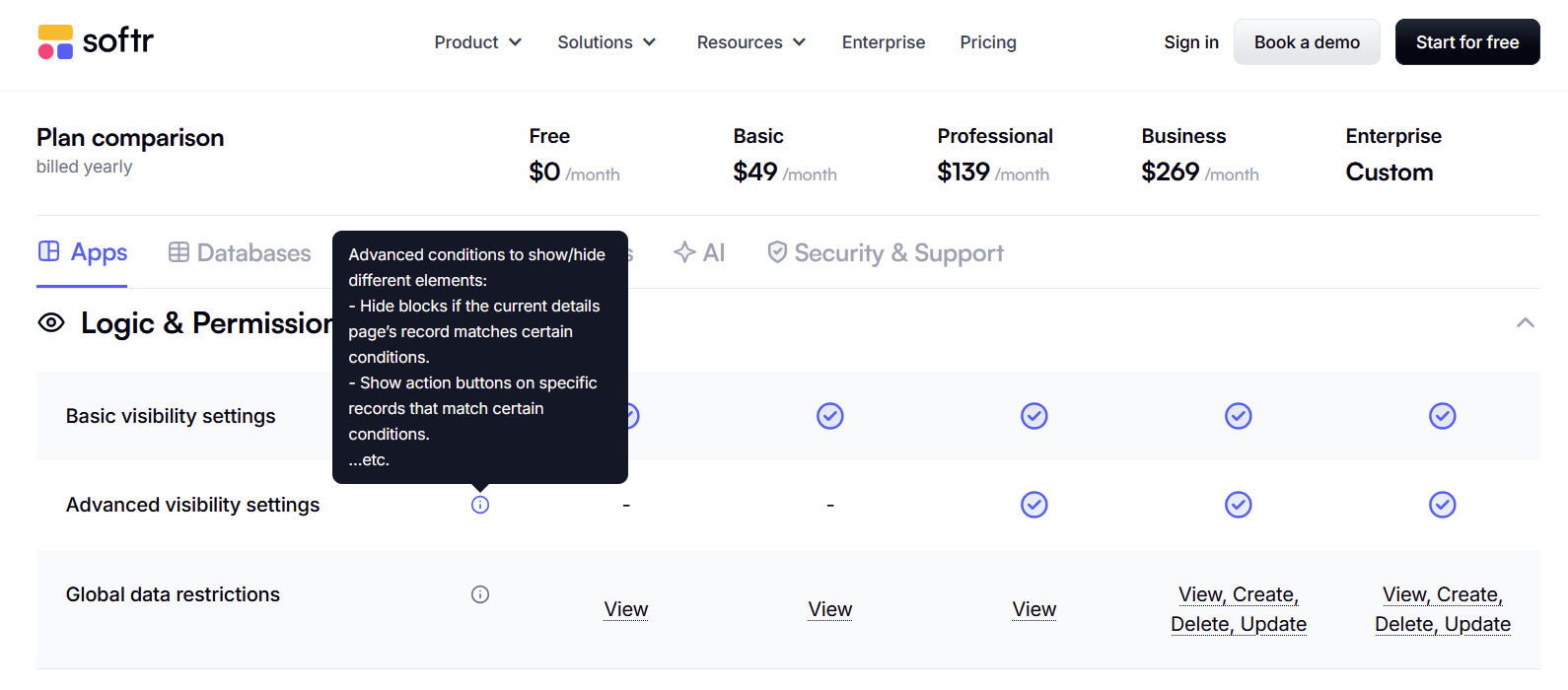
Thanks a lot Andranik. It appears that only some blocks have this hide-if functionality. Some forms have it, but then when we tried to create a form on another page, it didn’t show. Does it have anything to do with what level plan we are on / we are on a trial still? Can you help us understand how to make this visible on all blocks? Screenshots attached - thank you!
Hi,
hiding blocks based on current record data seems to be a great solution for my needs. But like above, I cannot see the “Hife if” section. Neither on older blocks nor older apps - nowhere.
Stumbled upon this thread and thought it might be worth sparking the conversation again! For those struggling with block visibility options on lower plans, has anyone considered using external tools or integrations to work around Softr’s limitations? It could be a fun way to brainstorm alternative solutions. Would love to hear any creative approaches folks have tried!