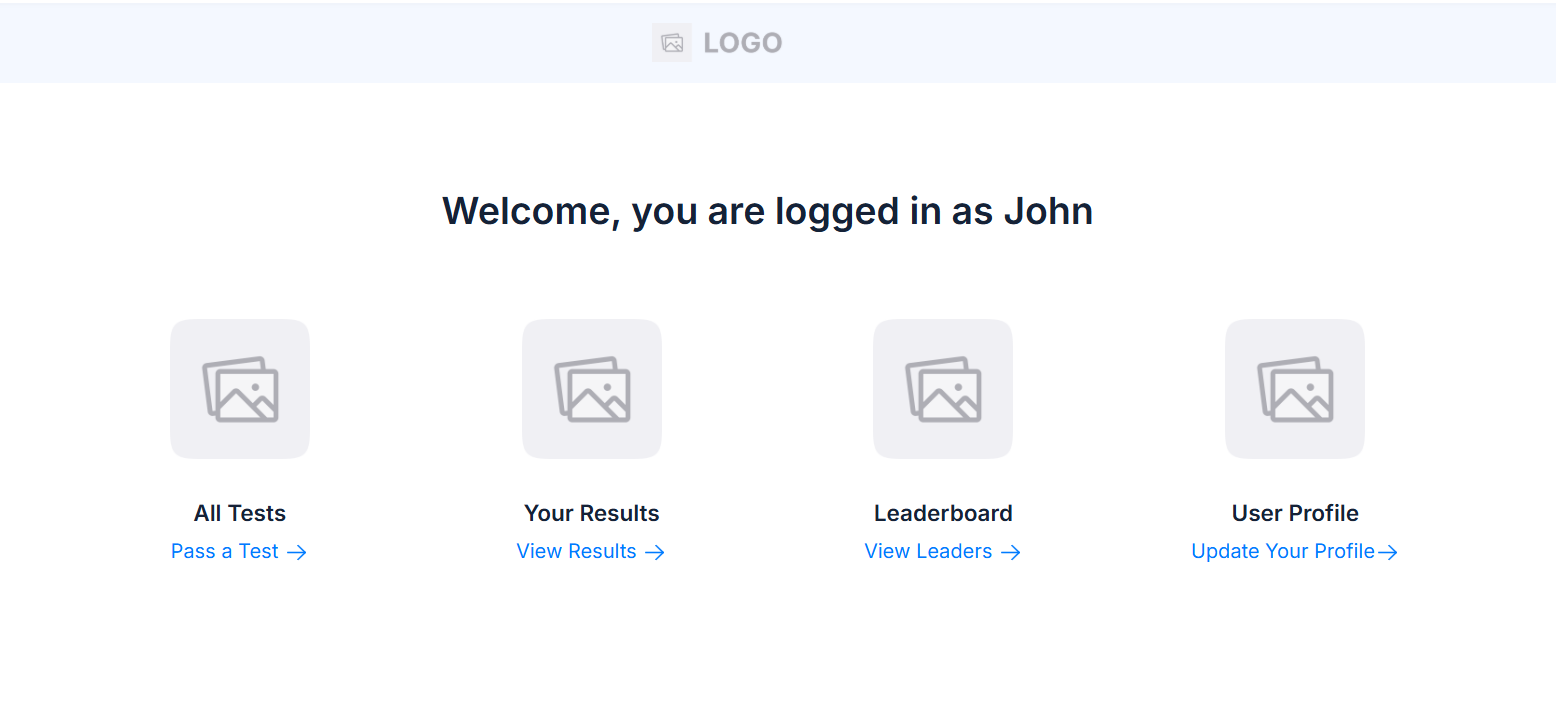
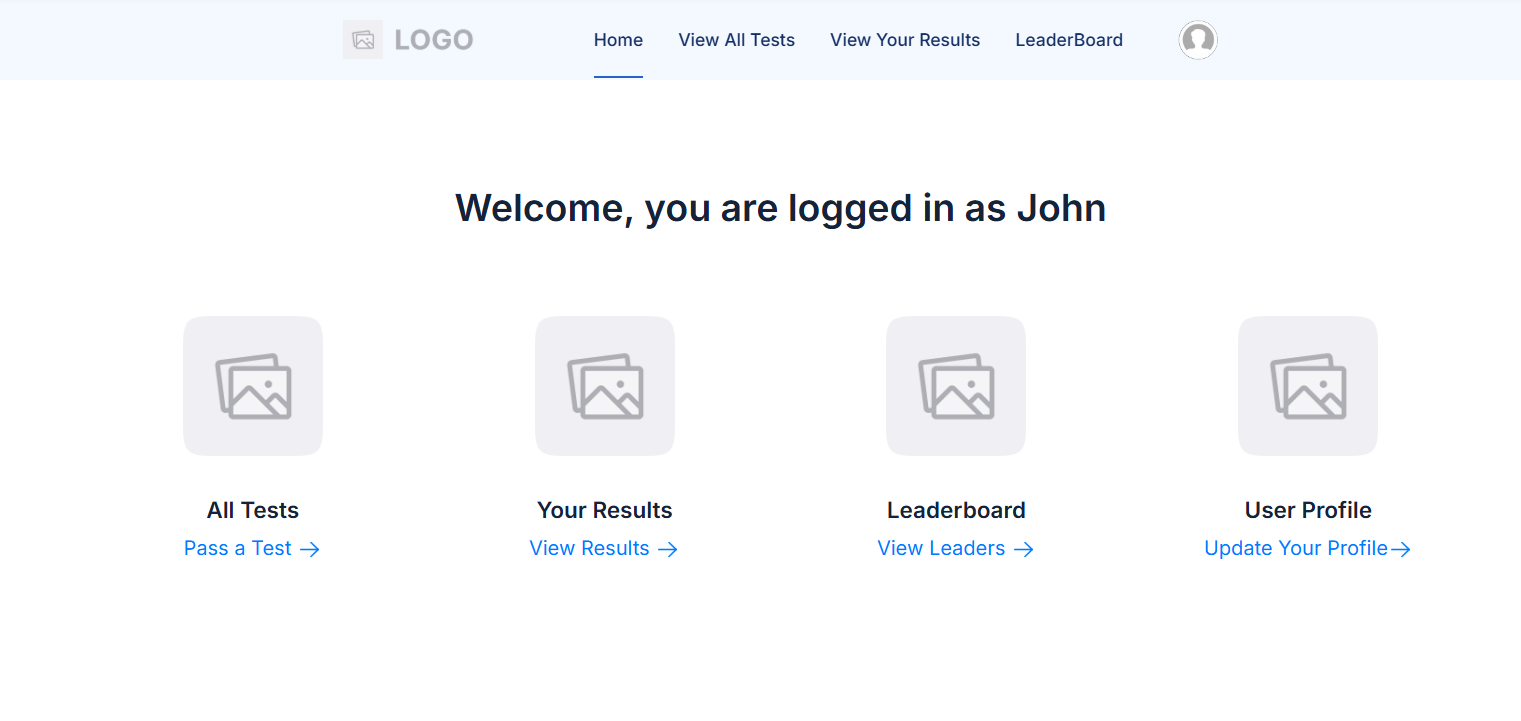
Hello all,
I’m investigating using Softr as a subdomain for one of my businesses, and it would be nice to centralise the logo in the header to align with the style of my existing site.
Is there any way to make this work, such as with custom code?
Thanks in advance!
@matthieu_chateau do you have any ideas for custom code for this?
Hi Richard,
Not sure this is possible. Could you give me more information?
Do you have a link to your existing website so I can understand better what you are looking for?
What I can do is the following:
- If there is no link inside the header (really centered)
- If there are links inside the header (not really centered but “condensed”)
Hi @matthieu_chateau ,
Thanks for your response, and sorry for my delayed reply!
Would the same code return both those results? If so, it would be nice to experiment with it, as I might try both approaches (links in the header of one and not the other).
I’m at the early stages of tinkering, so I’m experimenting with the design / layout as I go along, so I can see how it plays out.
For context, our main website is byhaleys.com - so you can see how our logo is centralised there (and it generally is elsewhere in our branding). So on the Softr front, I’m basically thinking about making a Softr trade portal with something like trade.byhaleys.com.
Thanks again for the help!
Yes the same code returns both results. It is for the new header version only (not the deprecated version).
Here is the code to be inserted in the app settings => custom code => header
<style>
.softr-topbar {
    display: flex;
    justify-content: center;
    align-items: center;
}

.softr-topbar .softr-nav-logo {
    margin: 0 auto;
}
</style>
I’m only using stable selectors. Doing something like in your website might be impossible/Not stable.