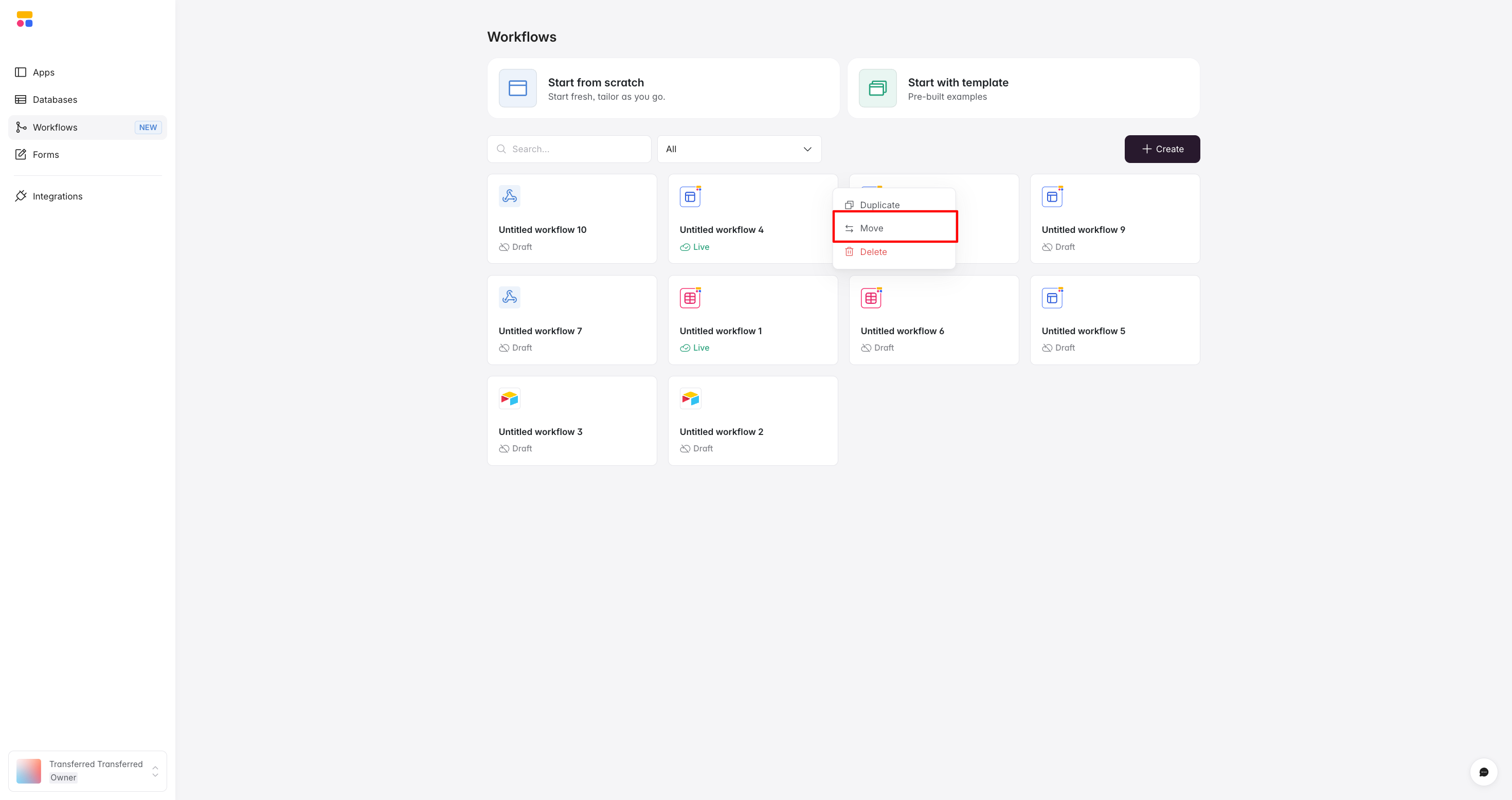
Bug Report: I recently moved a client project built in my workspace to their workspace using the “Move” function as a collaborator. While moving the app and re-connecting the Airtable base worked perfectly, I encountered a significant issue regarding the new Workflows feature.
Steps to Reproduce:
-
Create a project in Workspace A and build automation logic using Softr Workflows.
-
Add the Owner of Workspace A as a Collaborator/Admin to Workspace B (the destination workspace).
-
From Workspace A, use the “Move” function to transfer the project to Workspace B.
Observed Behavior:
-
Missing from Destination: The Workflows did not move. They remain located in the original workspace (Workspace A).
-
Ghost Execution: The workflows continue to execute (run) when triggered in the live project (which is now hosted in Workspace B), but they are not visible or editable within the new workspace.
-
Broken Links: The workflows do not appear in dropdown menus (e.g., when assigning button actions) in the new workspace.
-
Billing Ambiguity: It is unclear which workspace’s automation credits are being consumed (the original owner vs. the new owner).
Expected Behavior: When a project is moved to a new workspace, all associated Workflows should transfer with it automatically. They should be editable in the new workspace and consume credits from the new workspace’s plan. (Ideally, there should also be an option to keep a copy of the workflows in the original Workspace A for backup and re-use purposes).
Impact & Workaround: This is a critical blocker for agencies or freelancers handing over projects to clients.
-
Current Workaround: We must manually rebuild every workflow from scratch in the new workspace and re-link them to every button/form.
-
Severity: For complex projects heavily relying on Softr Workflows, this causes significant friction and unnecessary manual effort.