Hi everyone,
I’ve been dealing with an issue for several days now, and unfortunately, Softr support has not been able to resolve it so far:
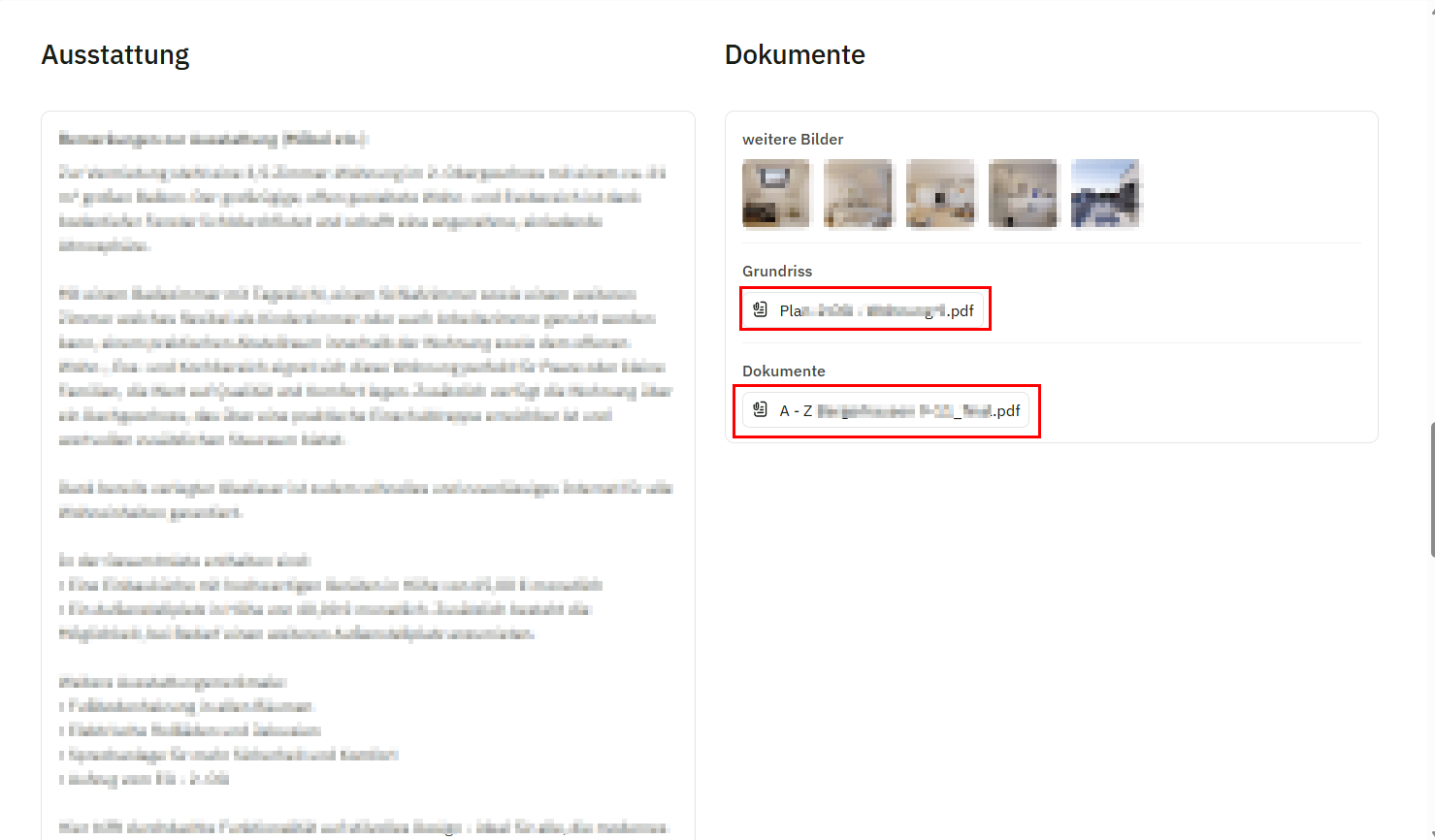
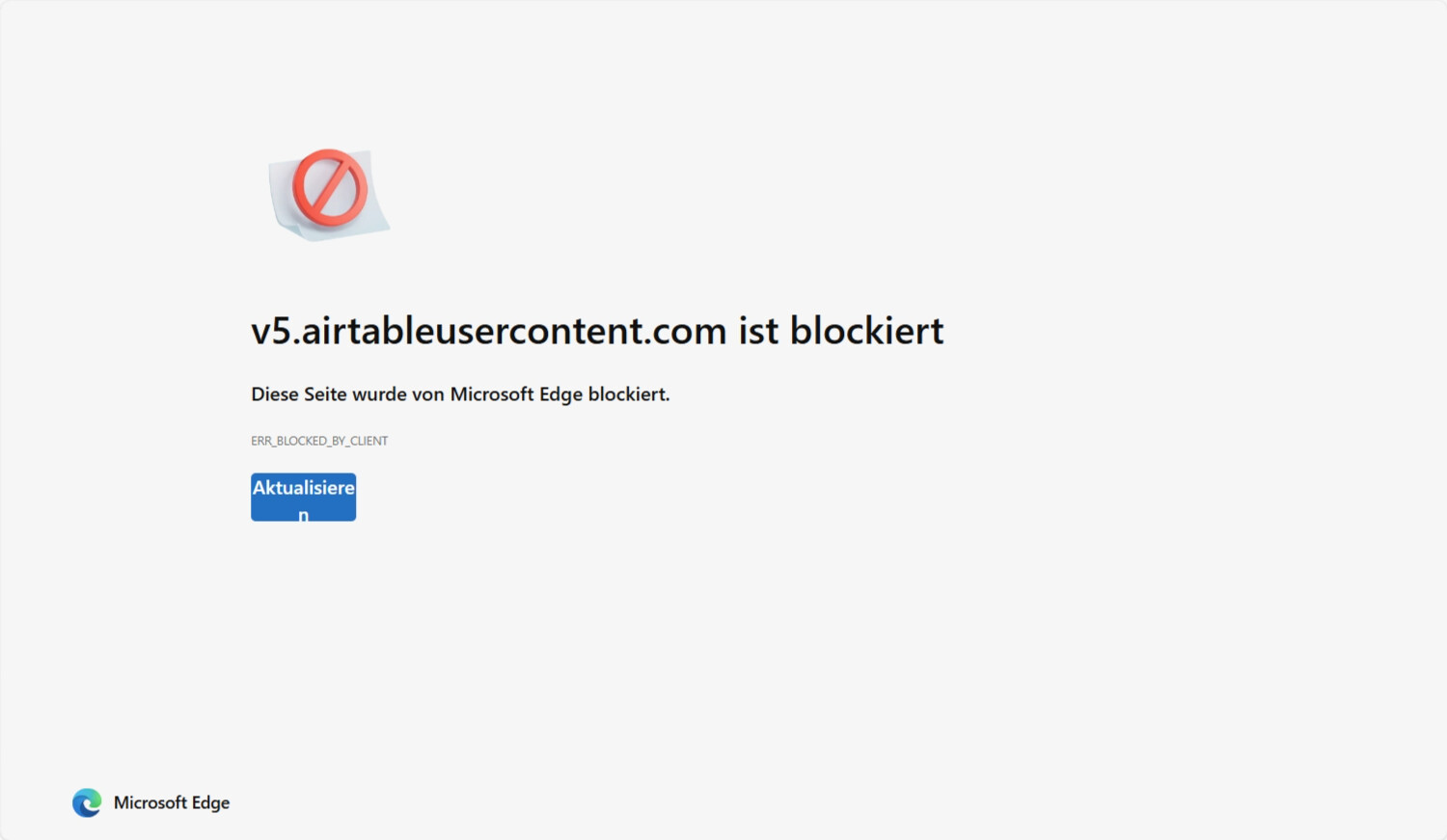
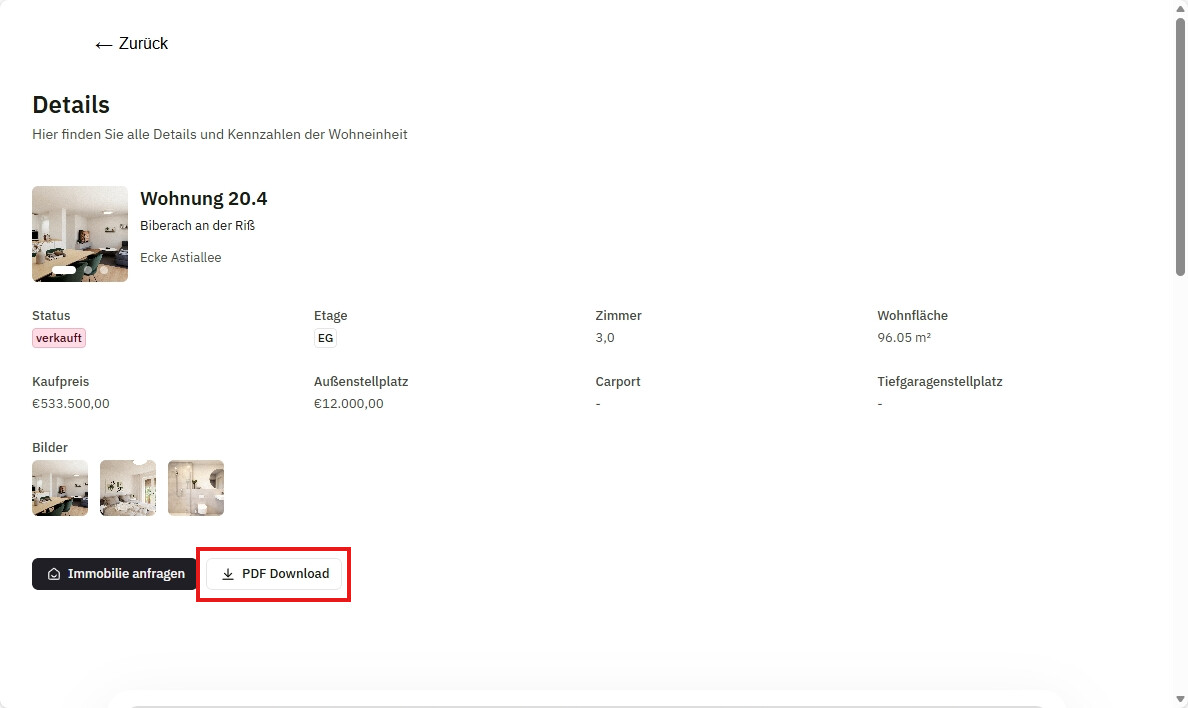
We’re using Airtable attachment fields on a public Softr page (Item Details block) and integrate Airtable with PAT. Whenever someone tries to open or download a PDF from that attachment field, access is blocked. This happens across all devices — Windows, Mac, iOS — and we’ve ruled out all obvious causes (VPN, antivirus, browser settings, ad blockers, network restrictions, etc.).
We also tested it with people outside our company using unrelated devices — same result: PDFs can’t be opened or downloaded.
Support has been granted access, ran some checks, and said the tech team is investigating — but it’s now been several days without a fix. Meanwhile, we’re running paid social ads that link directly to this page, so the issue is impacting us in a serious way.
Has anyone in the community experienced this and found a solution?
Or does anyone know a reliable workaround for making Airtable attachment files downloadable on public Softr sites?
I am going to check now with our team to see if there are any updates, this seemed to be browser related as we were not able to reproduce it. I will make sure to check once again.
Unfortunately, the softr support haven’t been able to solve the issue so far..
They believe the problem might be related to browser settings or extensions, but I’ve tested it across multiple devices (Windows, macOS, iPhone), different browsers (Chrome, Safari) and different networks – with and without ad blockers, VPN, or any organization-managed environments. The issue still persists: PDFs stored in Airtable attachment fields won’t open or download on public Softr pages.
Support also mentioned that since the files are hosted by Airtable (v5.airtableusercontent.com), it’s out of their control. However, other Softr pages we use with different Airtable bases work perfectly.
Thank you for reaching out about the access issues with your public attachment links.
The links generated via v5.airtableusercontent.com are expiring download URLs, which means they will expire after a short period (at least 2 hours) for security reasons. This could be why users are having trouble opening or downloading the PDF files on your Softr site.
To ensure persistent public access to your files, I recommend hosting them externally. Unfortunately, Airtable is not designed for permanent public file hosting.
If you have any further questions or need assistance with setting up an external host, feel free to ask!
 Has anyone else experienced the same problem?