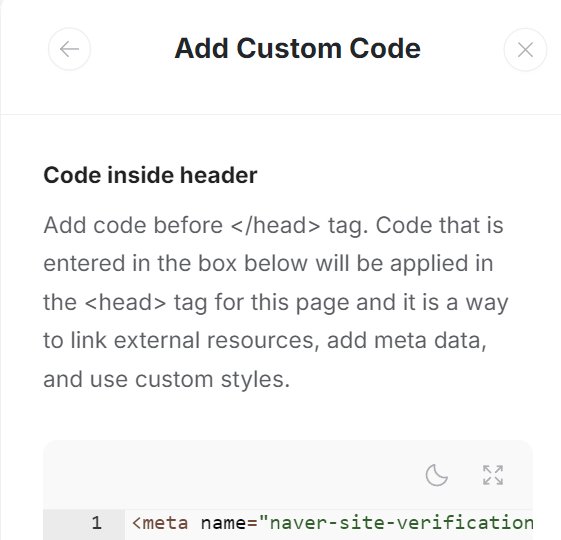
I’m trying to add a meta tag to the app’s head. When I use the “Add Custom Code” feature like below, it is added underneath the data-spr-custom-code=“appHeader” and the bot is unable to read the tag.
Sorry for bumping an old thread, but have any new updates or workarounds emerged since this was last discussed? I’m curious if anyone managed to find a way to insert a meta tag directly in the head section of a Softr app. Maybe the platform has introduced a new feature or someone discovered a creative solution? Would love to hear any insights!