I’m Sara, from Portugal, and I’m creating a little online bookshop of second-hand books with Softr!
I’m new to this, not only to this community, but also to the world of no-code platforms. I must admit that I am absolutely delighted with Softr. I have tried other platforms and, apart from Adalo, which I also liked a lot, this is the one that has really caught my attention!
As I said before, I’m creating a modest online bookshop, and although Softr is not intended as an e-commerce platform, I’m using it for that purpose. It takes a little imagination, but it’s not going badly!
I recently decided to migrate my bookshop’s database from Airtable to Softr as well, due to constant headaches with API call limits. And now I’m also exploring Softr’s workflows. There’s no doubt that you’re doing an excellent job of building customer loyalty, not least because of the generosity of your free plan, which is what I’m using, since my little bookshop doesn’t generate any income for me at the moment.
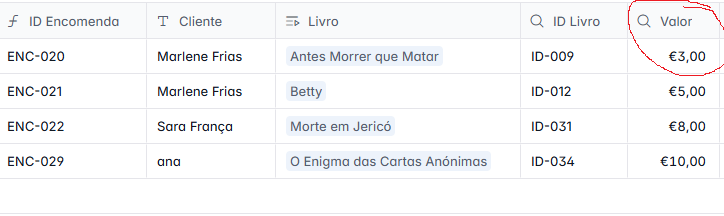
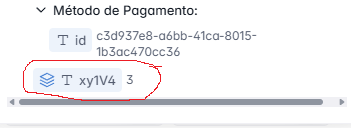
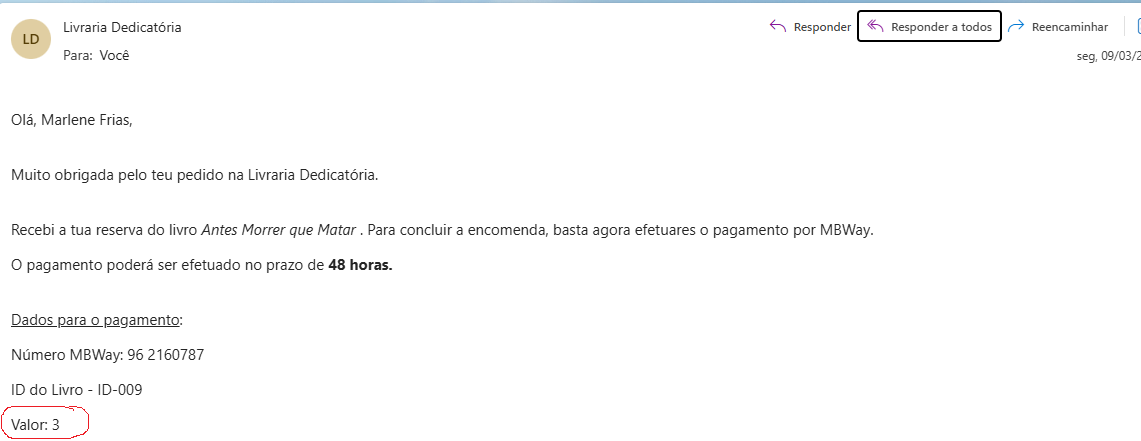
I have a question that may seem naive to many, but it’s bothering me. I created a simple automation to send an email when a record is created using data submitted through a conditional form. In the email, I want to use the book price field as a variable, but it seems that it is not being mapped correctly, as only one digit appears and not the euro format (see screenshots). Can anyone tell me what I am doing wrong? Thank you!
Indeed even if in the database we display it in a certain currency, the actual data remains a number and it thus doesn’t carry the currency automatically when mapping this field.
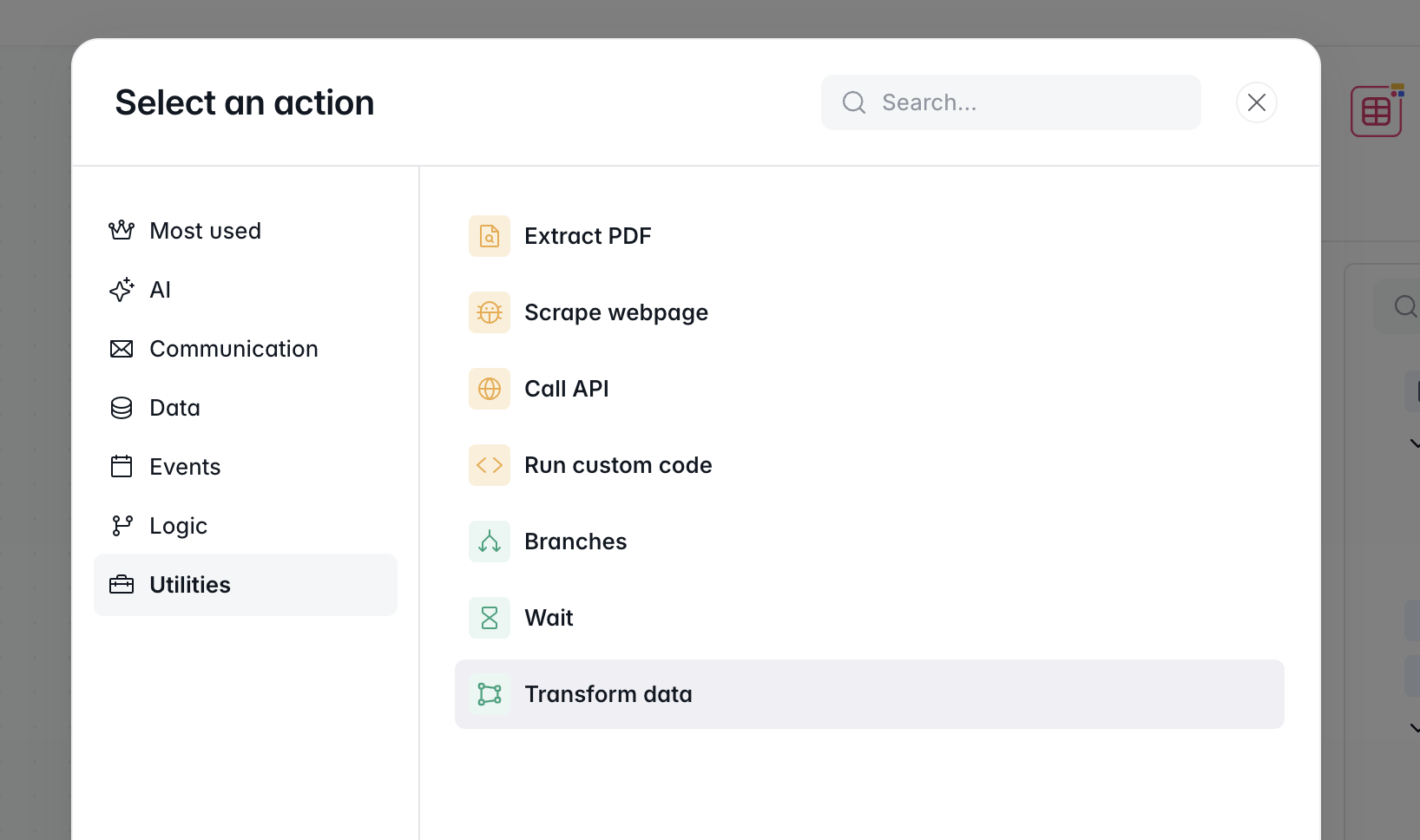
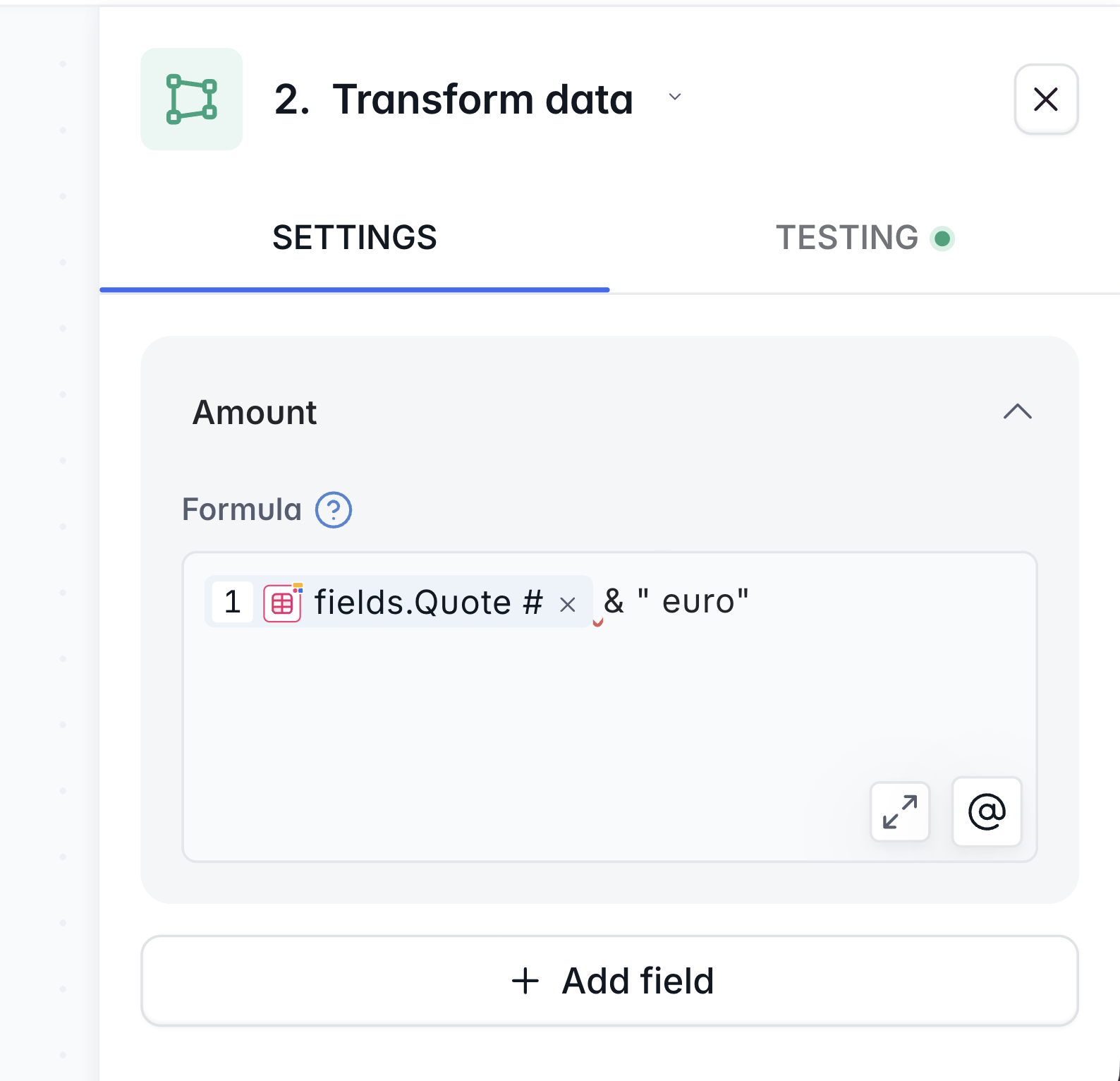
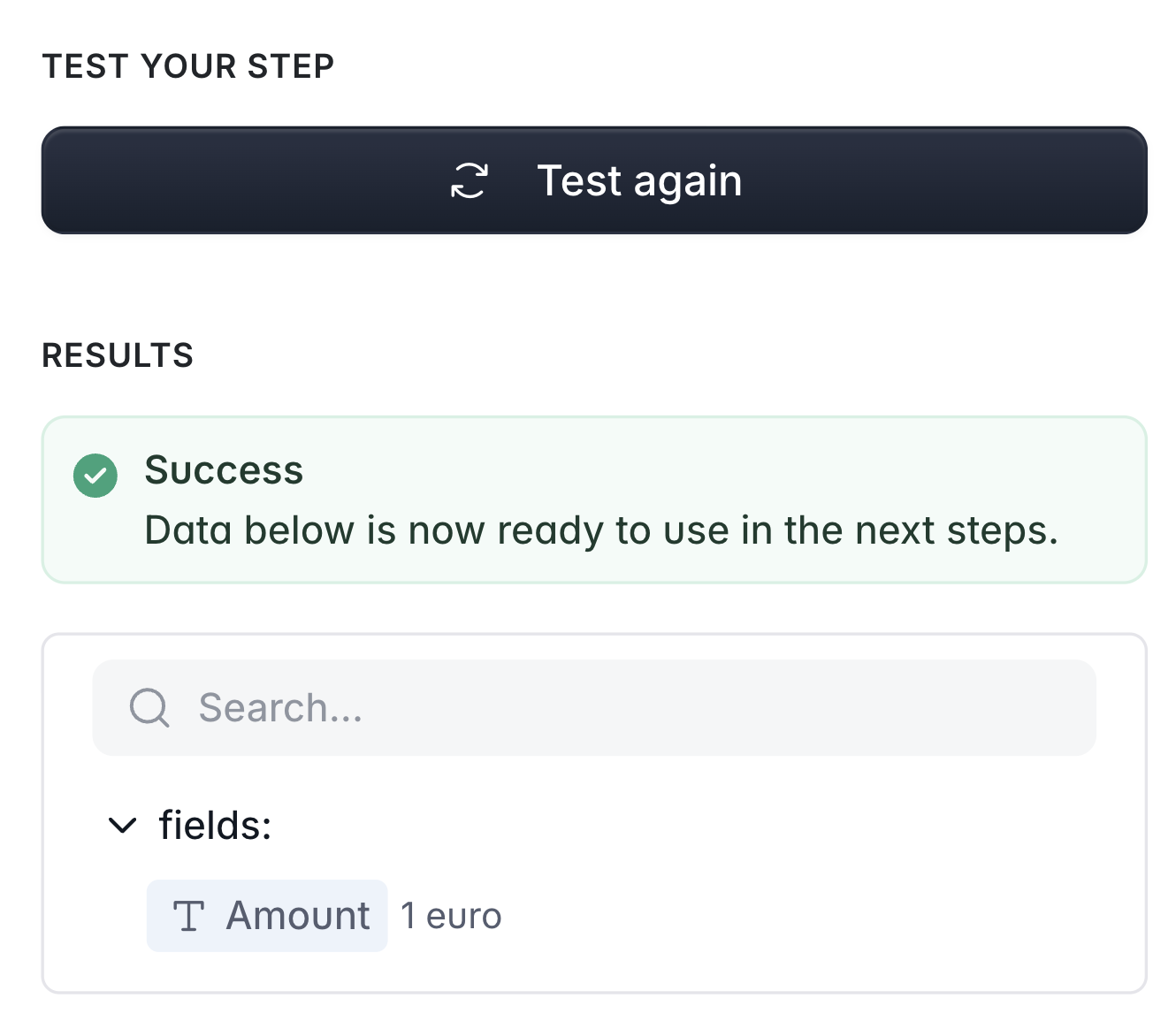
A good solution for you is to use the “Transform data” action right before your email:
And in your email step, you’ll map this new variable instead of the database field.
When it comes to having the decimals, @yourfieldhere’s a “ROUND (@yourfield , 2 )” formula that would round your number to the 2nd decimal but if the number is already rounded (e.g. 3), it won’t display 3,00 but 3.
If this is really important to you, you could use the “Run code” action which enables great flexibility - the workflow AI co-builder could help with that.
I To be honest, and I don’t want to be banned from this tech group yet, I’ve been using my human brain cells to overcome some obstacles. Because when I ask for help, it rarely comes in time! So, in this situation, I created a text field for the price, and that way it is immediately recognisable and even suits my taste (I like to leave an aesthetic space between the euro symbol and the number). I’ve enjoyed working with Softr because I feel like I can create a shop that’s completely in line with my style and that of those who feel in tune with me.
By the way, here’s the link (but be warned, it’s all in Portuguese!):
To follow up on your workaround, I’d like to mention that you can also create this space via the formula I shared ; and I’d also recommend giving another try to the number field instead of a text field as you will benefit a lot from being able to use those numbers.
For example if you need a rollup counting the total value of purchases you got, a text field won’t be compatible with such math operations.
Good luck with the build and feel free to share with the community along the way
I’d like to also highlight the fact that at any time if you need support when it comes to using Softr, you could reach out to our support team via the in-studio chatbot - they usually respond very fast and help many of our customers use the platform.