Hello,
I gave up hoping softr will bring back multiple visible buttons in table item actions, so kindly please help with a code block solution for it if anyone already done it. All i need is 2 buttons. thanks
1 Like
Hi there,
Thank you for the post.
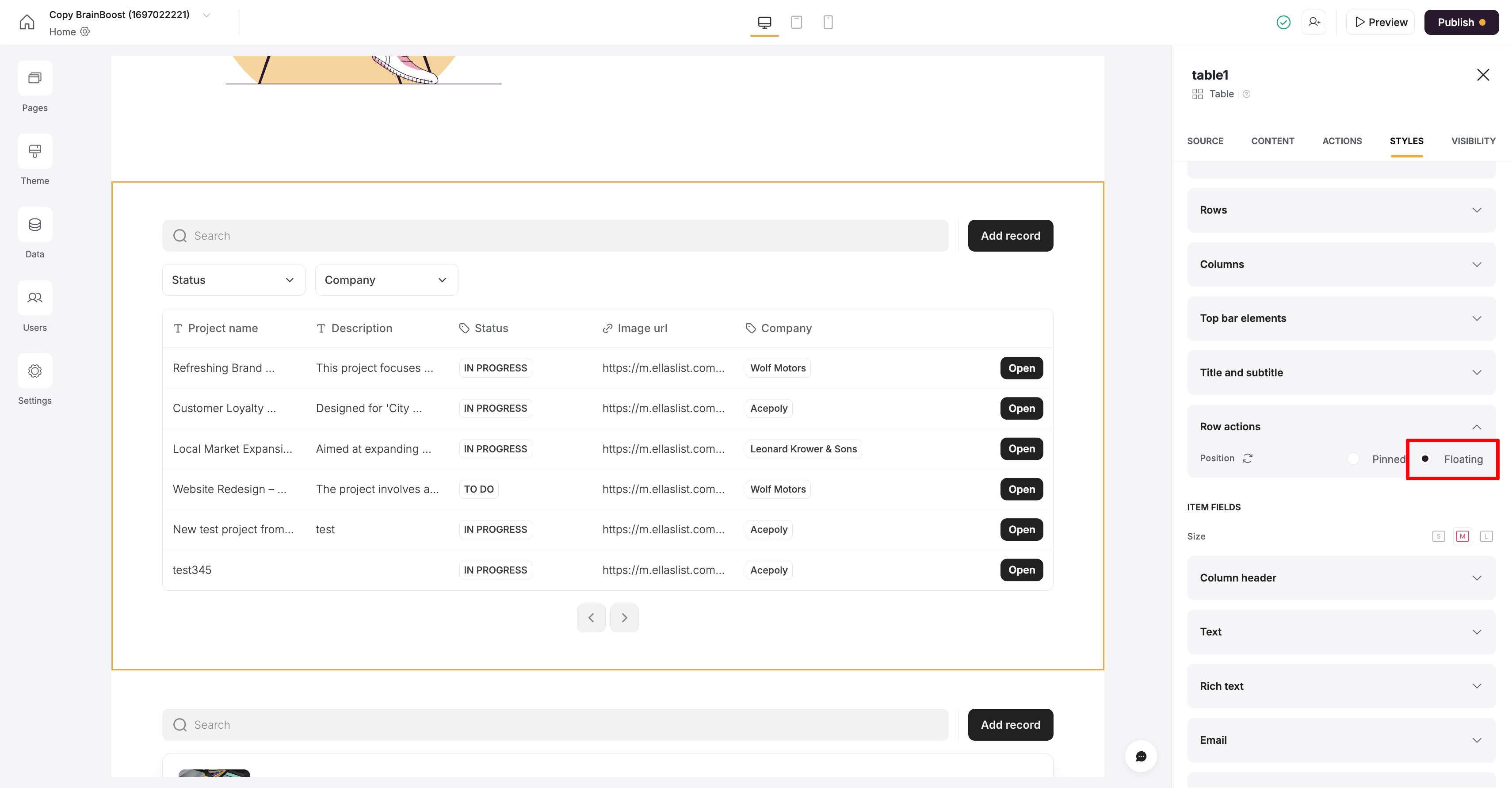
The new Table blocks allow showing only one button when Row Actions is set to the floating option, as highlighted in the screenshot below.
Unfortunately, even with this option, when there are multiple buttons, they will still be placed inside the dropdown.
I will make sure to pass your feedback to the product team.
Please let us know if there is anything else we can help you with.
Have added as a feature request here too as have the same problem. If only can display 3 dots then renders the table block useless.
2 Likes
Hi @sveta.ohanyan ,
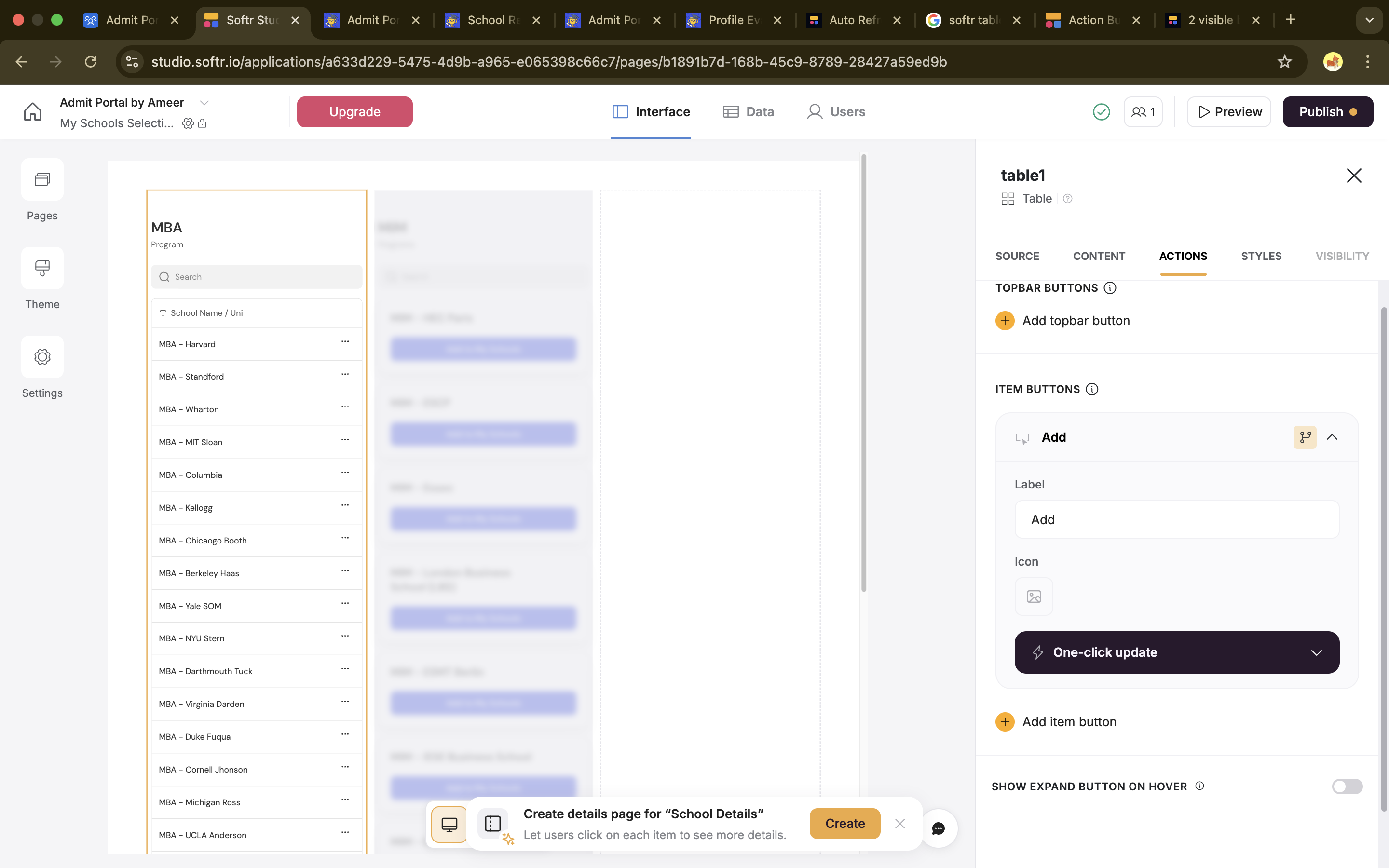
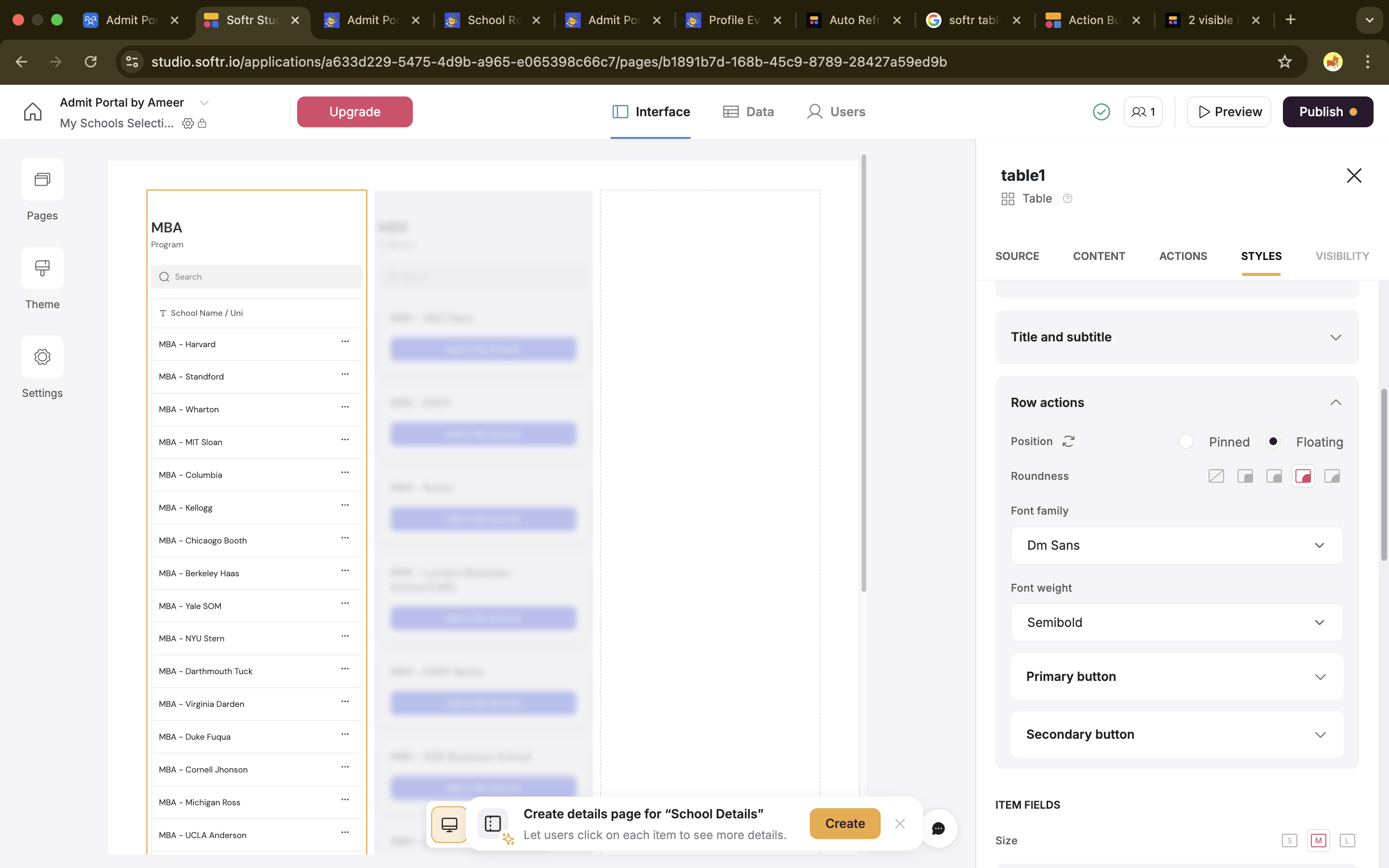
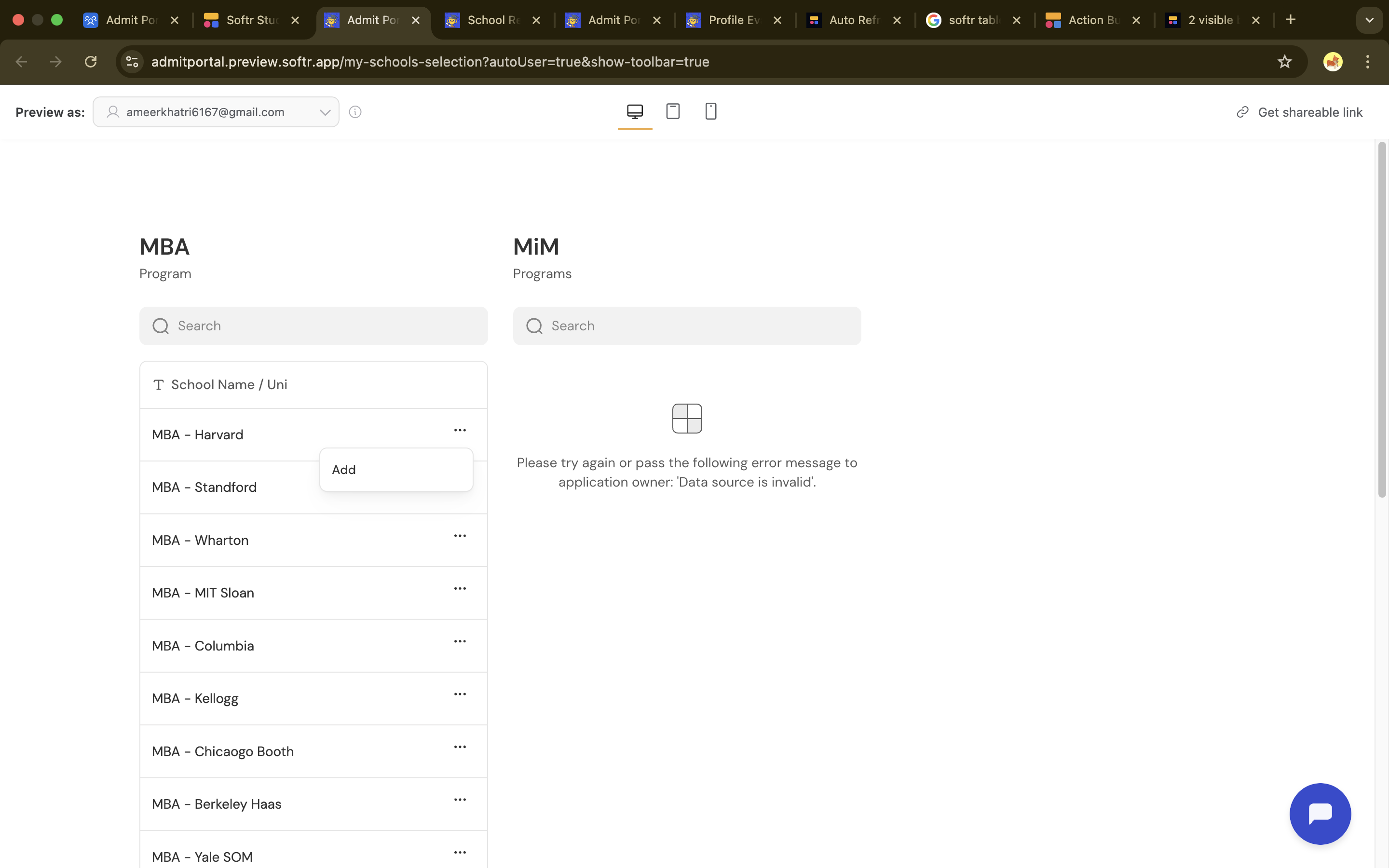
I am trying to insert a table with only 1 Action button but even then it is not visible by default and it is hidden under neath the 3 dots. I am trying this within a 3 column container layout. So it is happening when i put it inside containers. Any solutions?
When i add a table with floating button in a single column layout then the button is visible as you mentioned above. Just not visible as soon as i put it inside a multi column layout. it just shows 3 dots.
I need to show almost 80 options to choose and add to wish list. hence trying to go with tables and multi column layout.
Checking in. Any progress?
A visible primary button and additional buttons in the dropdown would also work in my case.