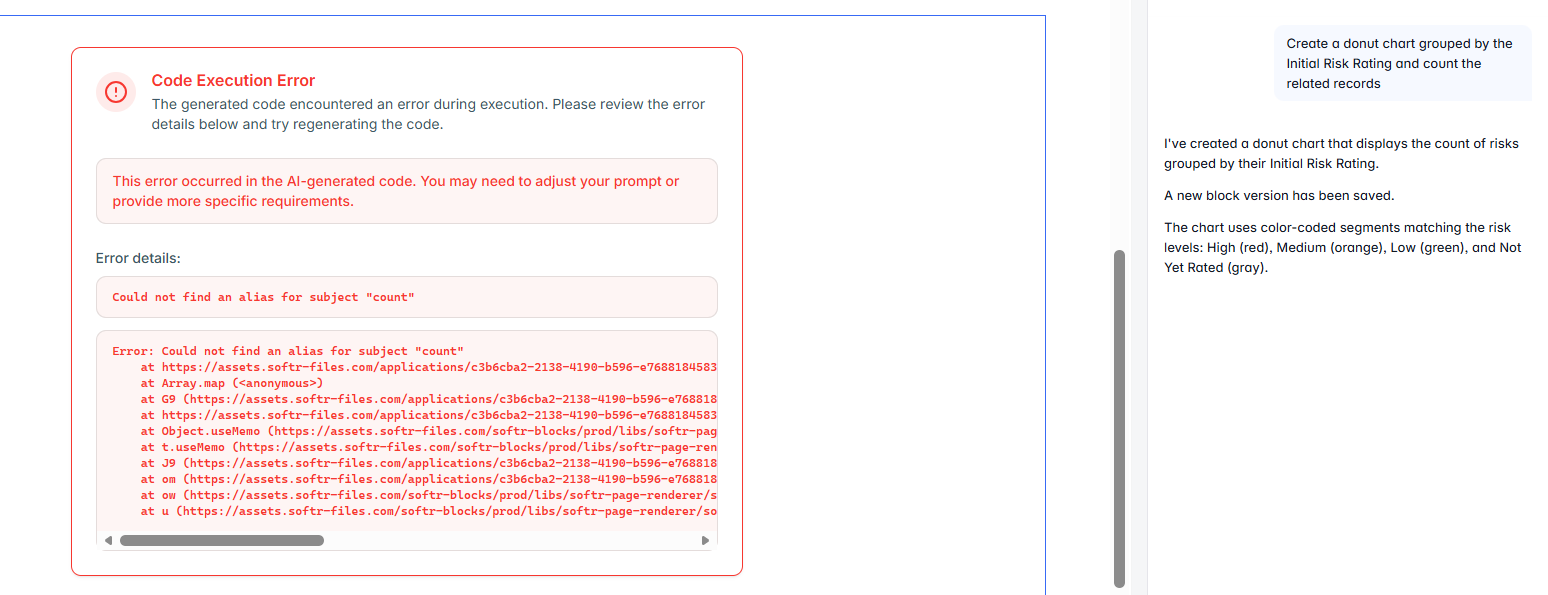
I’m finally giving the vibe coding block a try to see if it can help solve some of the issues I have with native charts but I’m running into issues straight away. Can anyone help with the prompting for this? I have linked to the data source and applied relevant conditions then started with a simple prompt for a basic chart but get the following error:
Hi Sarah,
I ran into similar issues - and I have to say I haven’t managed to find the solution as well. Would be great if any of the softr folks comment.
But one time, I just typed in the chatbox, “fix the error in the code - “ and copied the error details text into it. And AI was able to remove the bug. But, this was not reproducible. I have other video coded blocks that are error zombies now. One of the reasons I am wary of extensively using vibe coding.
I’ve been very wary of using the vibe code block as I don’t understand code and makes it difficult to pinpoint errors like this. It’s also the reason I’m using Softr as a No Code builder but some key UX features are missing from the standard blocks so I’m kind of stuck with how to progress and get a useable dashboard. I really love Softr and have built some great apps with using the database, workflows and front end but there are definitely key features missing that my end users are becoming frustrated with so I end up with them saying ‘better just to stick with Excel as I can produce the charts I need’
Really want this to work so hesitantly gave the vibe coding block and try and was disappointed to get stuck at the first basic chart creation 
I have done the same with errors, copied and pasted back into the prompt window:
there is an error “Could not find an alias for subject “count”, debug and fix
also, I have taken the whole code block content and pasted it into another AI LLM (Claude, Gemini, Perplexity etc.) and asked it to debug/refactor etc. making sure it only gives “vanilla React, no typescript” and then pasted that output into the code block to replace what Softr generated.
It’s worth persevering. I’ve had some really great results.
Another thing to try is getting prompts generated by other models to copy and paste into the Softr VC prompt. I’ve used this for a few things, one is taking screenshots of a design I like, getting a model to give me prompts to recreate the same structure/layout/style and putting these prompts into Softr.
Thanks for the info Mark. I’ll keep persevering and see if I can get something workable for my team.
Quick update - I’ve made massive steps and finally getting some useable charts by using combination of Gemini and the Vibe Code block. Using the ‘review the code and debug’ has definitely helped to pick up errors