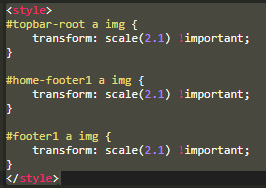
I’ve successfully been able to use the topbar-root code to upscale the logo in my header, but the previous code added to this thread for the footer is not seeming to work properly (at least for me). Like yours, my footer is named Footer1. This is what I have in the header custom code of the home page. Any thoughts?
1 Like
@matthieu_chateau The code gave you is successfully working. Thank you. I will have another post for changing color of the footer and the text.
Do you have a Softr icon as a logo or an image as a logo?
Hello @matthieu_chateau,
I would like to change the color of footer with the text is white and text size to the smaller one. I couldn’t able to change it with this code. Please suggest how to accomplish this. Thank you.
footer1 {
background-color: #37474F; /* A shade of dark blue */
font-size: 14px;
color: #FFFFFF;
}
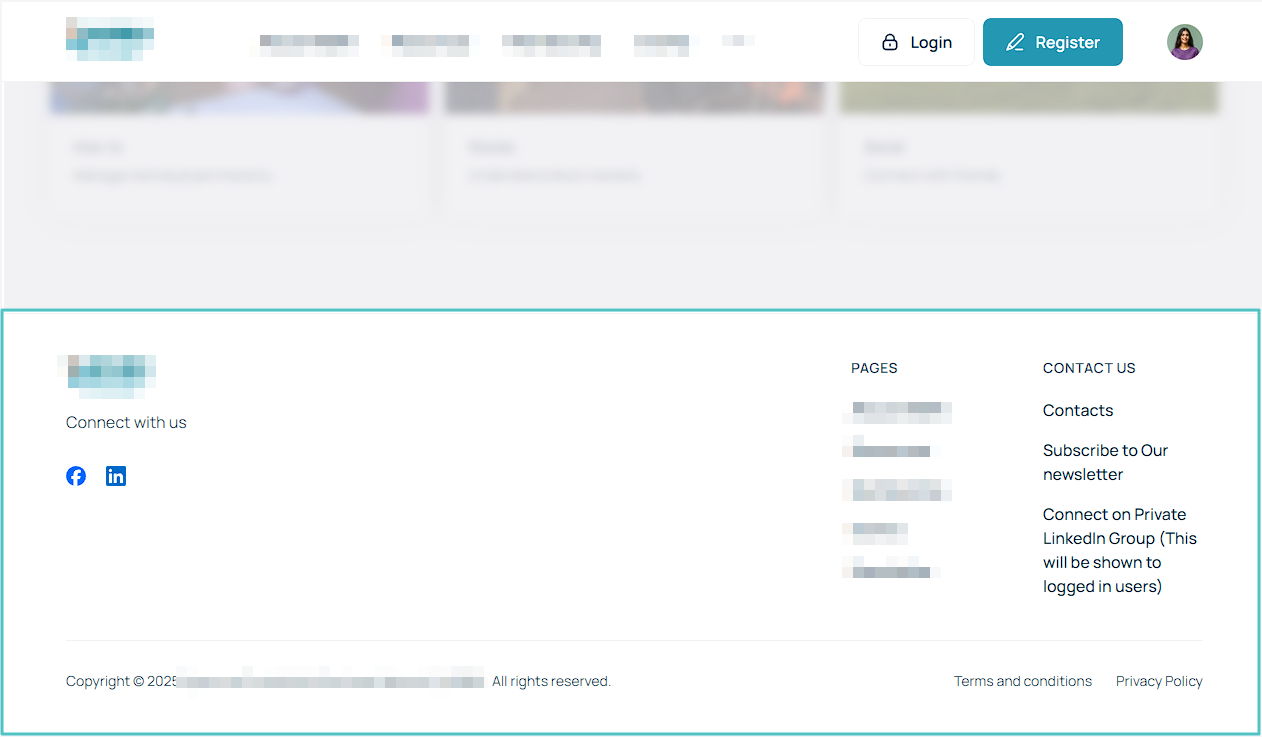
It appears this is not possible - Can’t find any stable selector working for this
1 Like