Feature grid with images Block. I would like to extend the linkable area to include the image, so that I can click on the image as well as the text.
Any ideas on how I can do that?
Hi,
Is this the behaviour you are looking for?
See demo here: Feature grid with image block
Aha! Thank you for that.
I don’t know why I didn’t see it before.
That’s exactly what I want.
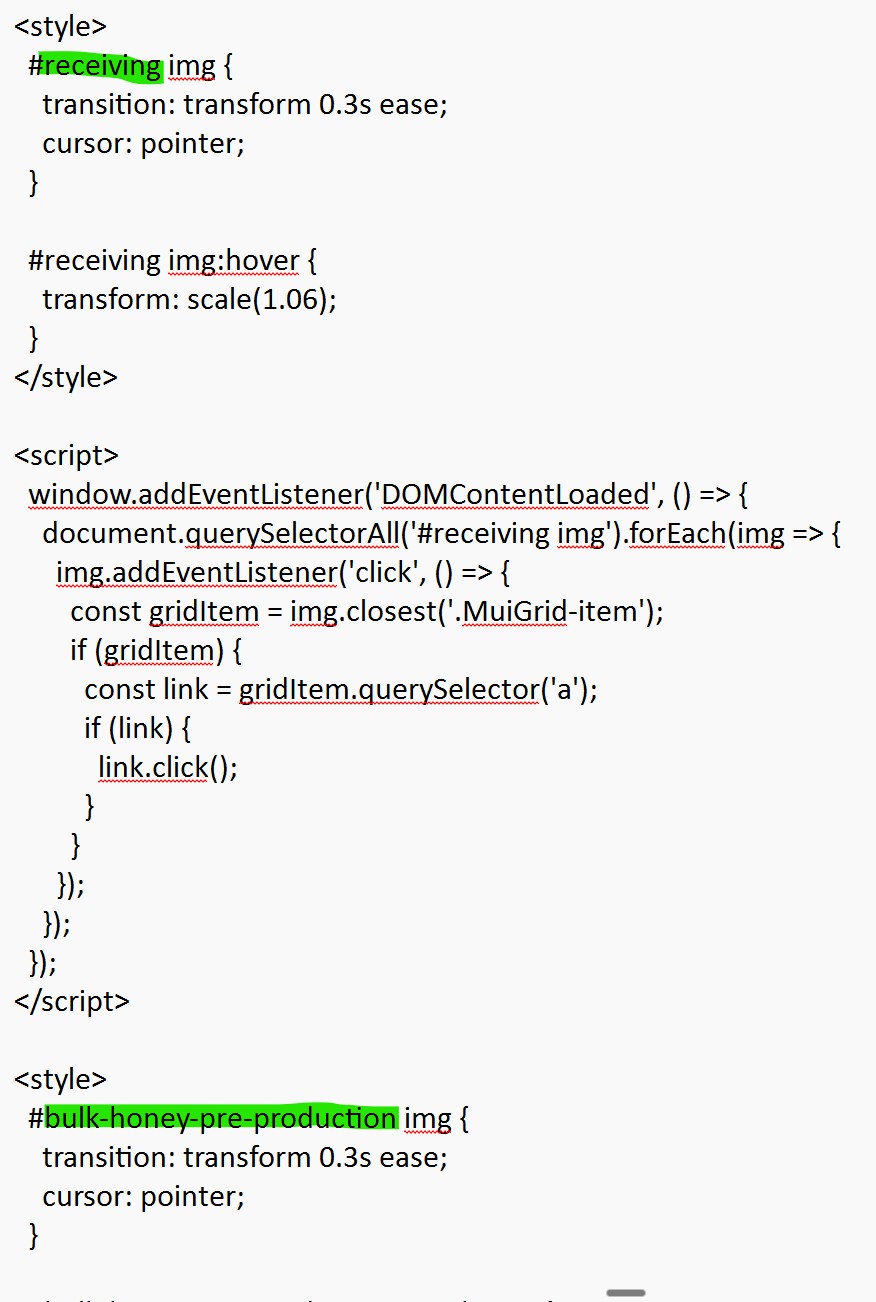
Then, to make it happen, you will need to add the following code within the page settings => custom code => code inside header.
You just need to change feature-grid1 by your actual block Id (if different)
<style>
  #feature-grid1 img {
    transition: transform 0.3s ease;
    cursor: pointer;
  }

  #feature-grid1 img:hover {
    transform: scale(1.06);
  }
</style>

<script>
  window.addEventListener('DOMContentLoaded', () => {
    document.querySelectorAll('#feature-grid1 img').forEach(img => {
      img.addEventListener('click', () => {
        const gridItem = img.closest('.MuiGrid-item');
        if (gridItem) {
          const link = gridItem.querySelector('a');
          if (link) {
            link.click();
          }
        }
      });
    });
  });
</script>
1 Like
Thank you so much for that. That’s brilliant.
One further quick question, if I’ve got multiple sections like that and I want them all to do the same thing, do I do separate bits of that code for each section, or is there another way to do it?
What do you mean by “multiple sections”? Do you mean multiple blocks?
And what do you mean by “to do the same thing”? Are you referring to the same URL link?
Do you have a screenshot you could share so I can better understand visually?
Thanks!
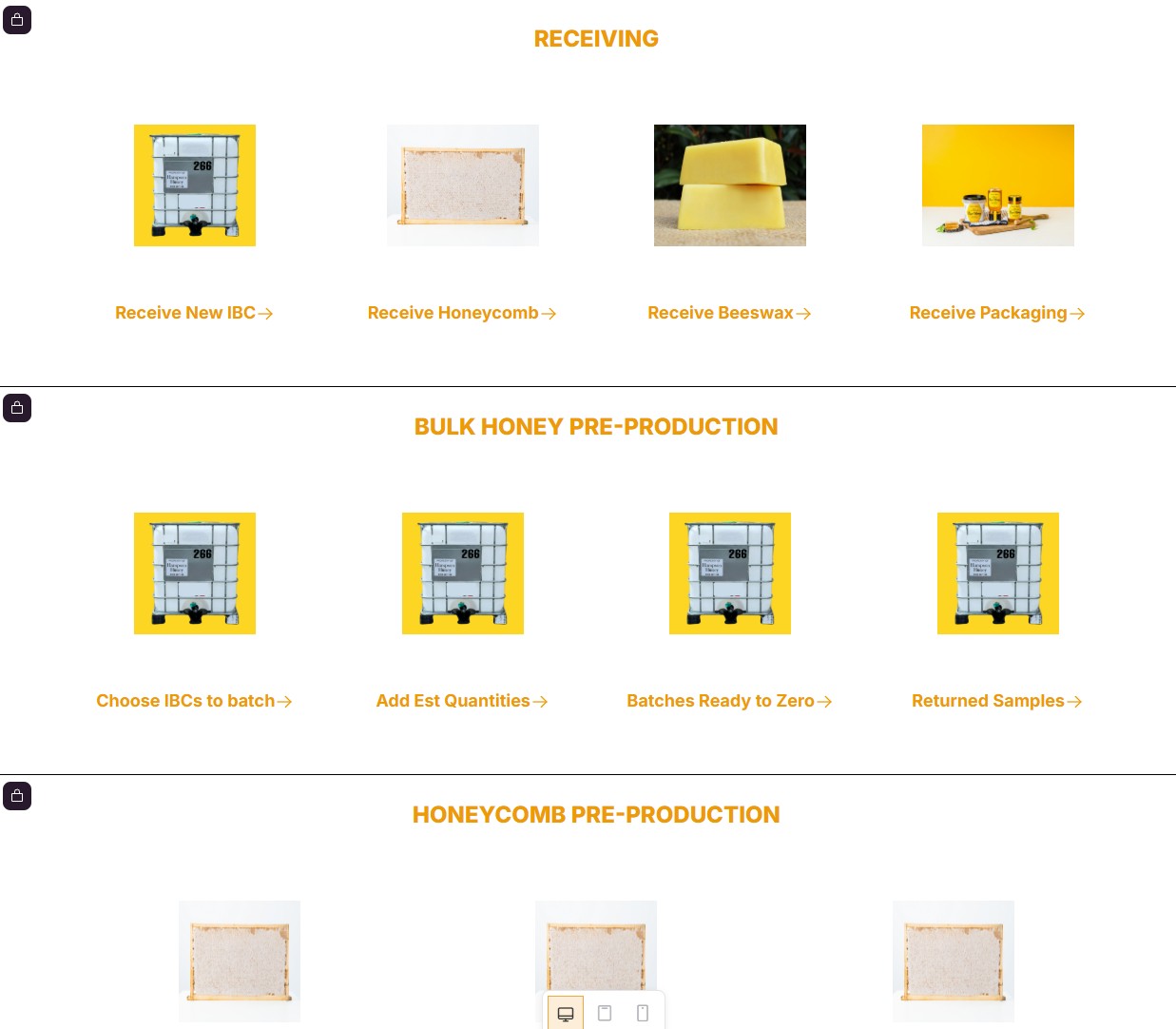
Sorry, I realize I didn’t explain myself very well at all. I’ve got multiple sections on the page, each individual grid going to different URLs, but I want them all to have it so that all the images are clickable. I didn’t know whether it was better to have multiple full versions of your script, or if there was a way that would possibly be more elegant to do it in one script? I’ve attached a couple of screenshots.
There are six different sections on the page. I’ve got six versions of your script, one for each section. I just didn’t know if there was a better way to do it.
Okay, now I think I understand.
Let’s take the example of 3 feature-grid blocks (#feature-grid1, #feature-grid2, #feature-grid3) in your page. Each of them should have the same behaviour.
The code should be:
<style>
  #feature-grid1 img,
  #feature-grid2 img,
  #feature-grid3 img {
    transition: transform 0.3s ease;
    cursor: pointer;
  }

  #feature-grid1 img:hover,
  #feature-grid2 img:hover,
  #feature-grid3 img:hover {
    transform: scale(1.06);
  }
</style>

<script>
  window.addEventListener('DOMContentLoaded', () => {
    ['#feature-grid1', '#feature-grid2', '#feature-grid3'].forEach(selector => {
      document.querySelectorAll(`${selector} img`).forEach(img => {
        img.addEventListener('click', () => {
          const gridItem = img.closest('.MuiGrid-item');
          if (gridItem) {
            const link = gridItem.querySelector('a');
            if (link) {
              link.click();
            }
          }
        });
      });
    });
  });
</script>
I think you can get the logic if you have 4, 5 or more feature-grid blocks.
As always, replace #feature-grid1, #feature-grid2, #feature-grid3 by your block IDs.
With your use case, with 6 blocks:
<style>
  #feature-grid1 img,
  #feature-grid2 img,
  #feature-grid3 img,
  #feature-grid4 img,
  #feature-grid5 img,
  #feature-grid6 img {
    transition: transform 0.3s ease;
    cursor: pointer;
  }

  #feature-grid1 img:hover,
  #feature-grid2 img:hover,
  #feature-grid3 img:hover,
  #feature-grid4 img:hover,
  #feature-grid5 img:hover,
  #feature-grid6 img:hover {
    transform: scale(1.06);
  }
</style>

<script>
  window.addEventListener('DOMContentLoaded', () => {
    ['#feature-grid1', '#feature-grid2', '#feature-grid3', '#feature-grid4', '#feature-grid5', '#feature-grid6'].forEach(selector => {
      document.querySelectorAll(`${selector} img`).forEach(img => {
        img.addEventListener('click', () => {
          const gridItem = img.closest('.MuiGrid-item');
          if (gridItem) {
            const link = gridItem.querySelector('a');
            if (link) {
              link.click();
            }
          }
        });
      });
    });
  });
</script>
Fantastic, that’s perfect. Thank you so much!
1 Like