My Googling and Softr searches have said that yes, you can enable users to be able to filter line results by date, but then answers go onto mention using Conditional Filters which users do not have access to. I just want users to be able to look at today’s orders, yesterday’s orders or orders from 6 months ago. While a date range would be nice, I am happy to settle for just single date selecting. When I create the filter, I am unable to sync it with the Airtable source (as it is is not a single select or multi select field)
Anybody have any experience or workarounds for this? At the moment, I have had to create different pages called “Today’s Orders”, “Yesterday’s Orders” etc. but the users often want to select their own date.
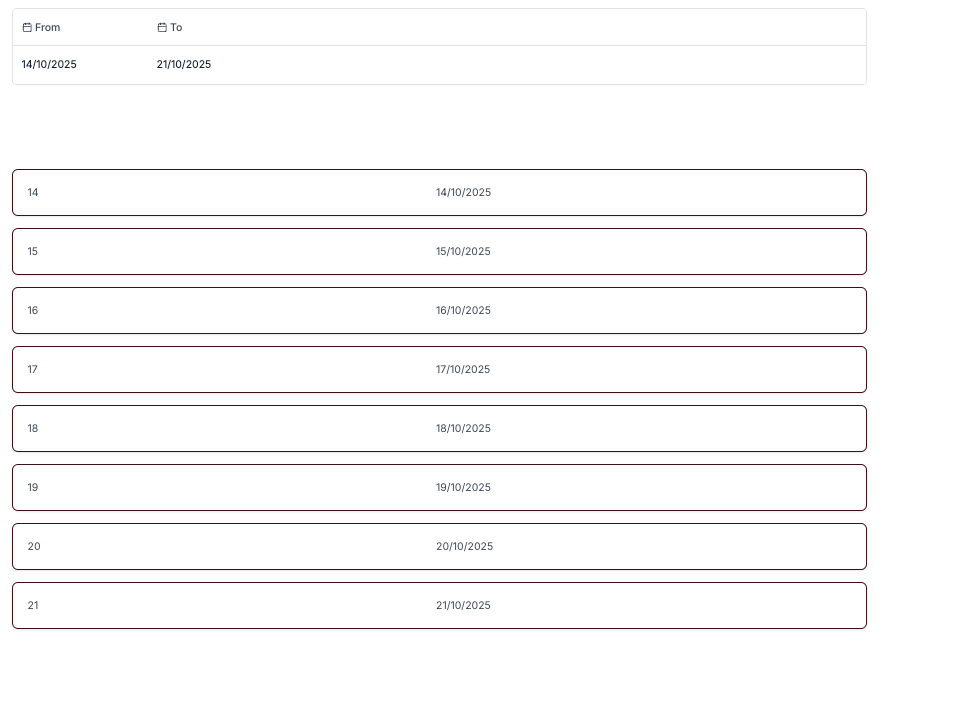
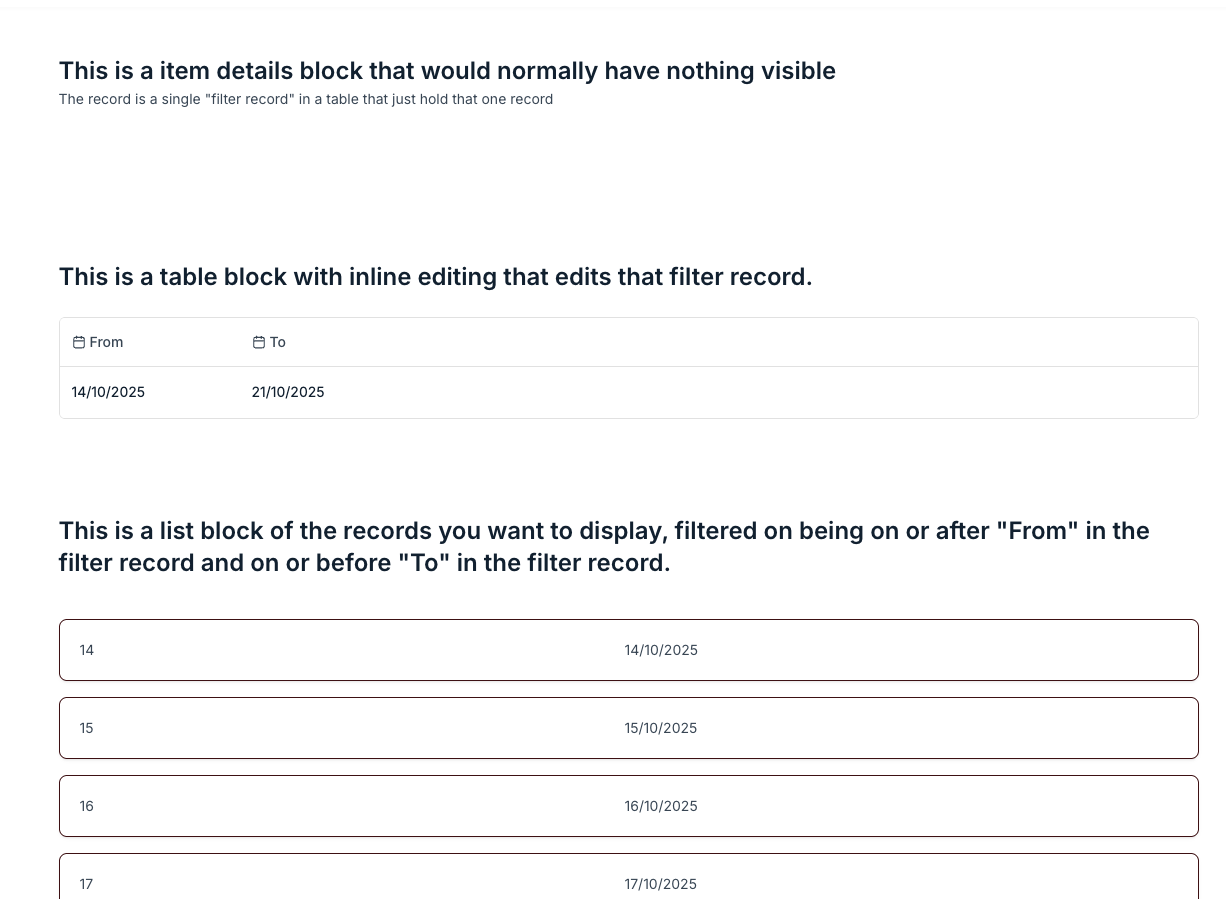
Hi @bopper would something liket this work. UI is not ideal but I think it does in a clunky fashion what you describe, by having a filter record that the user edits and that another block (here list block) filters on.
You have to get the list block to refresh after the filter record is updated, which is a piece of standard custom code.
Here are the three blocks on the page with explanations (the first block, an item details of the filter record is needed to make the fields in that record available to the list block filter.